Crane Quick Guides 118 Section - 16
Operator’s - Manual # 99906363
Stabilizers Operations
STABILIZER OPERATIONS
1
2 3
4
☛
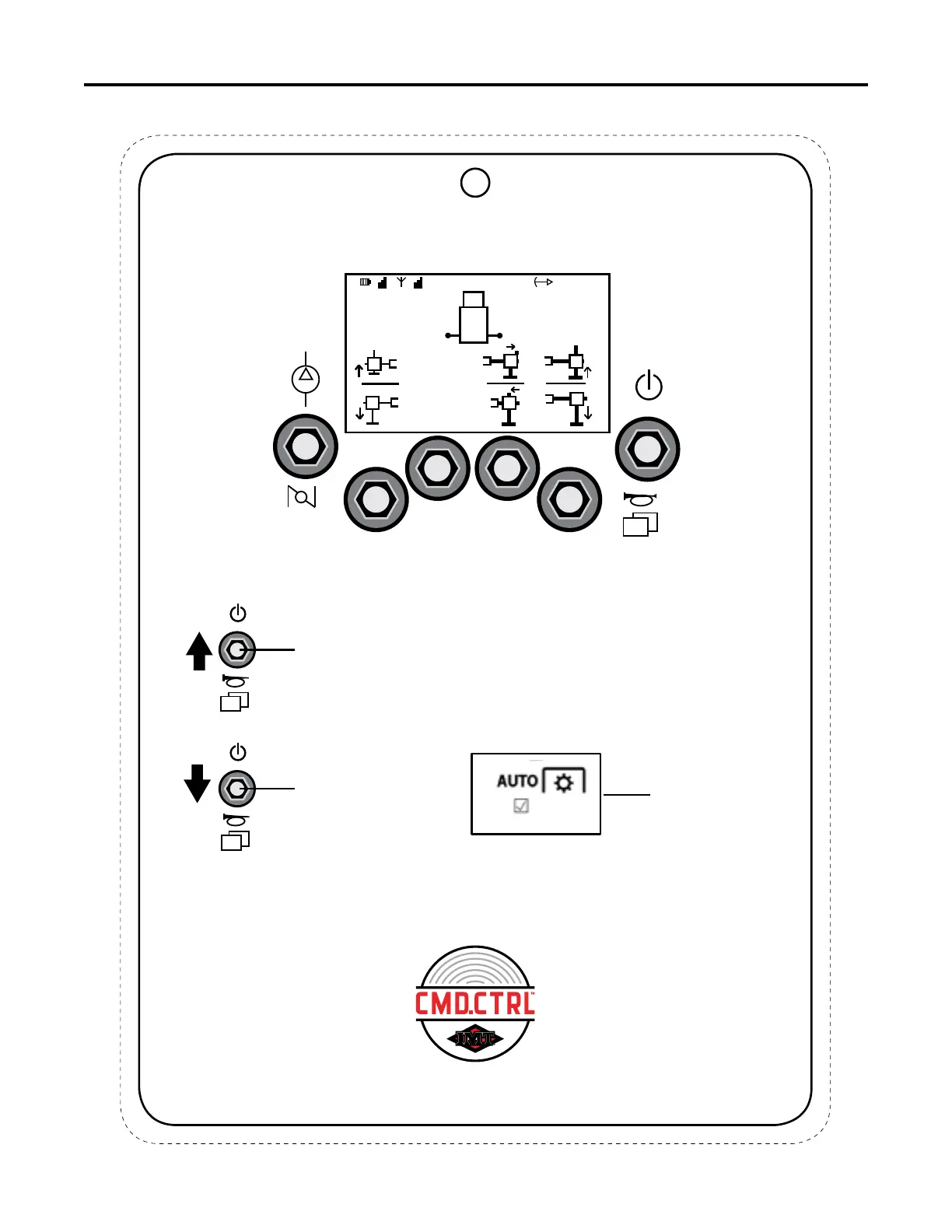
This is an example. Actual stabilizer screen and functions will depend on
stabilizer configuration.
Stabilizer Steps:
1. Engage E-Brake and start the engine.
2. Engage PTO.
3. Power ON Remote - RFF Toggle UP and HOLD for one half of a second.
4. Click the RFF toggle DOWN until stabilizer screen appears.
5. Select the desired stabilizer function using the Soft Toggles to operate the
individual stabilizers.
RFF
LFF
RFF
Toggle
RFF
Toggle
When Auto PTO is
configured, the
Pop Up can be
acknowledged with
Soft Toggle 2 UP.
7
This chart is to be used as a “quick reference” guide only.
It should not be substituted for a thorough review of the manual.
70490368



 To Next Page