Operator Settings 42 Section - 8
Operator’s - Manual # 99906363
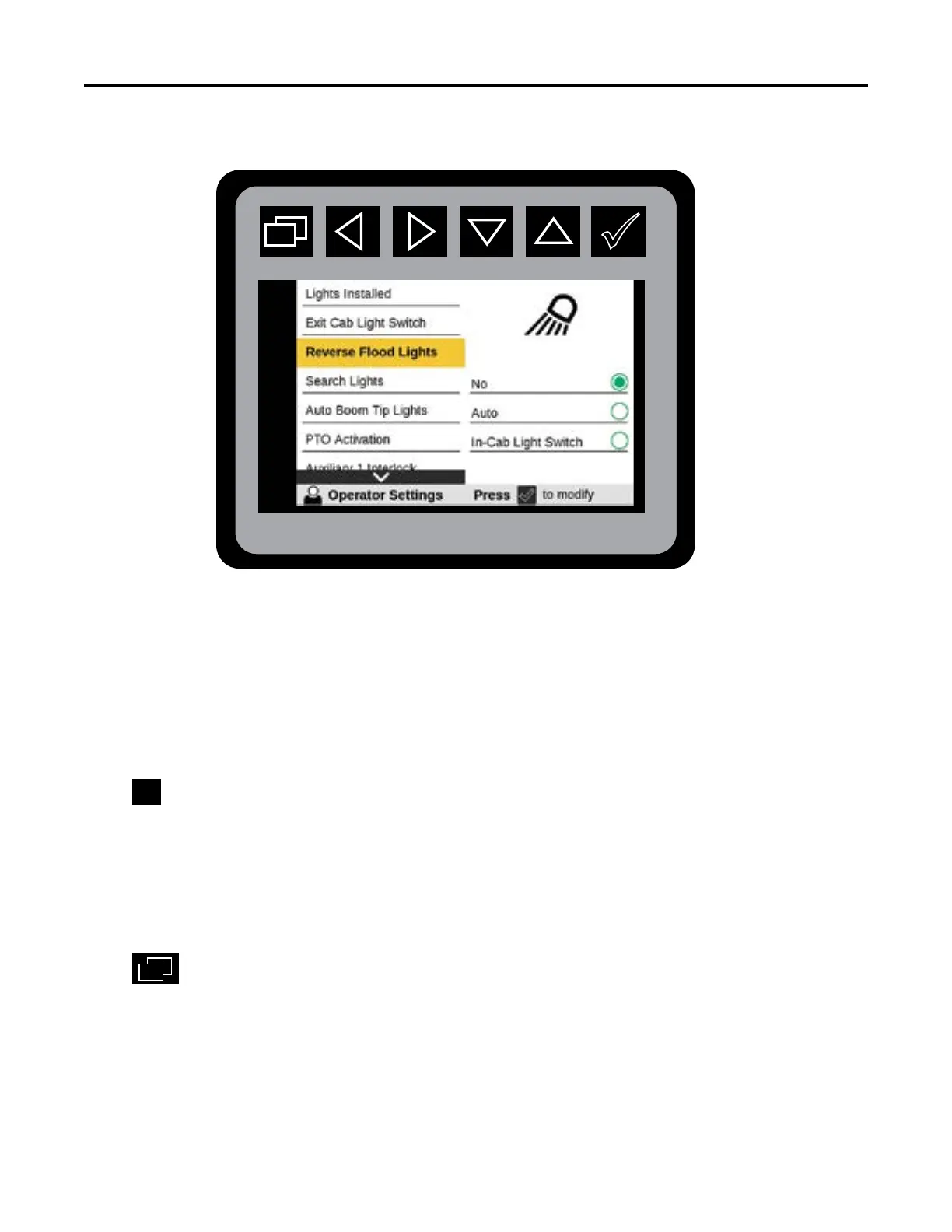
Operator Settings—Reverse Flood Lights
The availability of these functions are based on congured set-up found in Vehicle Congurations.
The Reverse Flood Lights menu will not be shown if the Reverse Lights Enabled is set to NO.
From the Main Menu Navigate to Operator Settings
Navigate to Reverse Flood Lights
Press
to initiate Reverse Flood Lights states:
No: If the operator DOES NOT want to use reverse ood lights.
Auto: Reverse ood lights will turn-on automatically when the transmission is shifted into reverse
gear.
In-Cab Light Switch: Turns on rear lights from the toggle switch on the dash located inside the cab
when reverse gear is selected.
Press
to return to Main Menu.
DOT backup lights will always engage when vehicle is shifted into reverse gear.



 To Next Page