Operator Settings 45 Section - 8
Operator’s - Manual # 99906363
Operator Settings—PTO
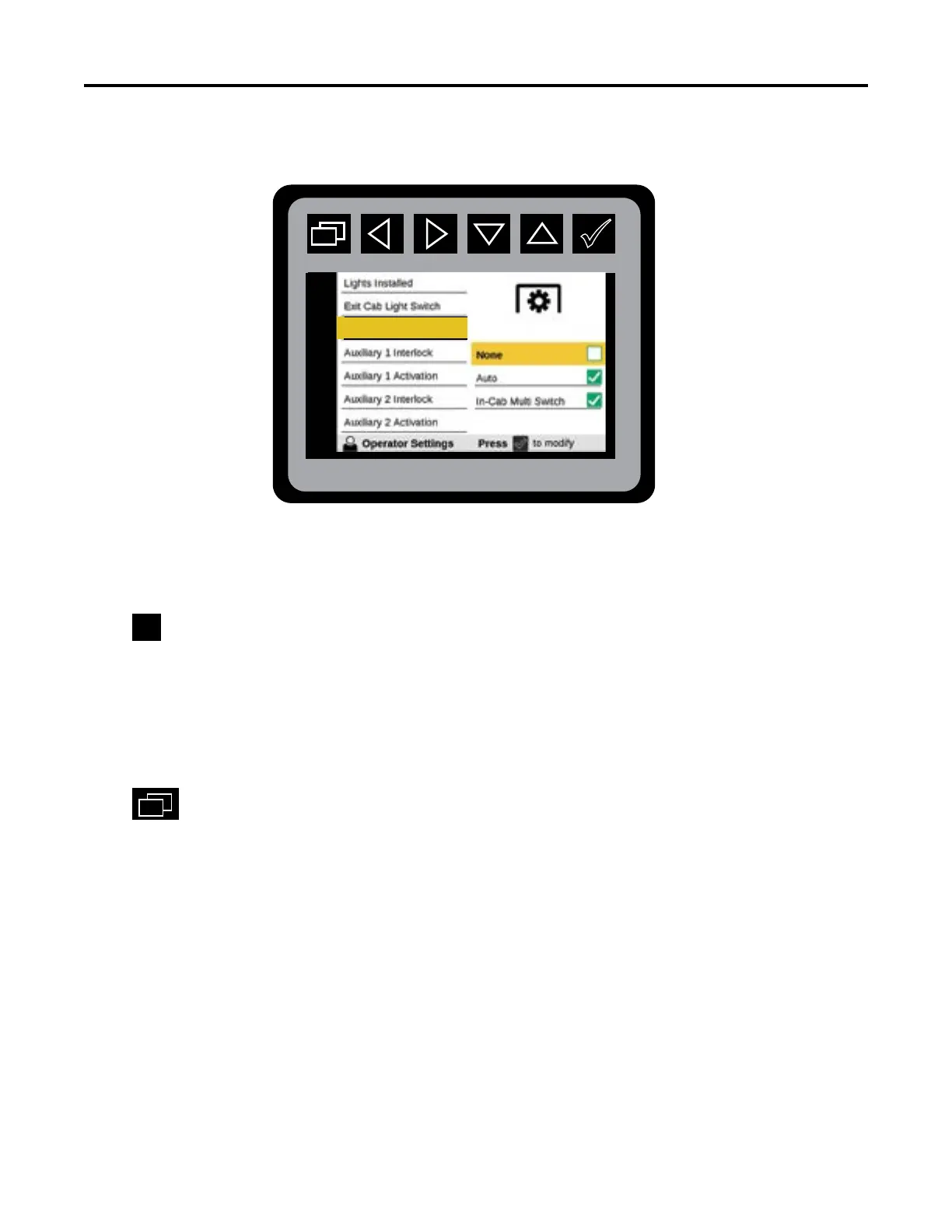
Navigate to PTO Activation in Operator Settings.
Press
to initiate PTO Activation states:
• None: Operator DOES NOT want the PTO to come on automatically. PTO power must be done
manually through the switch on the dash, or through one of the other menus.
• Auto: Functionality is set to come on automatically when requiring PTO power.
• In Cab Multi-Switch: The PTO power is engaged from the switch on the dash or through one of
the other menus.
Press
to return to Main Menu.
When the chassis type is selected as IPU, or the chassis option is selected as “Paccar
Engine”, the PTO Activation Menu will not be shown. The Auto option will not be shown
unless the Vehicle Conguration option, “Auto PTO Enabled”, is set to “Yes”.
PTO Activation



 To Next Page