Navigation 9 Section - 2
Operator’s - Manual # 99906363
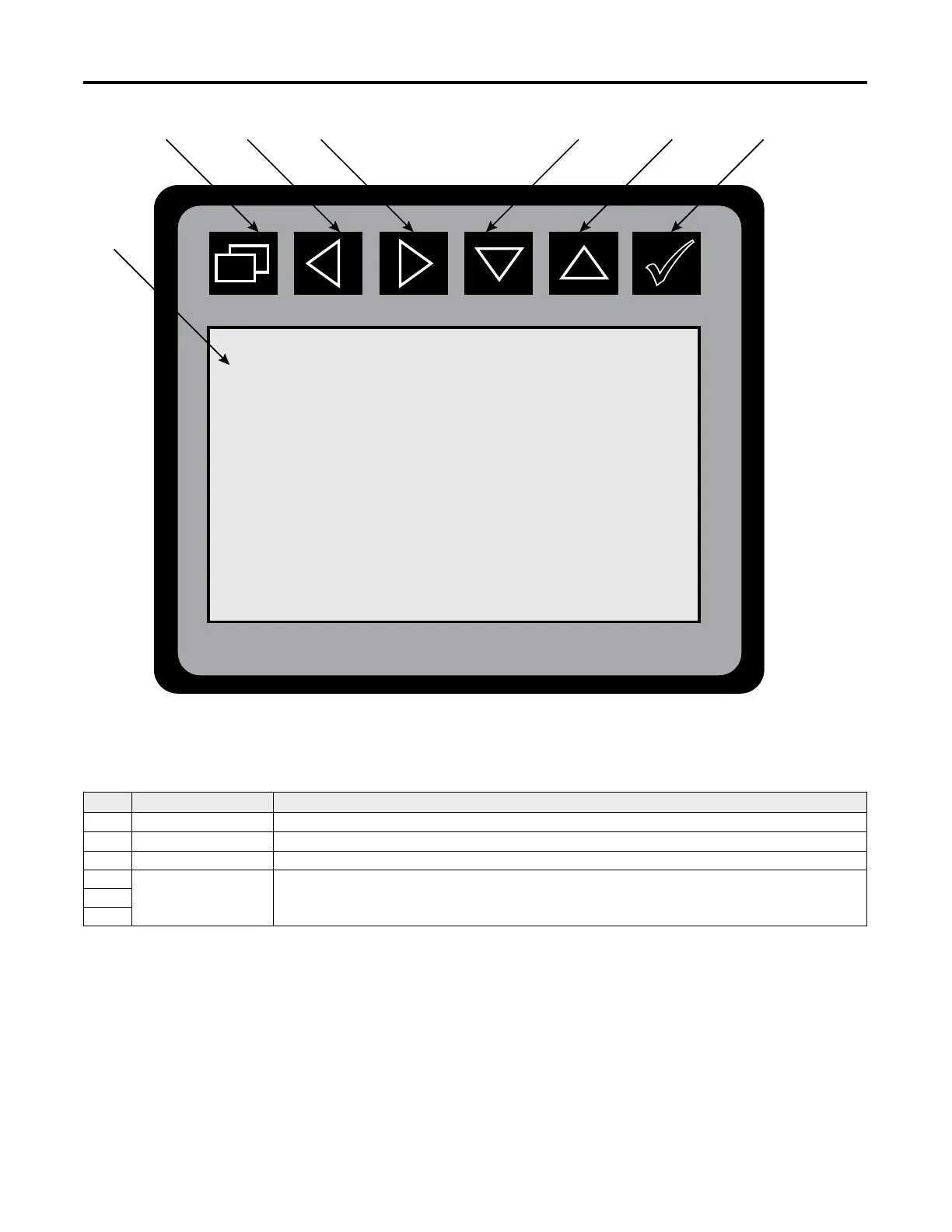
Display Screen & Keypad
Hand-Held Body Module
The Display Screen is NOT a touch screen application
NO. NAME DESCRIPTION
1. Display Screen
Displays text and graphic illustrations to the operator.
2. Backspace
Exit back to the previous screen or back to the Main Menu.
3. Select
Selects current highlighted conguration..
4.
Arrow Buttons
Arrow buttons are used both for navigation and operating the equipment,
depending on the current screen.
5.
6.
.
1
765432
Always follow the instructions on the screen for button functionality



 To Next Page