Operator Settings 44 Section - 8
Operator’s - Manual # 99906363
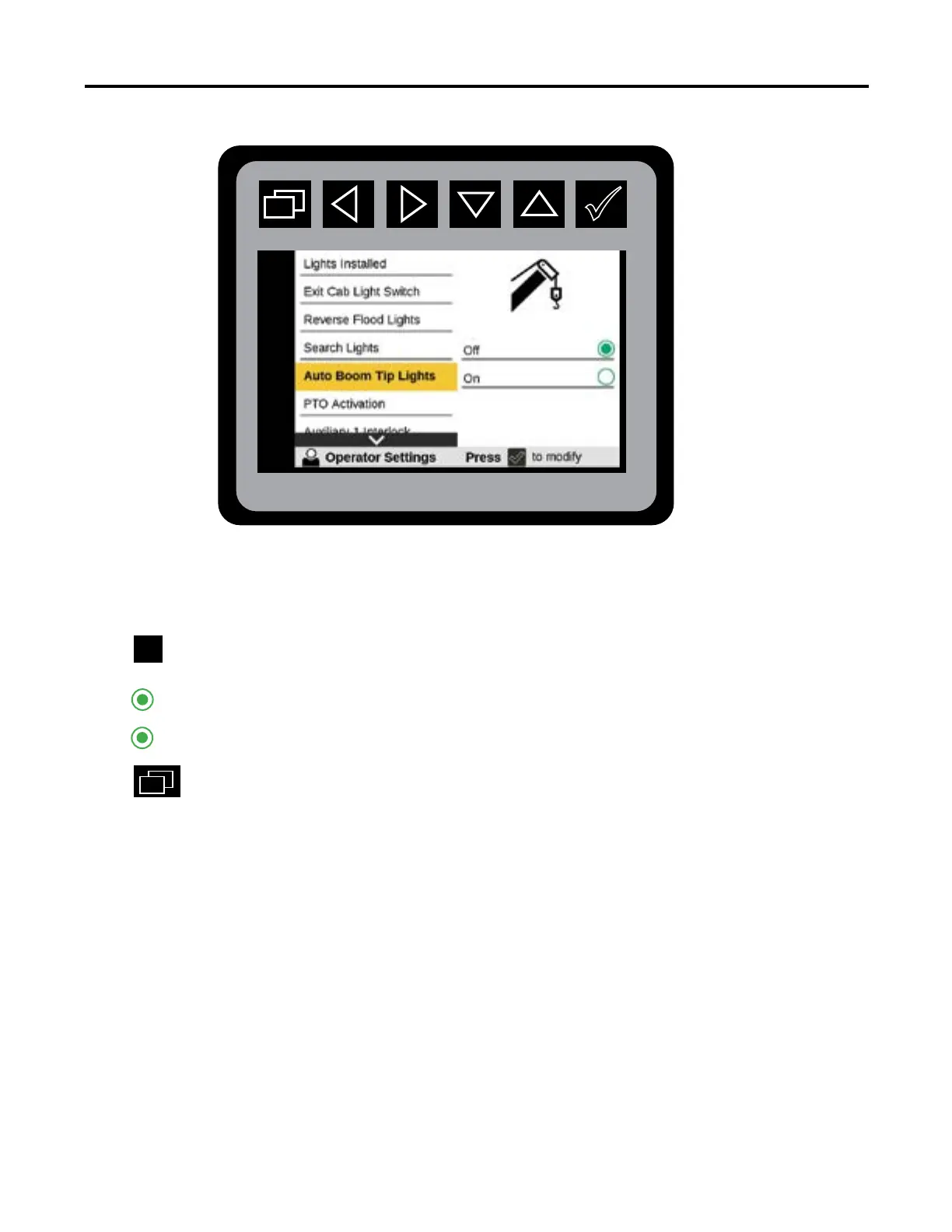
Operator Settings—Auto Boom Tip Lights
From the Main Menu Navigate to Auto Boom Tip Lights in Operator Settings.
Press
to initiate Auto Boom Tip Lights state:
Press
to return to Main Menu.
In order for Auto Boom Tip Lights to display on the navigation screen, Hydraulic Cranes must
be congured.
O
On



 To Next Page