IPU 26 Section - 6
Operator’s - Manual # 99906363
Integrated Power Unit (IPU) Activation
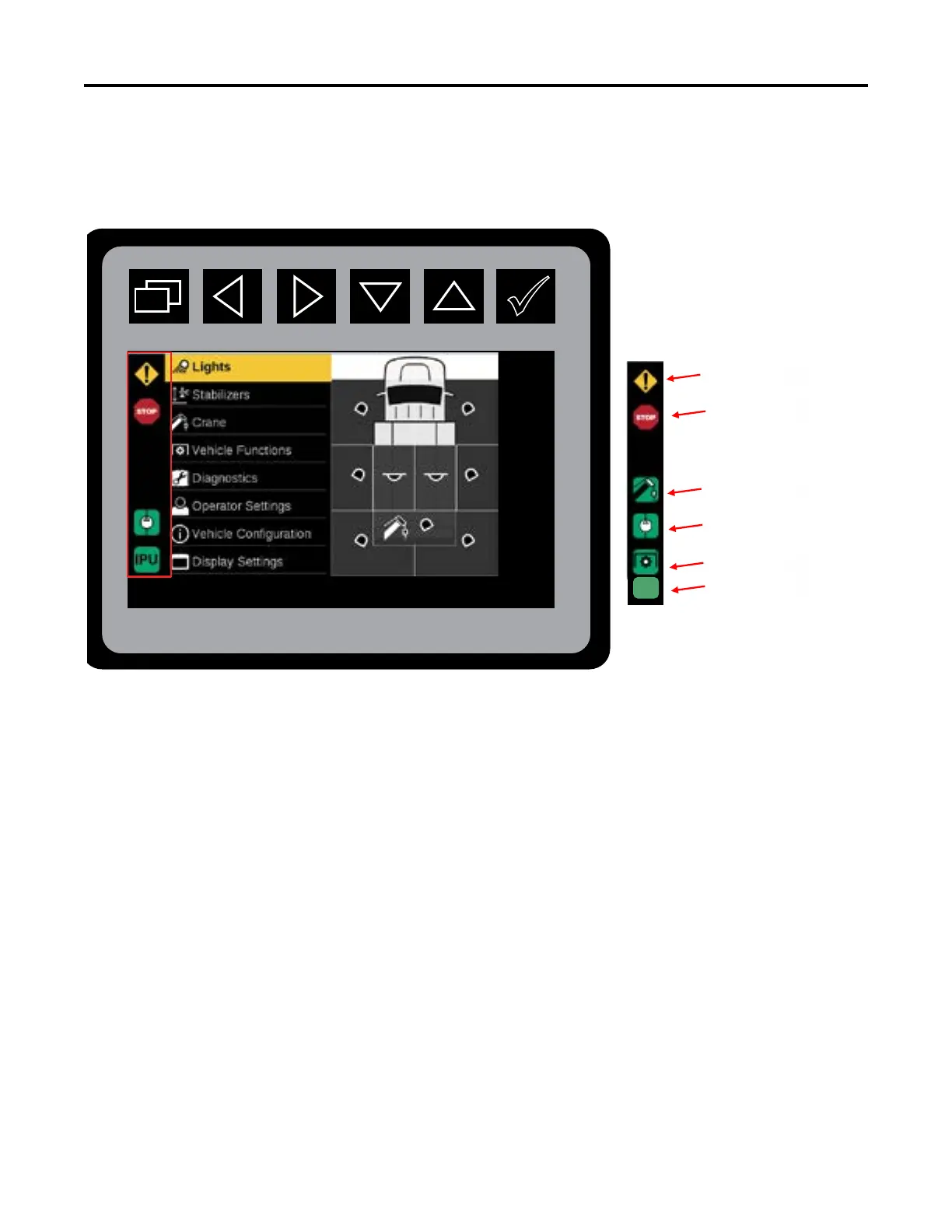
Status Icons, Left Sidebar Status Icons Locations
When the IPU Chassis is selected, the IPU will be used to drive the hydraulic power for the crane and body
functions, and will command hydraulic power when needed for the Crane, Stabilizers, and Compressor.
To start IPU:
1. Engage E-Brake.
2. Turn chassis ignition key to the “RUN” position.
3. Activate cab switch # 2.
4. Wait two seconds.
5. Chassis ignition can be turned from the “RUN” position, to the ‘OFF” position. Ignition key can be removed.
6. IPU will be operational using the controls found in their stored compartment.
IPU
IPU Icon
IPU Icon
PTO Icon
Compressor Enable
Icon
Crane Enabled Icon
Stop Icon
Warning Icon



 To Next Page