Vehicle Congurations 48 Section - 8
Operator’s - Manual # 99906363
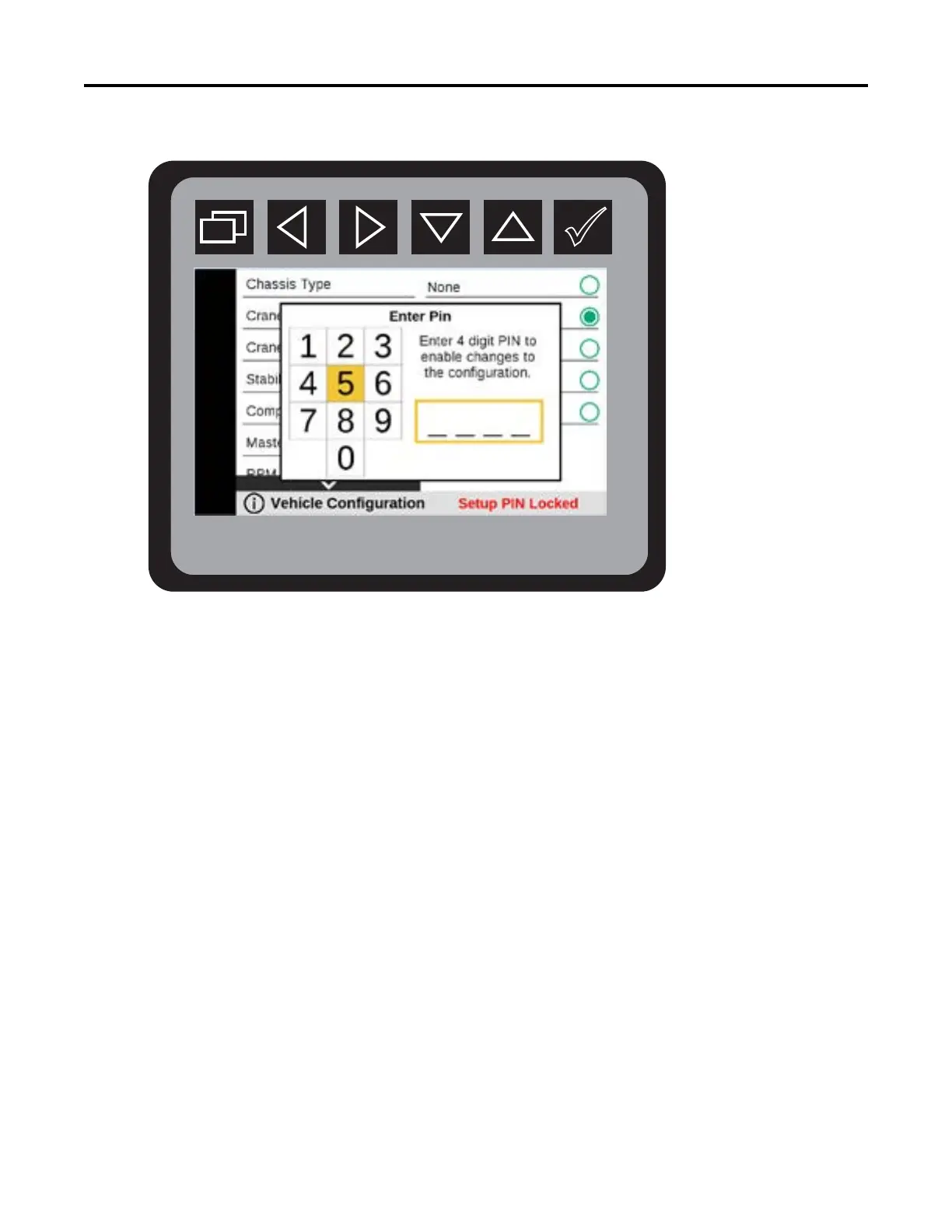
Vehicle Conguration—PIN Setup
The Vehicle Conguration can be viewed but if a Vehicle Conguration item is selected to be
modied, and the 4 digit PIN has not been entered during the system power cycle, the display
will pop up “Enter Pin” menu allowing the operator to enter the 4-digit PIN to allow
modications of the Vehicle Conguration.
PIN is available by contacting: IMT Technical Support at 800-554-4421. You will need to
provide your assigned Body Module Serial Number, found in Display Settings > About System
menu.
Some changes require a power cycle to get activated.



 To Next Page