Radio Remote 90 Section - 13
Operator’s - Manual # 99906363
Battery Installation / Replacement
Four “AA” alkaline cell batteries power the handheld remote unit. When installing batteries, be sure to
observe proper polarity as illustrated in the images below to avoid damaging the unit. To replace or
install batteries in the handheld:
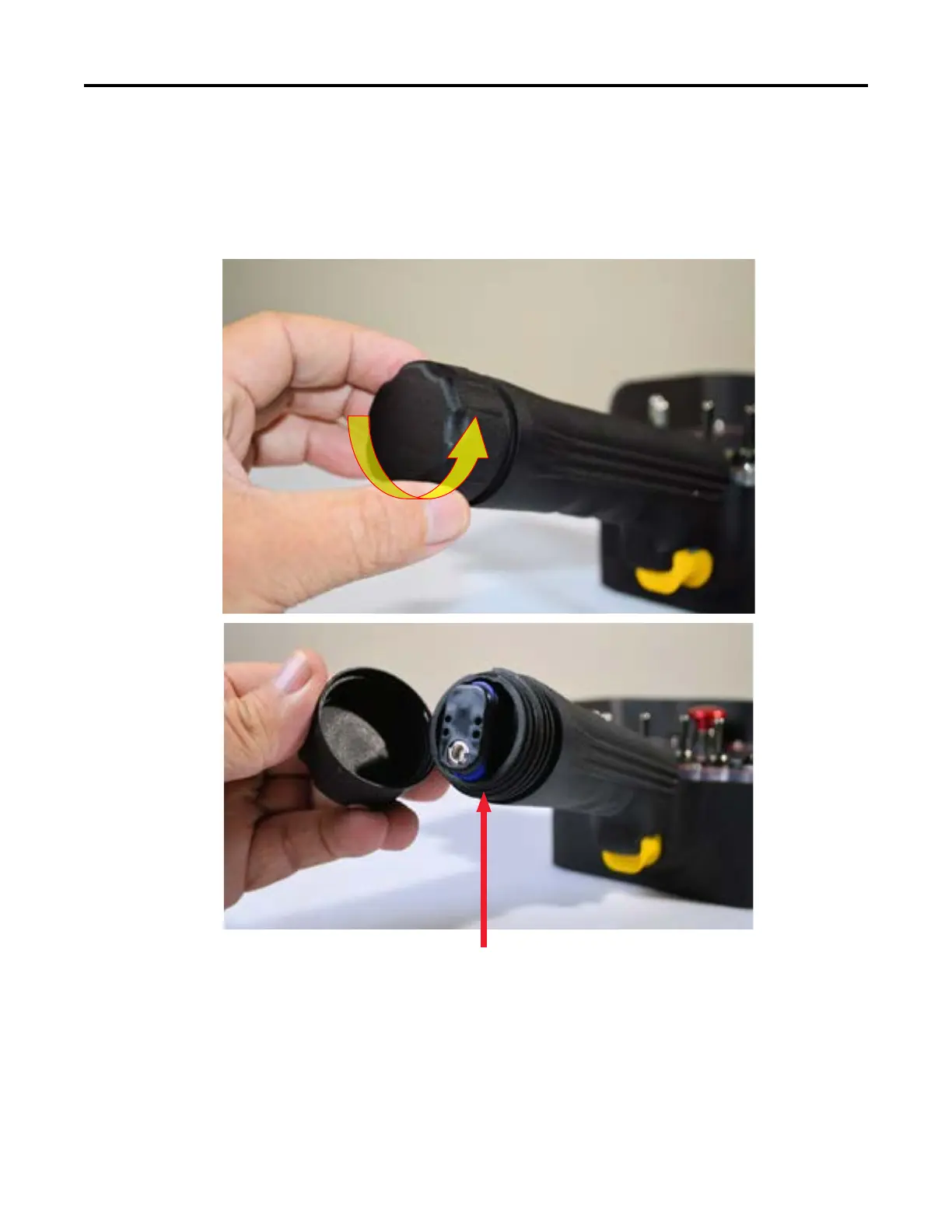
1. Remove the battery cap from the handle.
O-Ring
Verify that the O-Ring at the end of the male thread is intact.



 To Next Page