Display Settings 70 Section - 11
Operator’s - Manual # 99906363
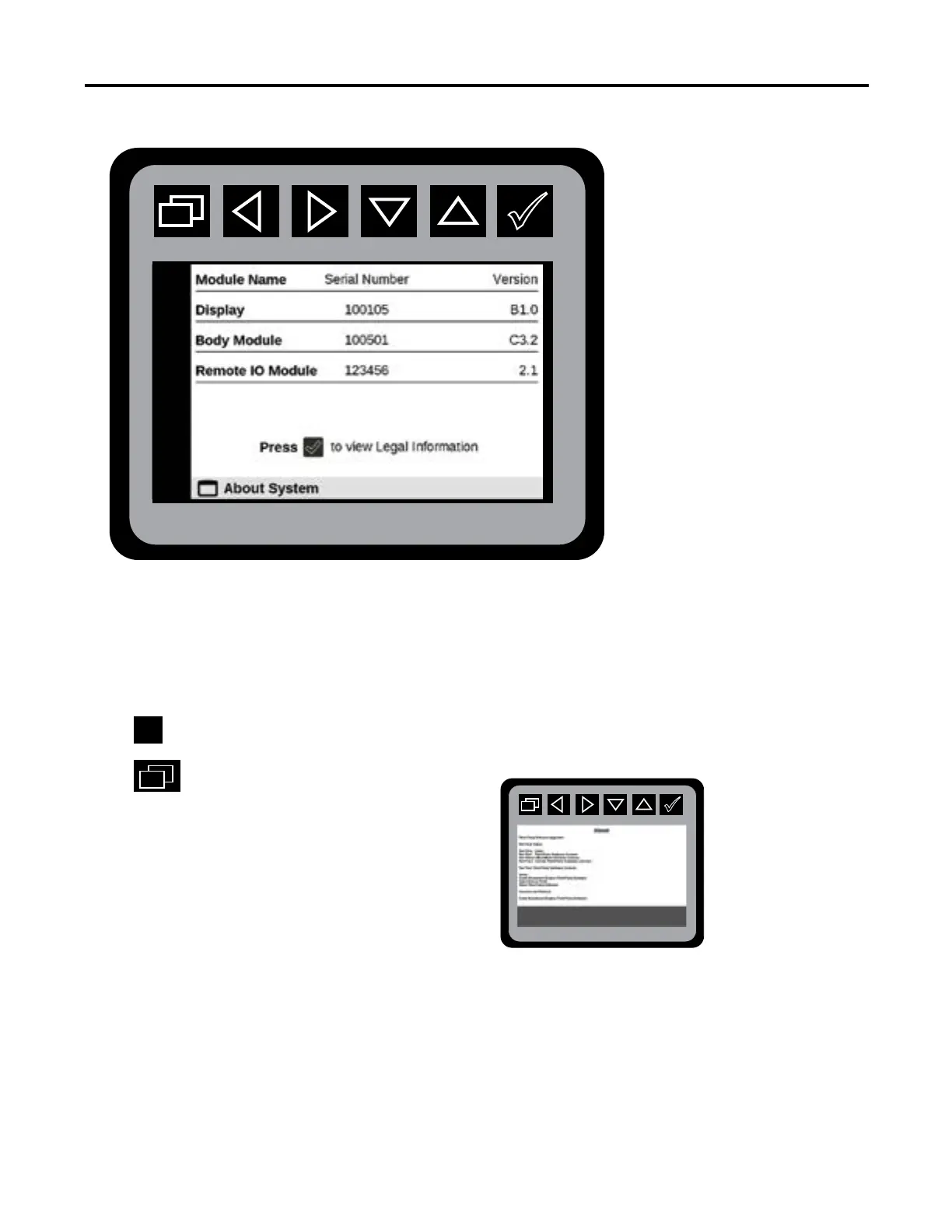
Display Settings—System Version Menu
From the Main Menu navigate to Display Settings.
Navigate to About System.
Press
to initiate About System state.
Press.
to return to Main Menu.
The About System menu will contain the
Software Version and Serial number
information for the Display, Body Module,
Crane Module, and Remote IO Module. If
the check mark button is pressed the Third
Party Software Licenses and Notices Menu will
appear.
To receive your PIN, call IMT Technical Support, 800-554-4421 and provide the Body Module
number. and Crane Module serial number.
Output States
Output States



 To Next Page