Crane Quick Guides 116 Section - 16
Operator’s - Manual # 99906363
Crane Operations
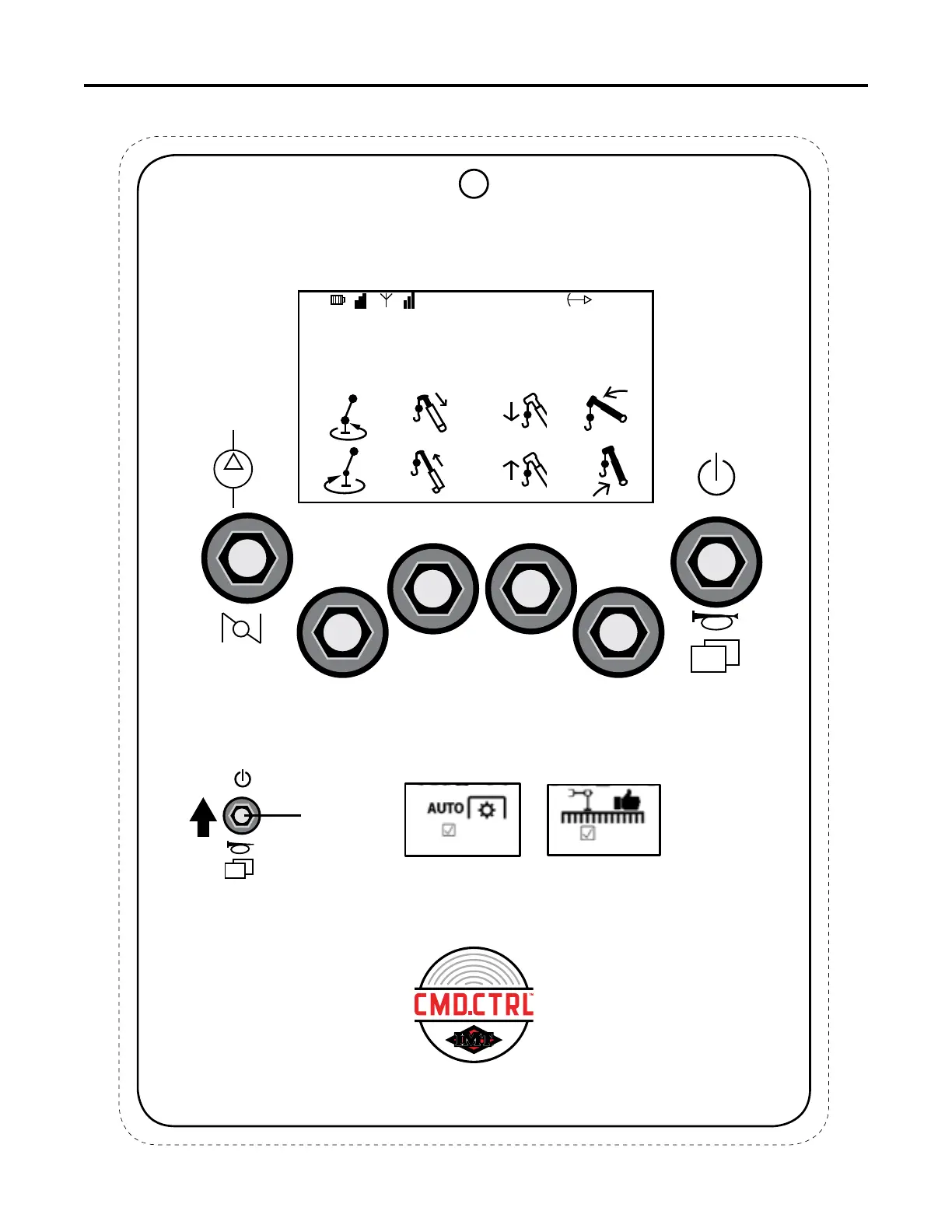
CRANE OPERATIONS
WEIGHT: 0.0 LB
HORIZ DIST: 0’ 0”TRUCK TILT: 0.0°
LMI: 0%
BOOM ANGLE: 0.0°
1
2 3
4
5
RFF
Toggle
Crane Steps:
1. Engage E-Brake and start the engine.
2. Engage PTO.
3. Power ON Remote - RFF Toggle UP and HOLD for one half of a second.
4. Deploy Stabilizers (See Stabilizer Operation’s Quick Guide).
5. Click the RFF Toggle DOWN until Crane Screen appears.
Acknowledge Pop-Up
Screen with Soft Toggle
2 U P.
This chart is to be used as a “quick reference” guide only.
It should not be substituted for a thorough review of the manual.
70490368



 To Next Page