Display Settings 68 Section - 11
Operator’s - Manual # 99906363
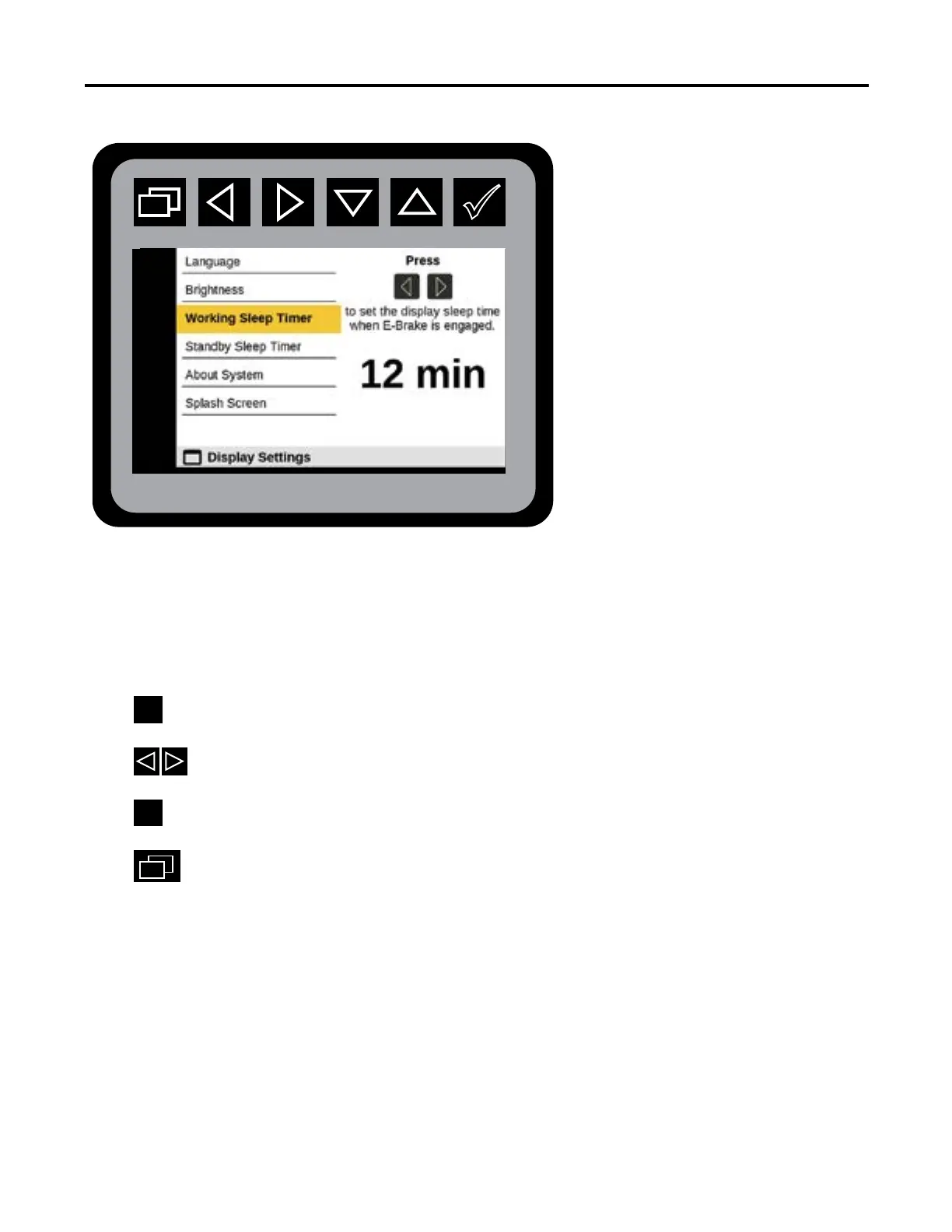
Display Settings—Working Sleep Time
From the Main Menu navigate to Display Settings.
Navigate to Working Sleep Timer.
Press
to initiate Working Sleep Timer state.
Press
to set the display sleep time when E-Brake is engaged.
Press
at the desired time.
Press.
to return to Main Menu.
The Working Sleep Timer value can be adjusted from one minute to 30 minutes.
Output States



 To Next Page