Display Settings 67 Section - 11
Operator’s - Manual # 99906363
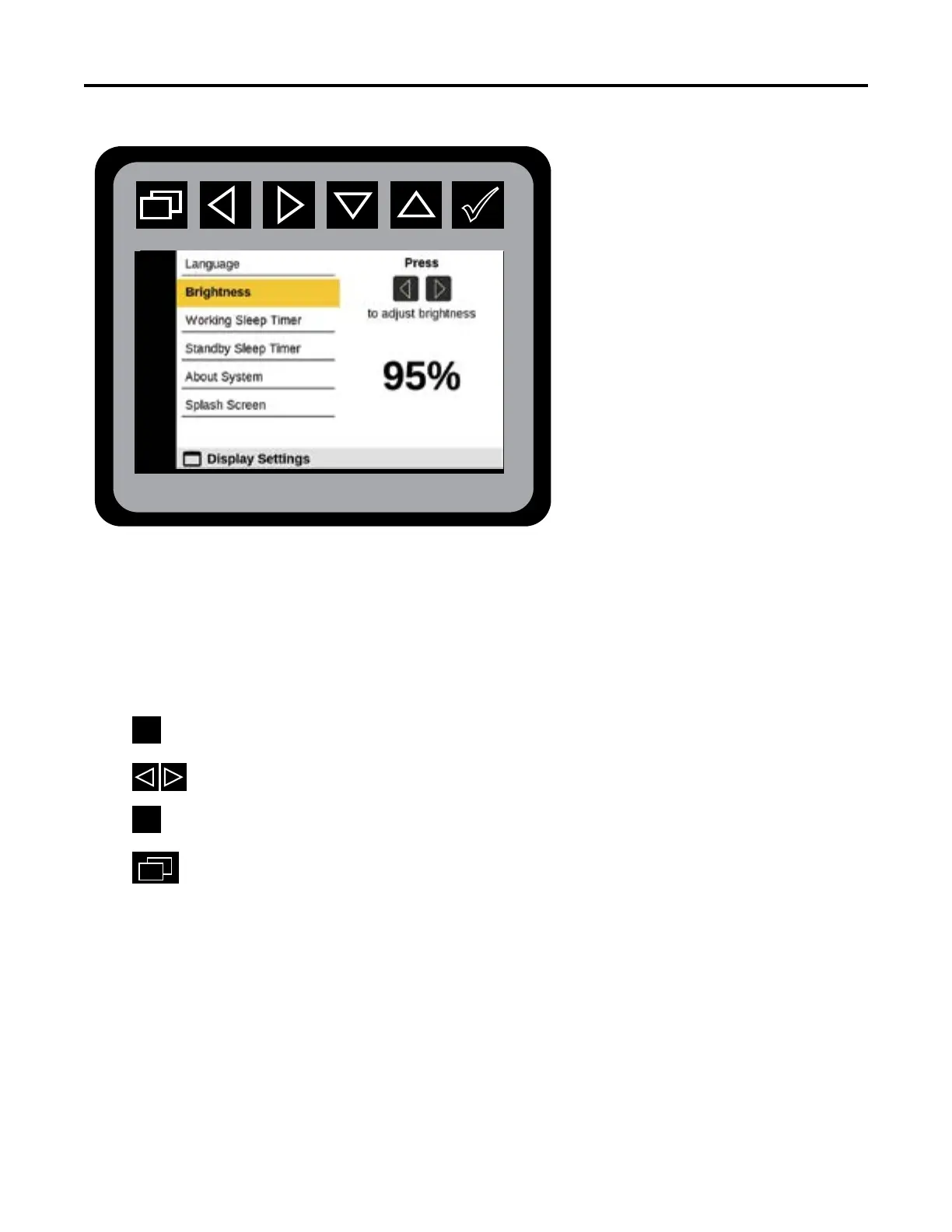
Display Settings—Brightness
From the Main Menu navigate to Display Settings.
Navigate to Brightness.
Press
to initiate Brightness states.
Press
to adjust brightness.
Press
at the desired brightness.
Press
to return to Main Menu.
The Display Brightness value can be adjusted from 25% to 100%. memory.
Output States



 To Next Page