Operator Settings 43 Section - 8
Operator’s - Manual # 99906363
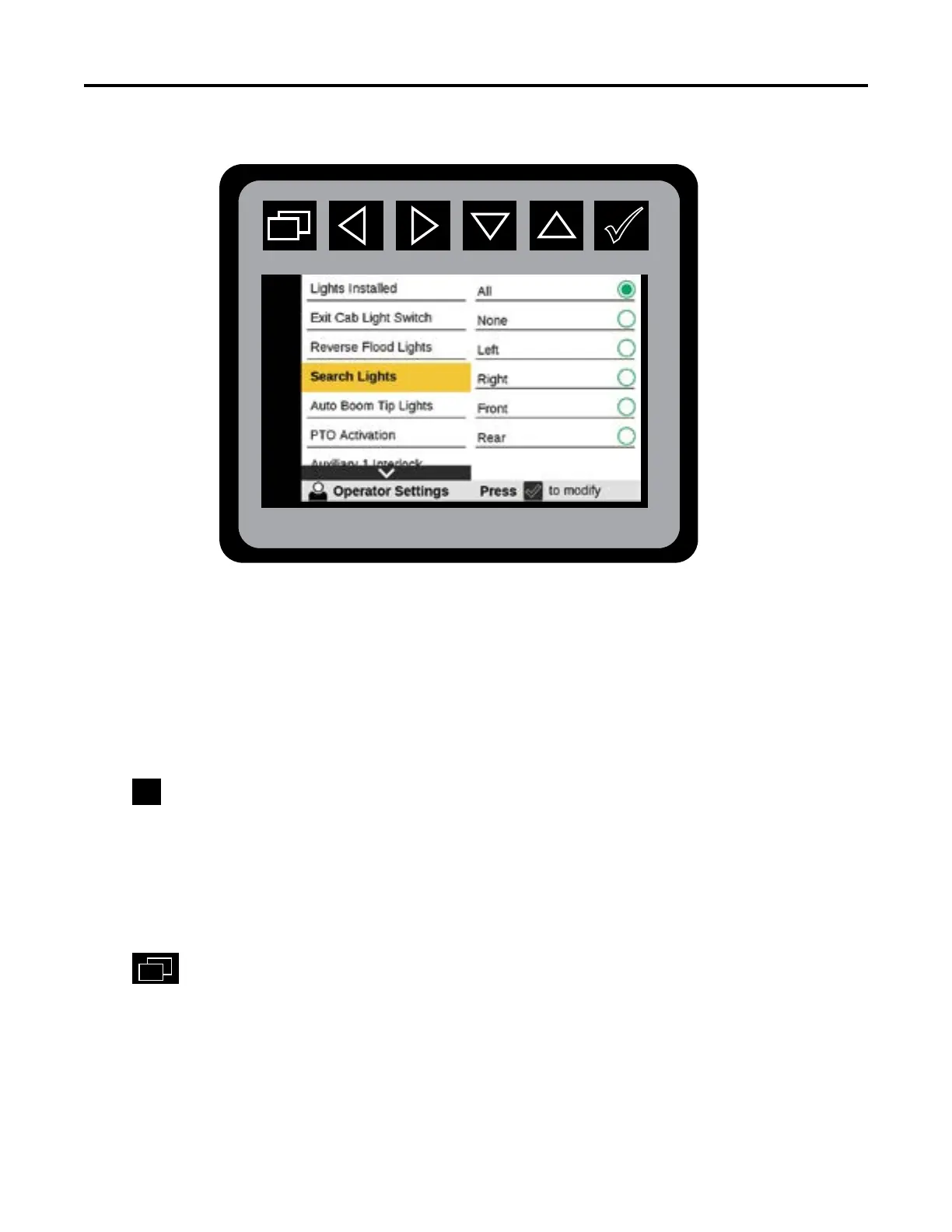
Operator Settings—Search Lights
The availability of this functionis based on congured set-up found in Vehicle Congurations. The
Search Lights menu will not be shown if the Search Lights Enabled is set to NO.
From the Main Menu Navigate to Operator Settings
Navigate to Search Lights
Press
to initiate Search Lights states:
• All
• None
• Left
• Right
• Front
• Rear
Press
to return to Main Menu.
This function needs to be OFF while traveling to the work site on a public road. The Search
Lights menu will not be shown if the Search Lights Enabled is set to NO.



 To Next Page