Navigation 13 Section - 2
Operator’s - Manual # 99906363
MAIN MENU, CONTINUED
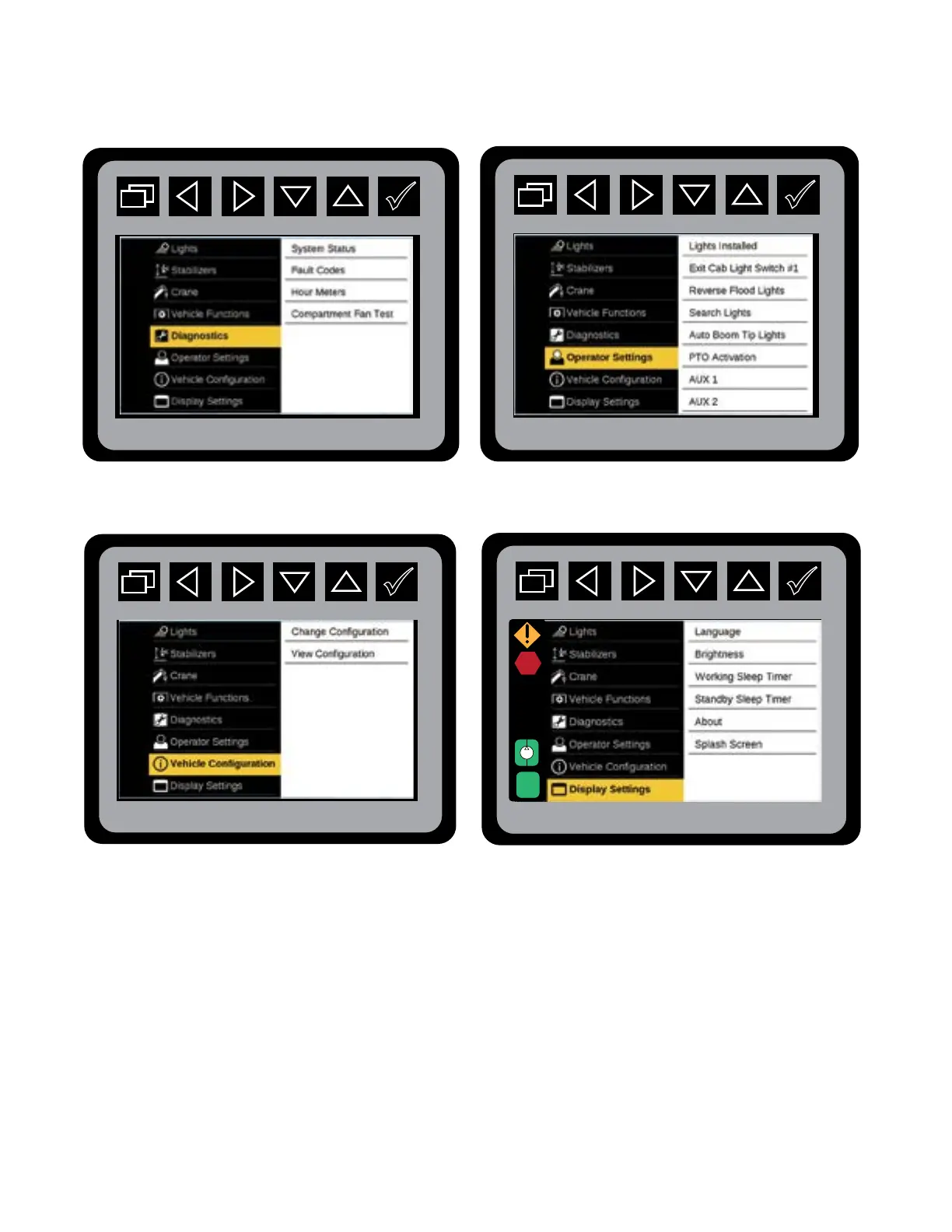
Main Menu: Diagnostics Main Menu: Operating Settings
Main Menu: Vehicle Conguration Main Menu: Display Settings
The Main Screen will show the menus for Lights, Stabilizers, Crane, Vehicle Functions, Diagnostics,
Operator Settings, Vehicle Conguration, and Display Settings. When a menu item is highlighted it will
show a preview of the context for that menu.
Main Menu: Vehicle Conguration



 To Next Page