Page 104 - CEAST 9340 - Instructions for Use and Maintenance 7510.000MN1r ed. 1 rev. 1
CL ARCL AR
CL ARCL AR
CL AR
+xx C+xx C
+xx C+xx C
+xx C
xxxx mmxxxx mm
xxxx mmxxxx mm
xxxx mm
xx.x m/sxx.x m/s
xx.x m/sxx.x m/s
xx.x m/s
M:xx.x kg E:xxxx JM:xx.x kg E:xxxx J
M:xx.x kg E:xxxx JM:xx.x kg E:xxxx J
M:xx.x kg E:xxxx J
Press START or BACKPress START or BACK
Press START or BACKPress START or BACK
Press START or BACK
Vid. B - “Test in progress“
XXXX mmXXXX mm
XXXX mmXXXX mm
XXXX mm
XX CXX C
XX CXX C
XX C
phase messagephase message
phase messagephase message
phase message
ABORTED - ERR. xxxABORTED - ERR. xxx
ABORTED - ERR. xxxABORTED - ERR. xxx
ABORTED - ERR. xxx
Press STOP to QUITPress STOP to QUIT
Press STOP to QUITPress STOP to QUIT
Press STOP to QUIT
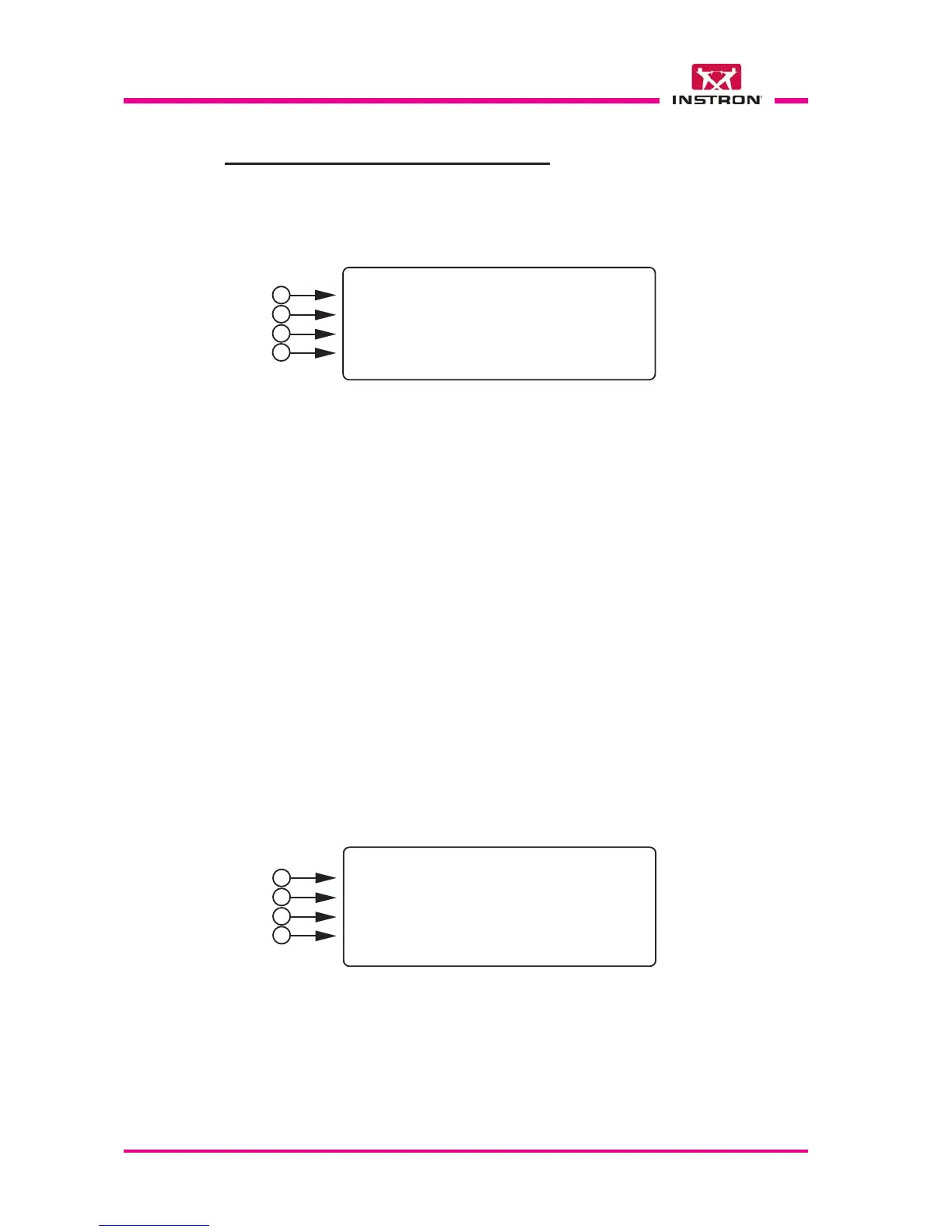
The Vid. B visualizes in real time the status of the instrument.
1) The field “xxxx mm” corresponds to the parameter “H” (see Vid. 1.3 a) and it is the
drop height value (same height in case of high velocity).
The field “xx C” shows the temperature (only if the environmental chamber is config-
ured and the conditioning is activated.
8.11 SCREENS SHOWN DURING TEST
8.11.1 TEST START
8.11.2 TEST IN PROGRESS
Vid. A - “Start of the test“
1
2
3
4
The Vid. A visualizes the parameters previously set.
1) The abbreviation: CL and AR are visualized only if the respective options are config-
ured and activated:
CL = Clamping; AR = Antirebound.
The field “+ xx C” shows the test temperature (only if the environmental chamber is
configured and the conditioning is activated).
2) The field “xxxx mm” corresponds to the parameter “H” (see Vid. 1.3 a) and it is the
drop height value (equivalent height in case of high velocity option).
The field “xx.x m/s” is the expected velocity.
3) The field “M: xx.x kg” is the dropping mass.
The field “E: xxxx J” is the potential energy.
4) Press the START key to carry out the test or the BACK to exit from this screen.
1
2
3
4



 To Next Page