CEAST 9340 - Instructions for Use and Maintenance 7510.000MN1r ed. 1 rev. 1 - Page 51
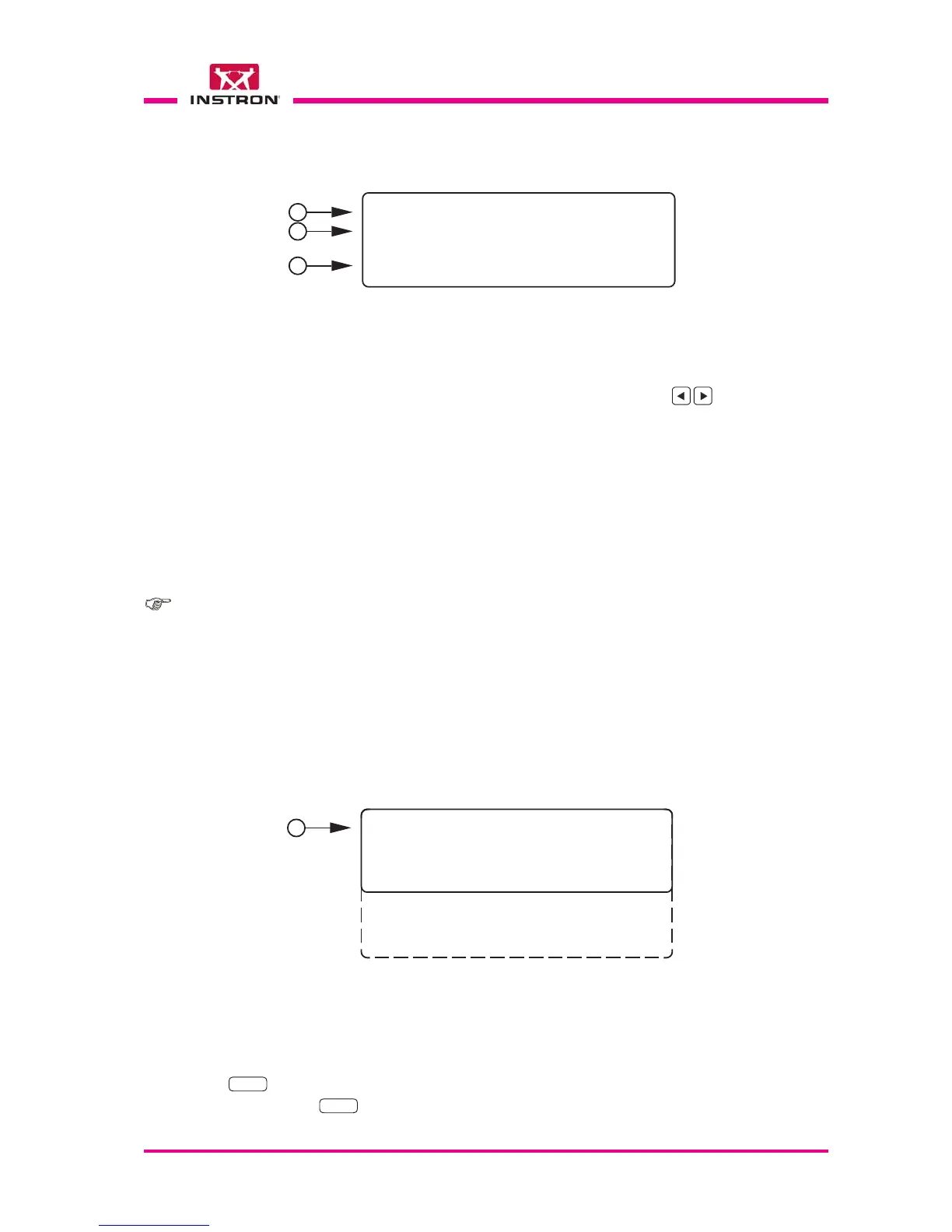
1) Switches ON/OFF the environmental chamber. Select using the keys.
2) Allows to set the temperature value for the chamber. The program accepts values from -
50 to 100 °C. Values out of this range are shown as error message.
3) Pressing the START key:
••
••
• if Chamber = OFF: disables the chamber.
••
••
• if Chamber = ON: enables the chamber and start the conditioning to the set
temperature (step 2).
Pressing the BACK key the program returns automatically to the main menu without to
do anything at all.
8.5.4 LOAD PARAMETERS
Vid. 1.2 - “Load Parameters“
01 yyyyyyyyyyyyyyy01 yyyyyyyyyyyyyyy
01 yyyyyyyyyyyyyyy01 yyyyyyyyyyyyyyy
01 yyyyyyyyyyyyyyy
02 yyyyyyyyyyyyyyy02 yyyyyyyyyyyyyyy
02 yyyyyyyyyyyyyyy02 yyyyyyyyyyyyyyy
02 yyyyyyyyyyyyyyy
03 yyyyyyyyyyyyyyy03 yyyyyyyyyyyyyyy
03 yyyyyyyyyyyyyyy03 yyyyyyyyyyyyyyy
03 yyyyyyyyyyyyyyy
04 yyyyyyyyyyyyyyy04 yyyyyyyyyyyyyyy
04 yyyyyyyyyyyyyyy04 yyyyyyyyyyyyyyy
04 yyyyyyyyyyyyyyy
05 yyyyyyyyyyyyyyy05 yyyyyyyyyyyyyyy
05 yyyyyyyyyyyyyyy05 yyyyyyyyyyyyyyy
05 yyyyyyyyyyyyyyy
.. ....... .....
.. ....... .....
.. .....
25 yyyyyyyyyyyyyyy25 yyyyyyyyyyyyyyy
25 yyyyyyyyyyyyyyy25 yyyyyyyyyyyyyyy
25 yyyyyyyyyyyyyyy
>
1
The menu “Load Parameters” allows to load a group of parameters that has been pre-
viously saved. The program is able to memorize up to 25 groups of parameters.
1) The group is selected by the user through the cursor “>” and confirmed with the
ENTER
key.
Pressing the
ENTER
key the selected parameters group is loaded in memory as “Current
Parameters” and the program returns automatically to the main menu (Vid. 1).
8.5.3 SET TEMPERATURE
Vid. 1.1 - Menu “Set Temperature“
THERMO CHAMBER OFFTHERMO CHAMBER OFF
THERMO CHAMBER OFFTHERMO CHAMBER OFF
THERMO CHAMBER OFF
TEMPERATURE[°C] XXXTEMPERATURE[°C] XXX
TEMPERATURE[°C] XXXTEMPERATURE[°C] XXX
TEMPERATURE[°C] XXX
Press START or BACKPress START or BACK
Press START or BACKPress START or BACK
Press START or BACK
>
1
2
3
The menu “Set Temperature” allows to switch ON or OFF the environmental chamber
and to set the temperature for the specimens conditioning and chamber drying.
Note: available only with the environmental chamber configured.
If the conditioning is on, whenever the chamber door is closed, a three-beep acoustic
signal can be heard if the the conditioning is properly restarted. If a long fourth beep is
heard, it means that the restart of the conditioning was not performed: try to open and
close again the chamber door or restart the conditioning by means of the command
Set temperature.



 To Next Page