Page 48 - CEAST 9340 - Instructions for Use and Maintenance 7510.000MN1r ed. 1 rev. 1
8.5.1 NAVIGATION THROUGH THE PROGRAM MENUS
Below the method of navigation inside the various program menus using the keyoard is
described.
XXXXXXXXXXXXXXXX
XXXXXXXXXXXXXXXX
XXXXXXXX
XXXXXXXXXXXXXXXX
XXXXXXXXXXXXXXXX
XXXXXXXX
XXXXXXXXXXXXXXXX
XXXXXXXXXXXXXXXX
XXXXXXXX
XXXXXXXXXXXXXXXX
XXXXXXXXXXXXXXXX
XXXXXXXX
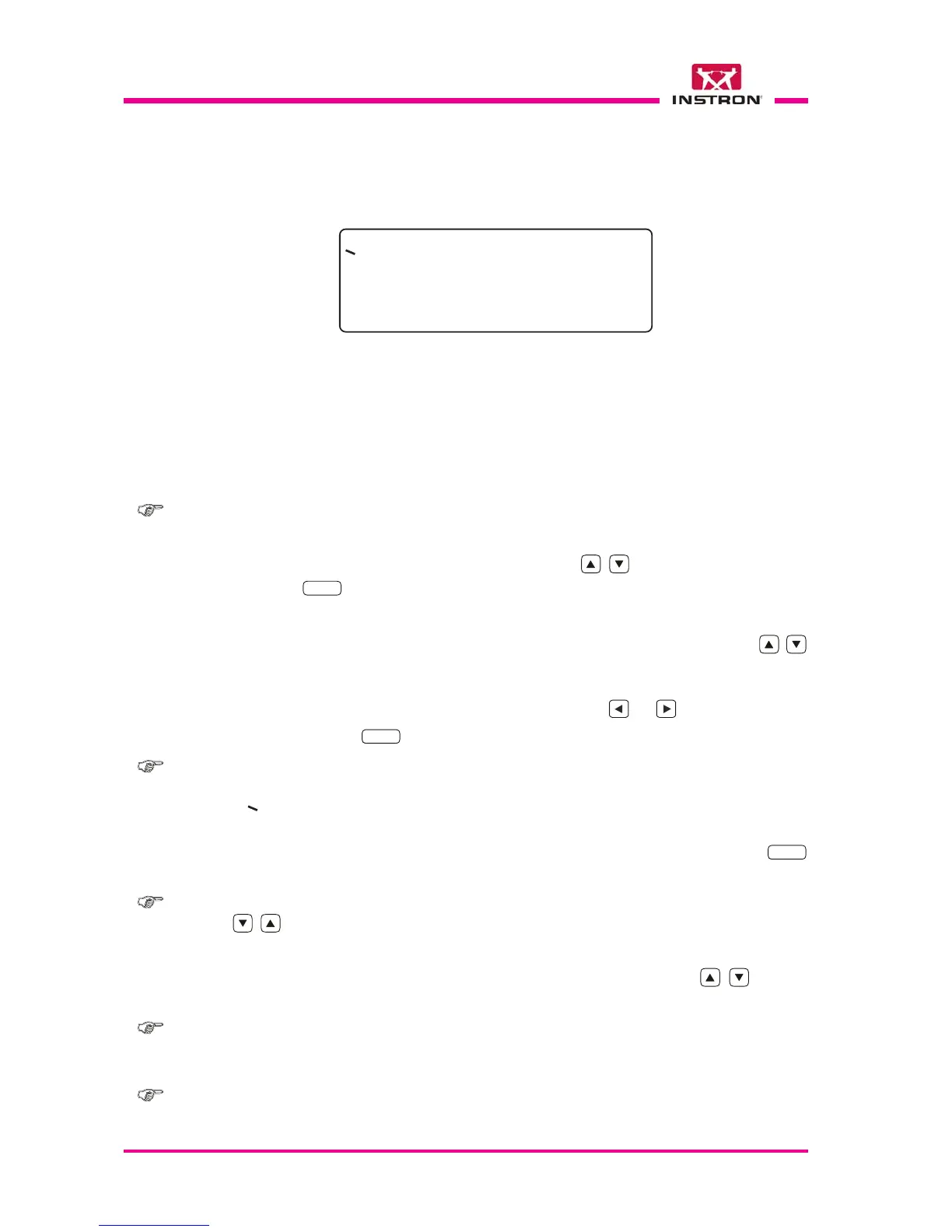
Sample Screen
>
- Line 1
- Line 2
- Line 3
- Line 4
When the instrument is switched-on, the firmware performs a number of preliminary
checks on the status of the instrument; the results of this checks can be visualized
selecting the “View Results” option in the “Autocheck” menu, see para. 8.5.21.
After the preliminary check the firmware waits that the operator presses the “Start” key
for starting the automatic zero-set. At the end of the zero-set, the firmware visualizes
the “Main menu” on display.
Note: the zero-set involves the automatic movement of striker holder lifter.
1) Choosing a sub-menu or a function:
••
••
• Move the cursor “>” to the desired row using the
keys.
••
••
• Press the
ENTER
key to open the menu or to perform a function.
2) Modify a parameter:
••
••
• Move the cursor “>” to the row of the parameter you wish to change using the
keys.
a) Modify the alphanumeric parameter using the keys on the keyboard.
b) Modify the parameters of choice (Y / N) using the
or keys.
••
••
• Confirm using the
ENTER
key.
Note: > cursor positioned on a function or parameter that can be chosen or modi-
fied;
cursor positioned on a function, or a parameter, or a comment, that can not
be chosen or modified;
*
parameter being modified. Disappears after the confirmation with the
ENTER
key is given.
Note: rapid, continuous movement of the cursor is available (maintaining pressed the
keys).
The display can visualize only four rows at the same time. If the available list has a
larger number of rows, it is possible to move back and forth using the
keys in
order to see all of the functions or options available.
Note: - In the figures shown in the following pages, all of the rows that make up each
complete data or function list are shown, even if in many cases there are more
than four rows visualized.
Note: - The numbers shown next to the figures are used as explicit references in order
to facilitate the comprehension of the text, but do not appear on the display.



 To Next Page