Page 44 - CEAST 9340 - Instructions for Use and Maintenance 7510.000MN1r ed. 1 rev. 1
8.4 OPERATIONS
8.4.1 KEY FUNCTIONS
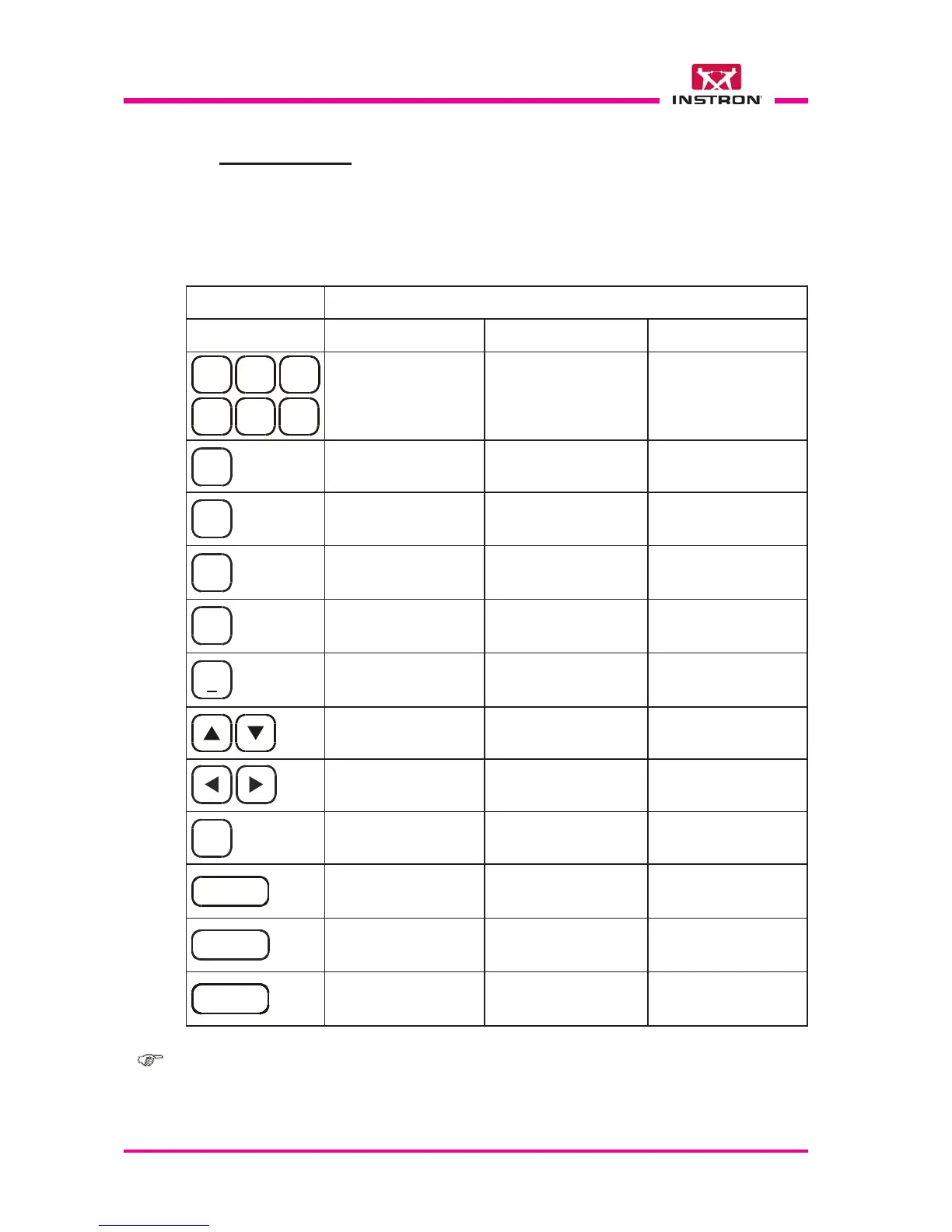
Here you will find the list of the single keys and next to each one a brief description of
the function it performs.
SPACE
1
D E F
3
G H I
4
M N O
6
P Q R S
7
W X Y Z
9
DESCRIPTION OF FUNCTION
KEY
During Data Input In the Menus During Test
Open and close the specimen
clamping device
Type the alphanumeric char-
acters indicated on the key.
Not activated
Type the alphanumeric char-
acters indicated on the key
Not activatedType the alphanumeric char-
acters indicated on the key
Move UP the striker holder
cross lifter
Not activatedType the alphanumeric charac-
ters indicated on the key
ENTERENTER
ENTER
Delete the last character typed
Confirm the Data lnput
Move DOWN the striker holder
lifter
Page through the default in-
puts on the display
(e.g.: Y/N)
Select the function where the
cursor is located
Interrupt the test
Not activated
Not activated
Not activated
Return to the previous page /
return to the first page if it is
hold pushed. Skip a function
Type the alphanumeric char-
acters indicated on the key
Not activated
Type the decimal point and the
following character:
_
0
HOME
A B C
2
UP
T U V
8
CLAMP
J K L
5
DOWN
.
PRINT
CANC
STOP
BACK
Page through the data lists on
the display (with autoscroll)
Not activatedNot activated
Start a test or a function
Not activated
Not activated
START
Not activatedNot activated
Not activated
Not activated
Bring the instrument at HOME
Not activated
Not activated
Not activated
Note: in order to enter a numeral on the display, you must only press the key with the
corresponding number. To enter a letter of the alphabet you must continue to
press the key with the corresponding letter until it is shown in the display (the
same method used by mobile phones).



 To Next Page