Page 64 - CEAST 9340 - Instructions for Use and Maintenance 7510.000MN1r ed. 1 rev. 1
Error codes are shown on display and advise the user when an error occurs, see the
Error Codes List in the Appendix G.
8.5.22 ERROR CODES IN THE PROGRAM
8.5.21 EMERGENCIES SYNOPTIC
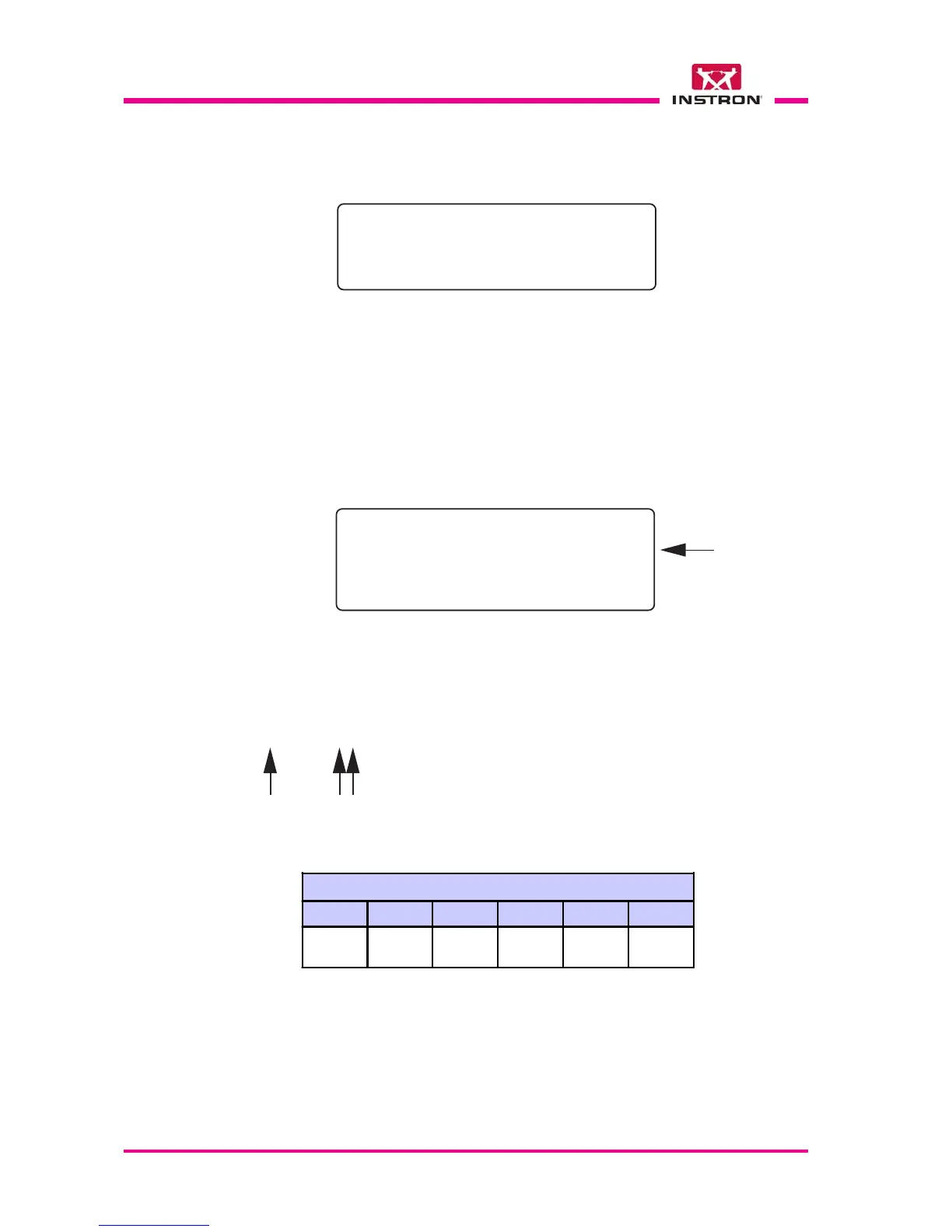
The table below describes the alarm conditions which can be visualized on display.
Emergencies Synoptic
6 5 4 3 2 1
Temperature
too high/low
Safety
thermostat
alarm
Upper
door
open
Lower
door
open
Power
cut off
Lifter
motor
overload
Vid. 1.7.6 - Example of “alarm visualization“
***ERROR N.205*** ***ERROR N.205***
***ERROR N.205*** ***ERROR N.205***
***ERROR N.205***
EM. STAT. -----*--**EM. STAT. -----*--**
EM. STAT. -----*--**EM. STAT. -----*--**
EM. STAT. -----*--**
PRESS STOP TO ABORTPRESS STOP TO ABORT
PRESS STOP TO ABORTPRESS STOP TO ABORT
PRESS STOP TO ABORT
ENTER TO IGNOREENTER TO IGNORE
ENTER TO IGNOREENTER TO IGNORE
ENTER TO IGNORE
The alarm conditions are visualized as 10 screen fonts consisting of asterisks and un-
derscore lines.
Example: _ _ _ _ _ _ _ _ _ _ 10 underscore lines means no one alarm;
* _ _ _ _ * * _ _ _ 3 asterisks means 3 different active alarms. The alarms
are numbered in increasing order starting from right
to left.
Alarm
10
Alarm
5
Alarm
4
Vid. 1.7.5 - “Visualize I/O“
IN 16-9-*****-- IN 16-9-*****--
IN 16-9-*****-- IN 16-9-*****--
IN 16-9-*****--
IN 8-1IN 8-1
IN 8-1IN 8-1
IN 8-1
**--*--***--*--*
**--*--***--*--*
**--*--*
OUT 16-9--**--OUT 16-9--**--
OUT 16-9--**--OUT 16-9--**--
OUT 16-9--**--
OUT 8-1*-*---* OUT 8-1*-*---*
OUT 8-1*-*---* OUT 8-1*-*---*
OUT 8-1*-*---*
Visualize in real time the input/output status:
*
active; - inactive, see also the Input and
Output lists in the Appendix E and F.
8.5.20 VISUALIZE I/O
>



 To Next Page