CEAST 9340 - Instructions for Use and Maintenance 7510.000MN1r ed. 1 rev. 1 - Page 105
Vid. C - “End of the test“
V :V :
V :V :
V :
xx.xxx.x
xx.xxx.x
xx.x
m/sm/s
m/sm/s
m/s
Vr:Vr:
Vr:Vr:
Vr:
xx.xxx.x
xx.xxx.x
xx.x
m/sm/s
m/sm/s
m/s
Press BACKPress BACK
Press BACKPress BACK
Press BACK
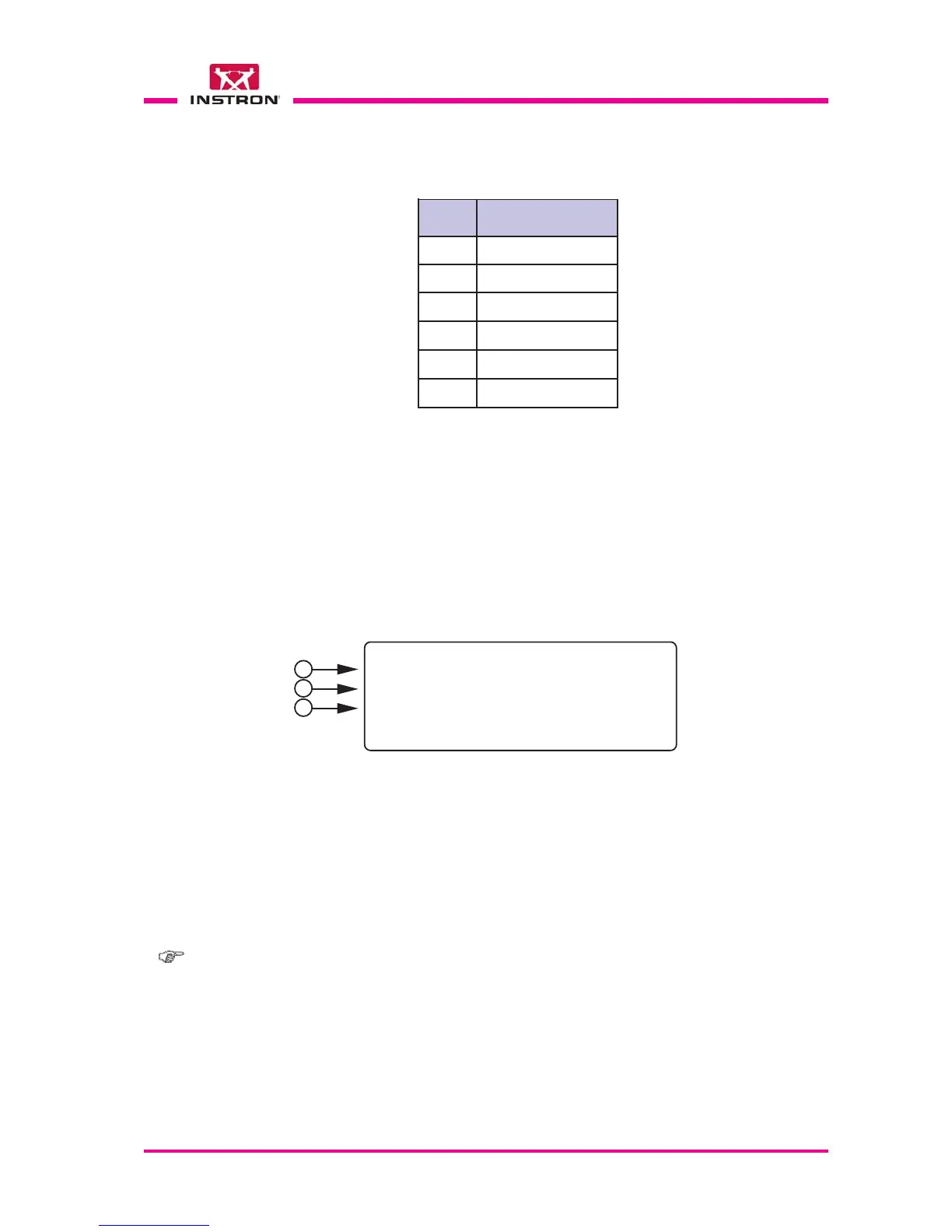
The Vid. C visualizes the results of the test.
1) Velocity of the striker impact measured from the optical detector (first photocell).
2) Velocity of the striker rebound measured from the optical detector (first photocell).
3) Press the BACK key to exit from this screen.
8.11.3 TEST END
2) Visualize the test phases of the instrument in real time according to the list below.
3) This row is shown if an error occur during the test cycle.
4) The STOP key stops the phase of the cycle in any moment and quit the test.
Phase
Message
A
Initial Check
B
Clamping
C
D
E
Positioning
F
Impact
Striker Recovery
Unclamping
1
2
3
Note:- Values related to the last test performed can be recalled with the “Results”
function (see para. 8.5.7).



 To Next Page