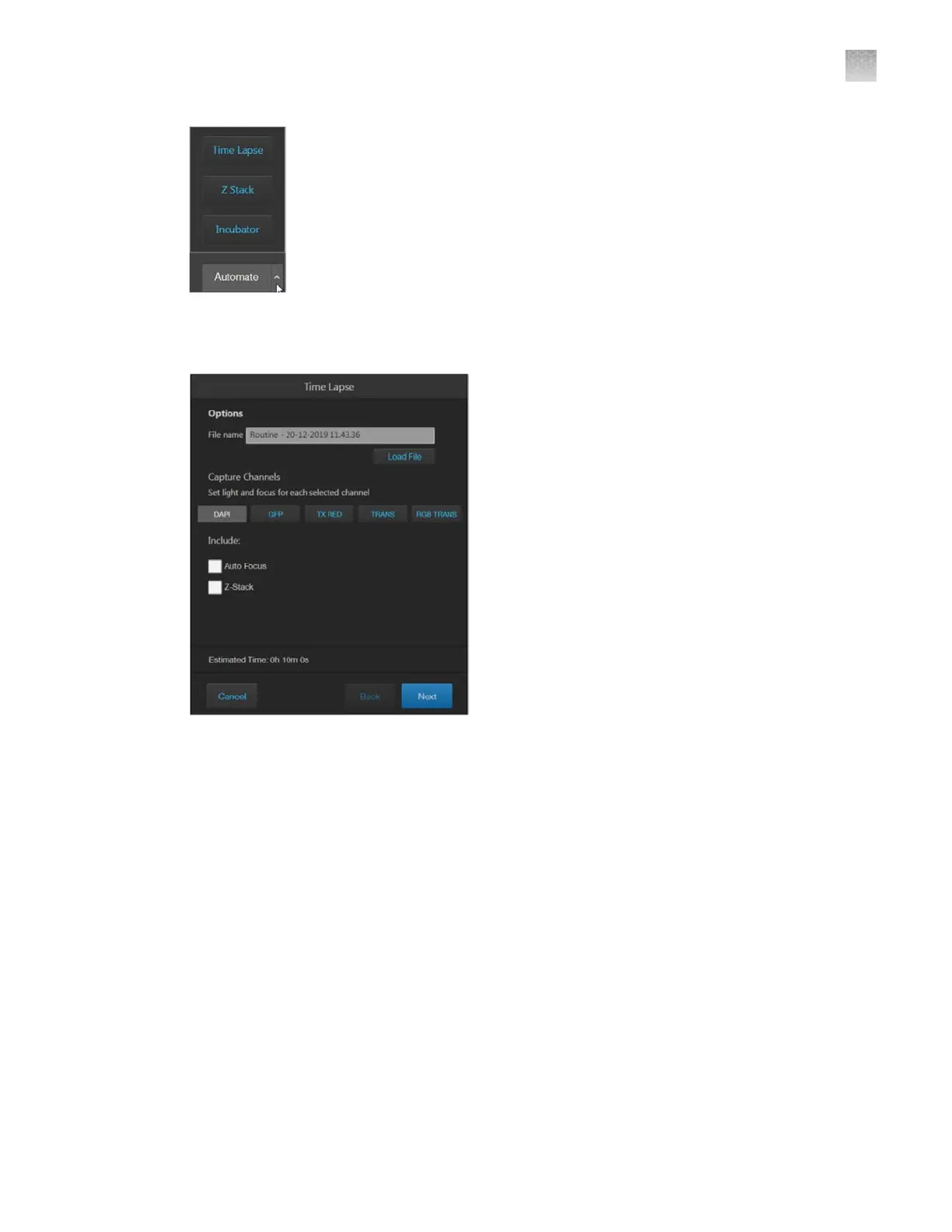
Time Lapse: Opens the Time Lapse tool, which allows you to create and run time lapse routines
to capture images at given intervals over a time period based on your specifications.
Z-Stack
: Opens the Z-Stack tool, which allows you to capture multiple images along the Z-axis
based on your specifications. You can use the images captured with the Z-Stack tool to generate a
Z-Stack Projection.
AppendixBGraphical user interface (GUI)
Capture tab
B
EVOS
™
M5000 Imaging System User Guide
119



 To Next Page