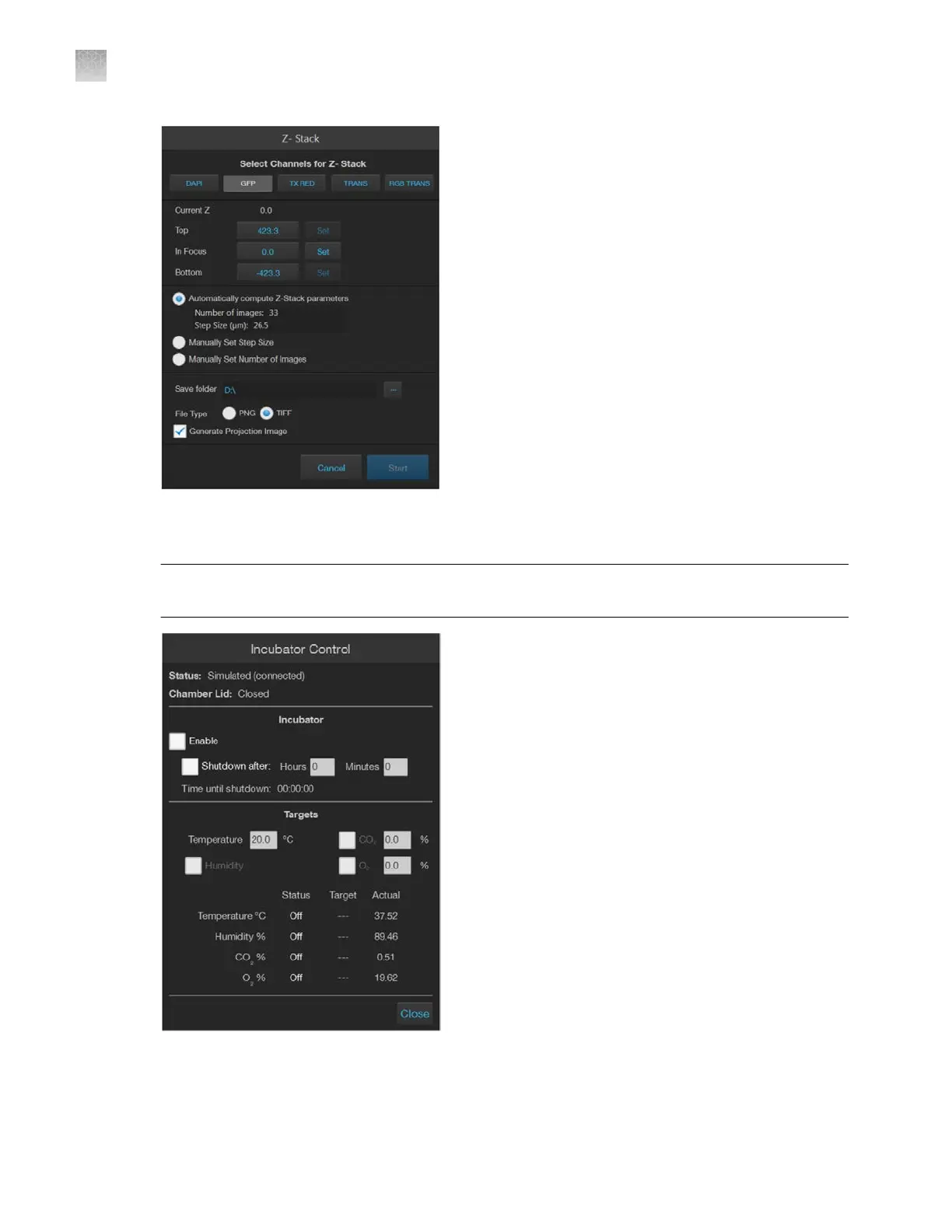
Incubator
: Opens the Incubator Control, which allows you to control the optional EVOS
™
Onstage Incubator and monitor its status during your experiments.
Note: The Incubator Control window only appears if an EVOS
™
Onstage Incubator is connected to
the EV
OS
™
M5000 instrument.
18.
Capture
and All: Captures one channel (Capture) or multiple channels (All) using the current
capture settings and stores the image in the image cache of the channel in which it was captured.
AppendixBGraphical user interface (GUI)
Capture tab
B
120
EVOS
™
M5000 Imaging System User Guide



 To Next Page