5.
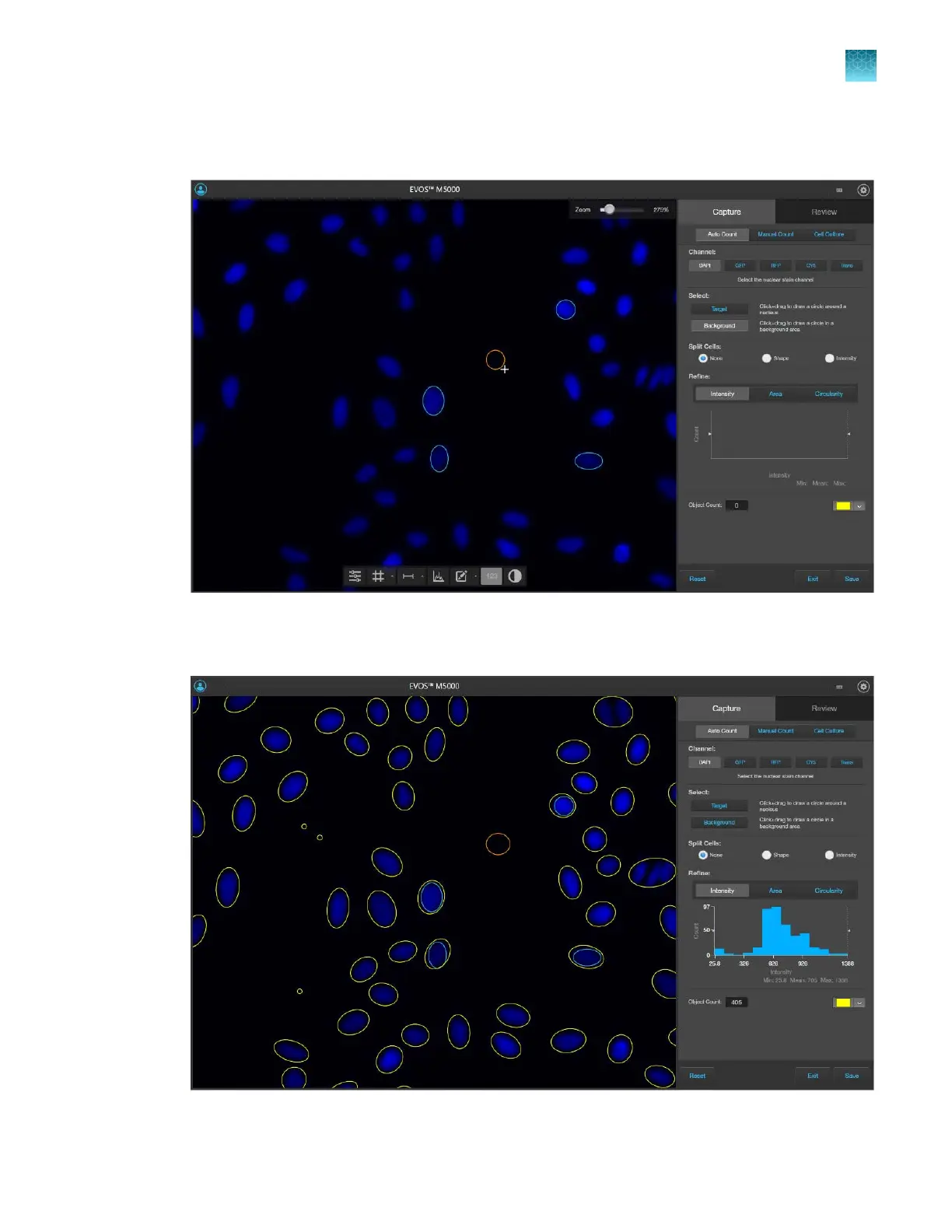
To distinguish the target from background, click Backround, then click and drag to draw a circle
(orange) in a background area.
6.
After you define the target and background areas, the software automatically counts the objects
based on your crit
eria.
Chapter5Measure, annotate, and analyze captured images
Count cells – auto count
5
EVOS
™
M5000 Imaging System User Guide
47



 To Next Page