MENU
Save a Microphone Preset
All the parameters related to the microphone such as volume, reverb and echo amounts, effects and
equalizer parameters can be saved into a so called “Microphone Preset”.
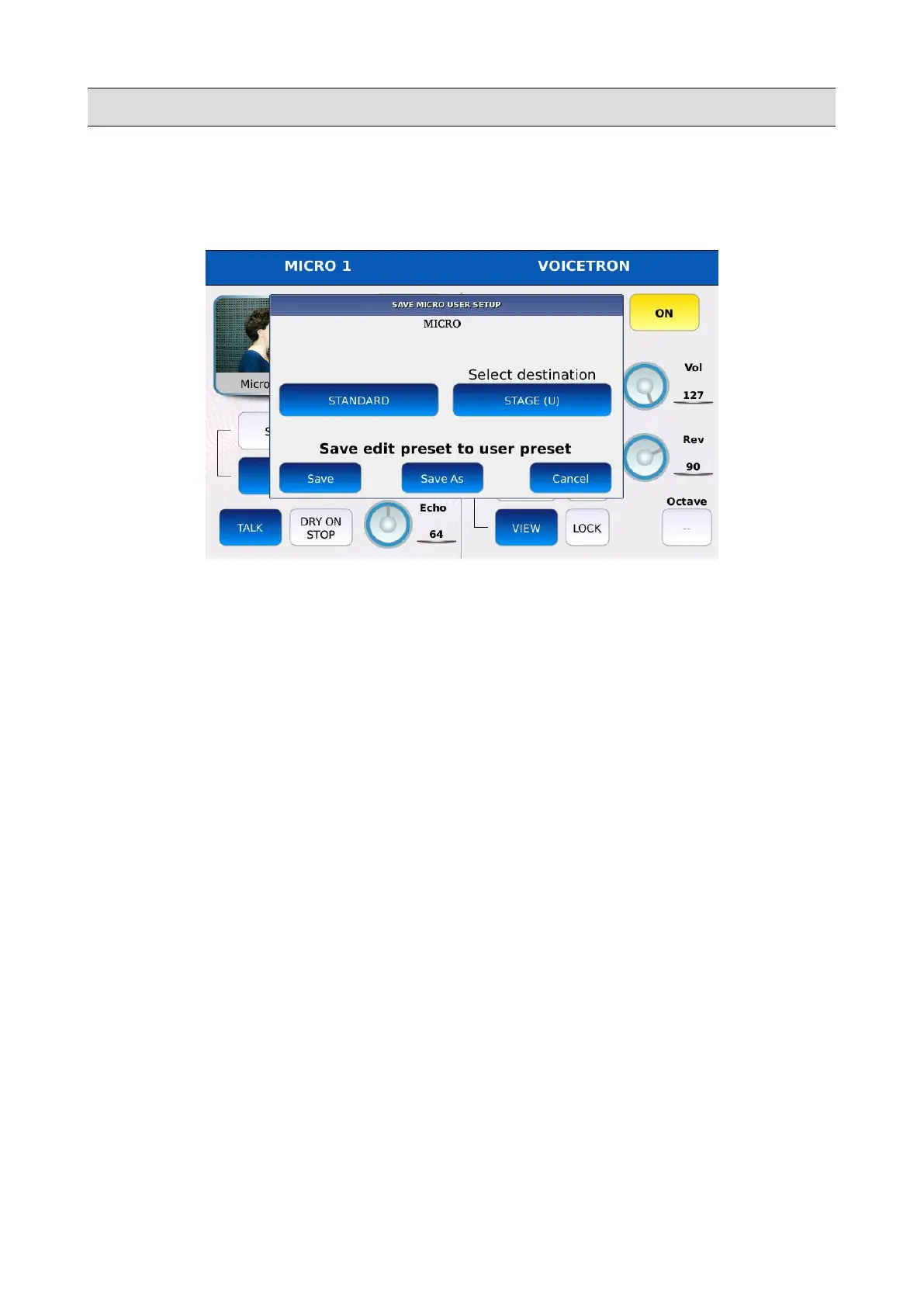
• Press SAVE to store these value into a Preset. A dialogue window will be displayed on
screen.
• Tap on the MICRO button to proceed, or tap on the CANCEL button to cancel the operation.
• Select the destination preset (in which position it will be saved).
• Tap on SAVE or tap on SAVE AS to overwrite the destination preset or tap on CANCEL to
cancel the operation.
KETRON - LOUNGE 149



 To Next Page