bizhub C652/C552 5-40
5.4 Application
5
5.4.7 Erase
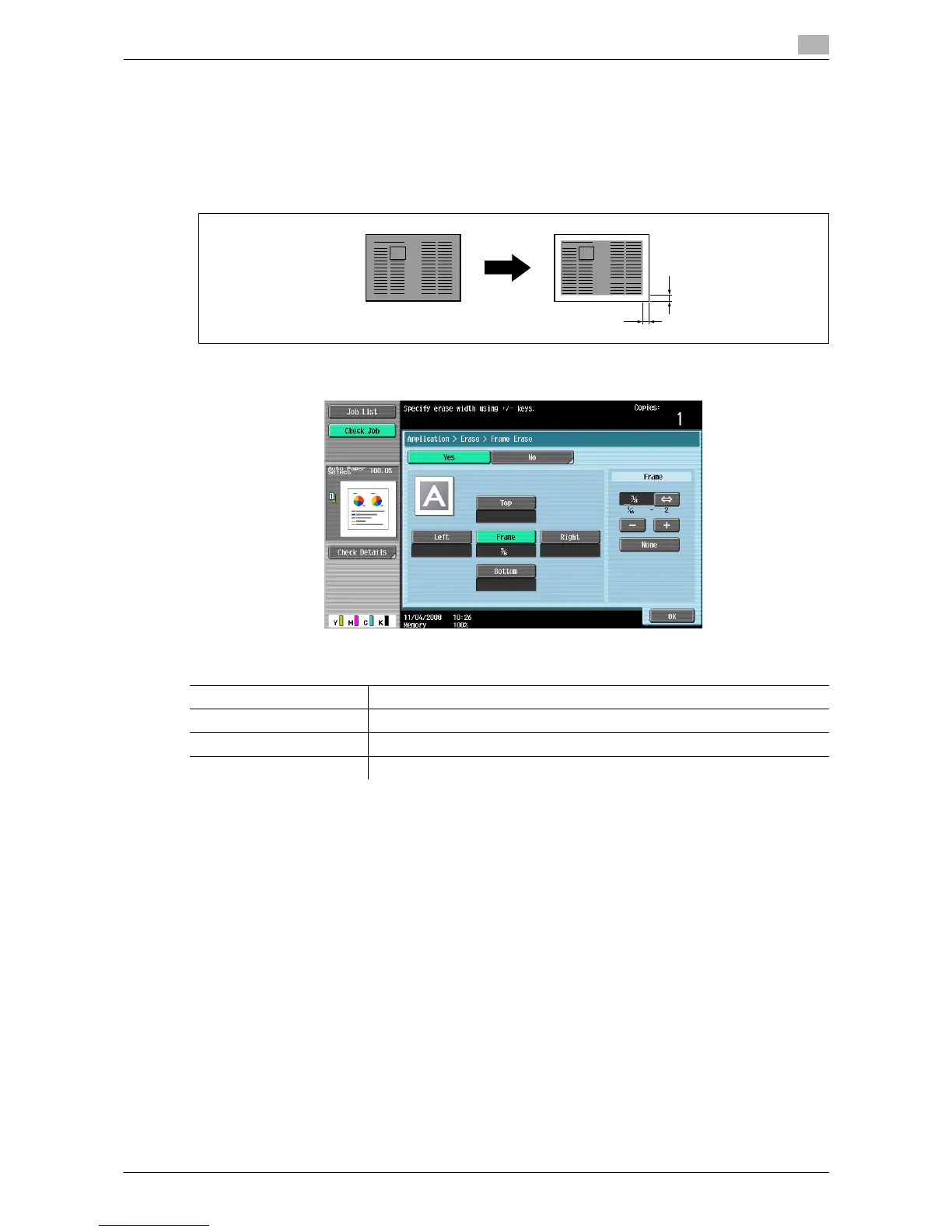
Frame Erase
Copies can be produced by erasing shadows of punched holes, unnecessary areas around the original text,
such as the transmission information on received faxes and the shadows of punched holes. All four sides
around the original can be erased in the same width or in a different width for each side.
% Press [Application] ö [Erase] ö [Frame Erase].
Settings
Frame Erases the four sides of the original in the same width.
Top Right Bottom Left Erases each frame side in a different width.
+/- Press [+], [-] to set the erasing width between 1/16 inch and 2 inch.
None Sets the erasing width to 0 inch.
A
A:1/16inch to 2inch
A














 To Next Page