bizhub C652/C552 6-12
6.6 Change Password
6
6.6 Change Password
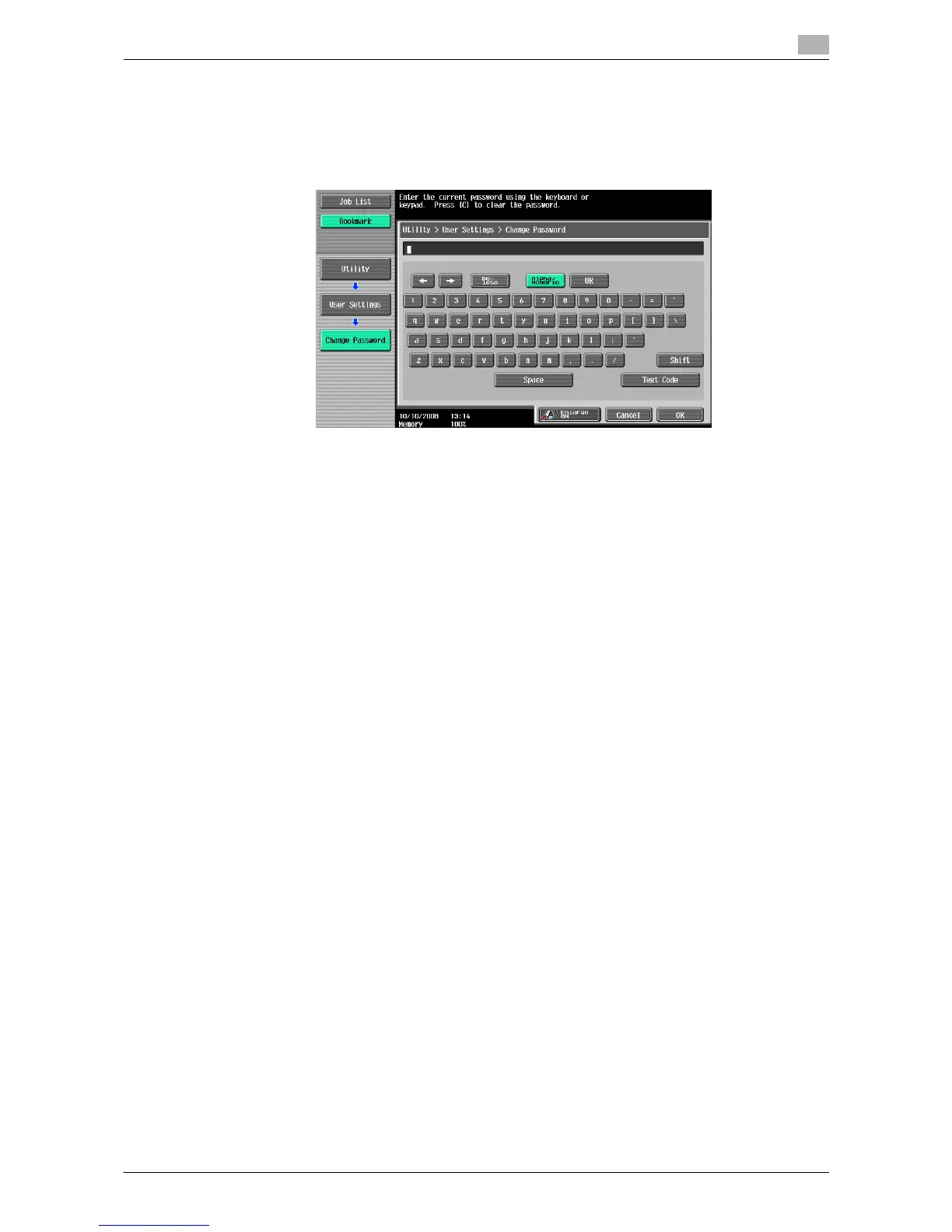
Change the password for the user who is currently logged in.
0 A public user cannot use this function.
1 Press the [Utility/Counter] key ö [User Settings] ö [Change Password].
2 Enter the previous password, and then press [OK].
3 Enter a new password, and then press [OK].
4 For confirmation, enter the new password again, and then press [OK].
The new password is registered.














 To Next Page