bizhub C652/C552 10-18
10.1 Using an authentication unit (biometric type)
10
10.1.3 Logging in to this machine
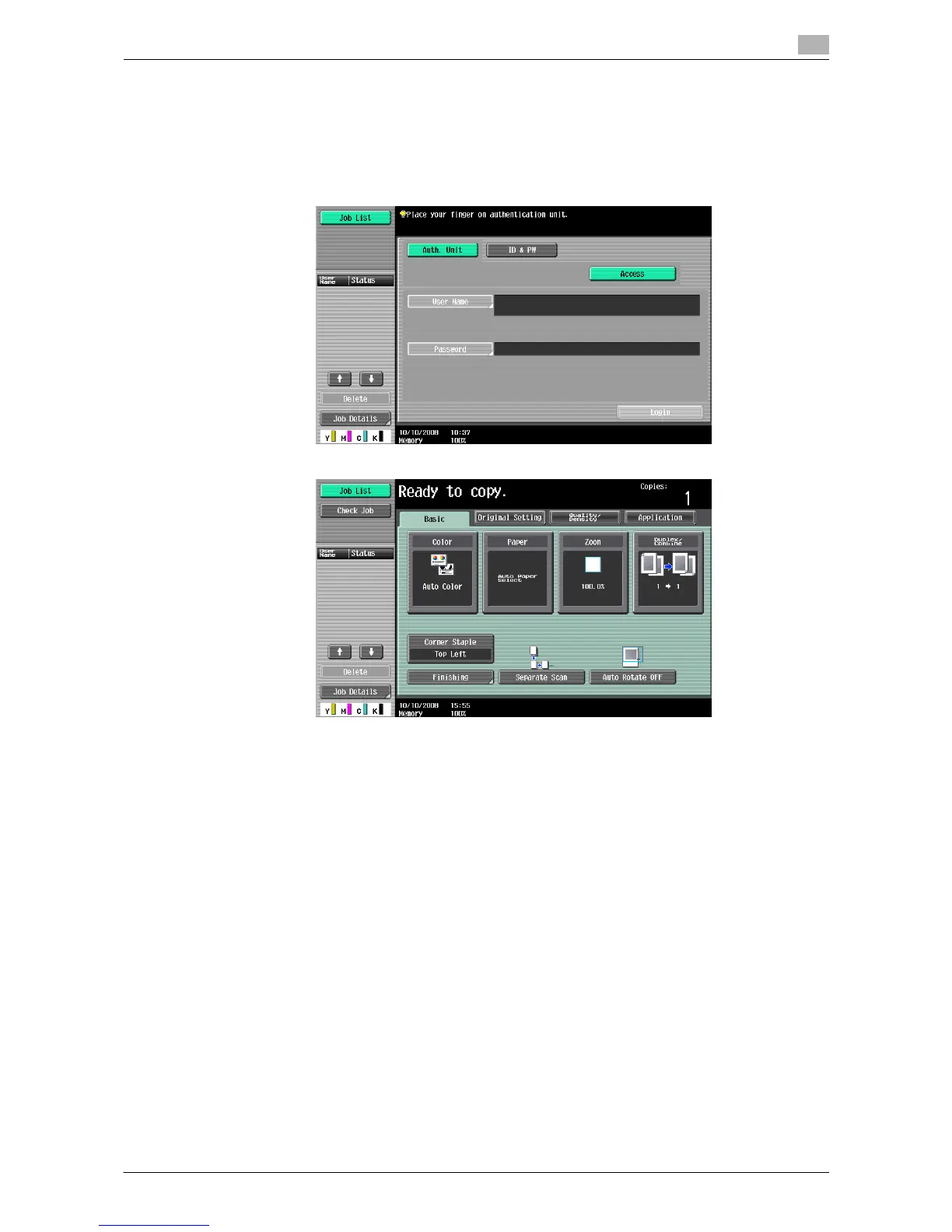
This section explains how to log in to this machine with the finger vein pattern authentication.
When 1-to-many authentication has been specified
% Place the registered finger on the authentication unit.
% You are authenticated, and then the basic settings screen appears.














 To Next Page