bizhub C652/C552 4-15
4.8 The [Enlarge Display] key
4
4.8 The [Enlarge Display] key
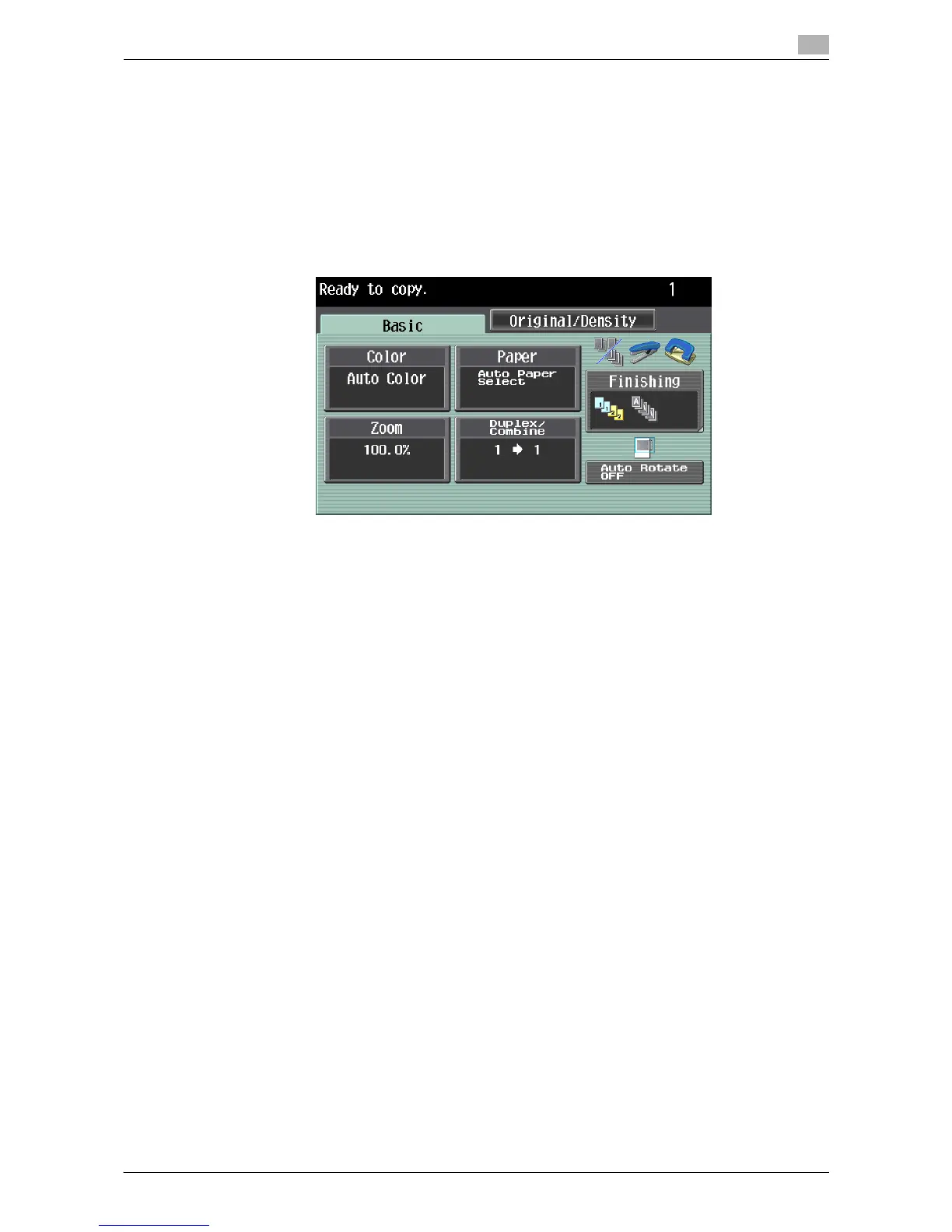
Press this key to enter Enlarge Display mode and enable machine operation using a screen with a layout with
larger-size characters.
For details on the Enlarge Display screen, refer to the "User's Guide [Enlarge Display Operations]".
0 Press the [Enlarge Display] key to return to normal display.
0 If PageScope Authentication Manager is used for authentication, the login screen cannot be switched
to the enlarged display mode.
% Press the [Enlarge Display] key.














 To Next Page