bizhub C652/C552 5-55
5.4 Application
5
5.4.9 Save in User Box
This function enables saving of data from the scanned originals on the hard disk (in the User Box) built in the
machine. Documents saved in User Boxes can be printed when necessary.
For details on using documents saved in User Boxes, refer to the "User's Guide [Box Operations]".
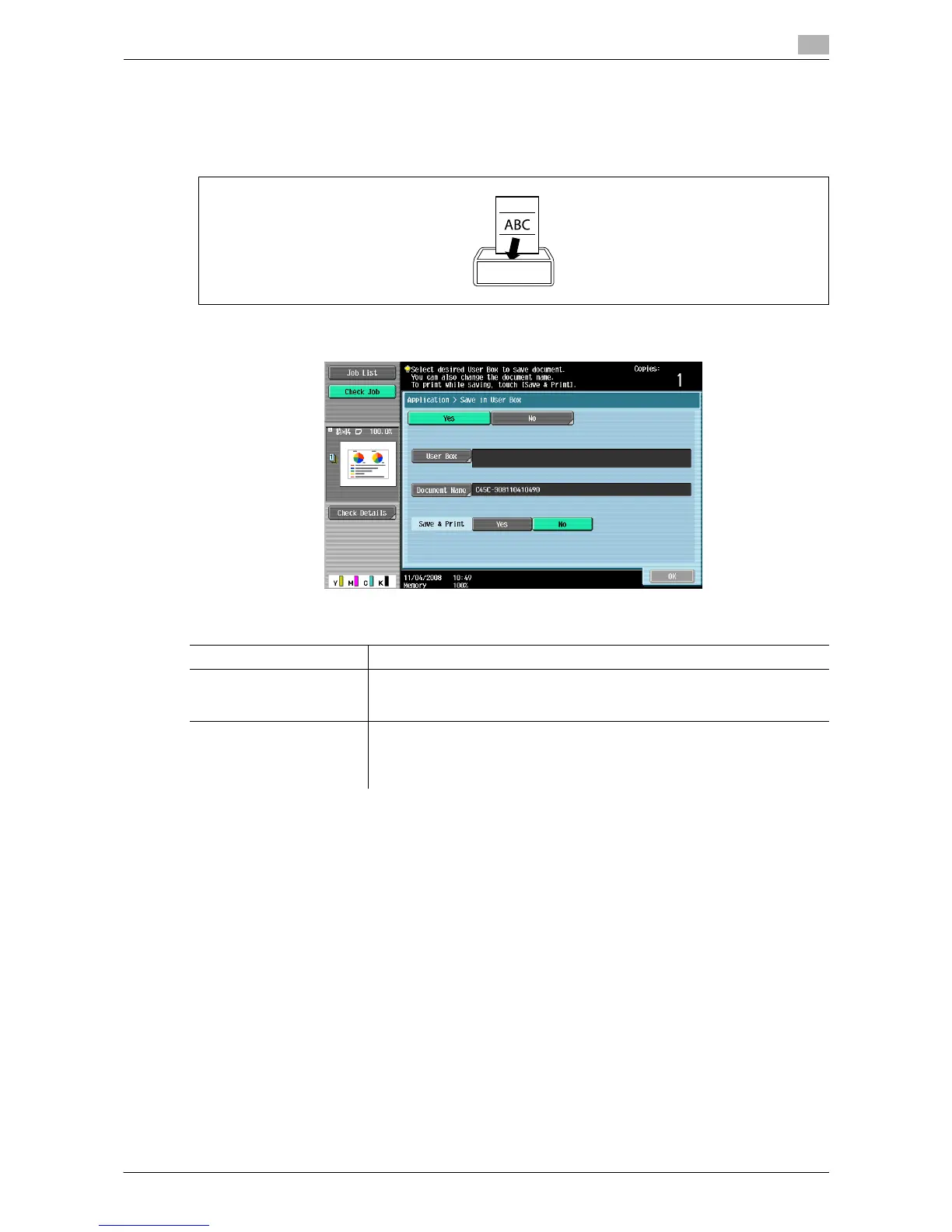
% Press [Application] ö [Save in User Box].
Settings
User Box Select the destination User Box.
Document Name Specify a document name for the read original.
A name automatically assigned to the document appears. You can change
the file name.
Save & Print [Yes]:
Select to copy the scanned original and save it in the specified User Box.
[No]:
Select to save the data of the scanned original in the specified User Box.














 To Next Page