bizhub C652/C552 7-34
7.4 User Authentication/Account Track
7
d Reference
To specify the maximum number of registrations for the account:
Press the [Utility/Counter] key ö [Administrator Settings] ö [User Authentication/Account Track] ö [General
Settings] ö [Number of User Counters Assigned].
7.4.4 Print without Authentication
This setting is for the print operations. For details, refer to the "User's Guide [Print Operations]".
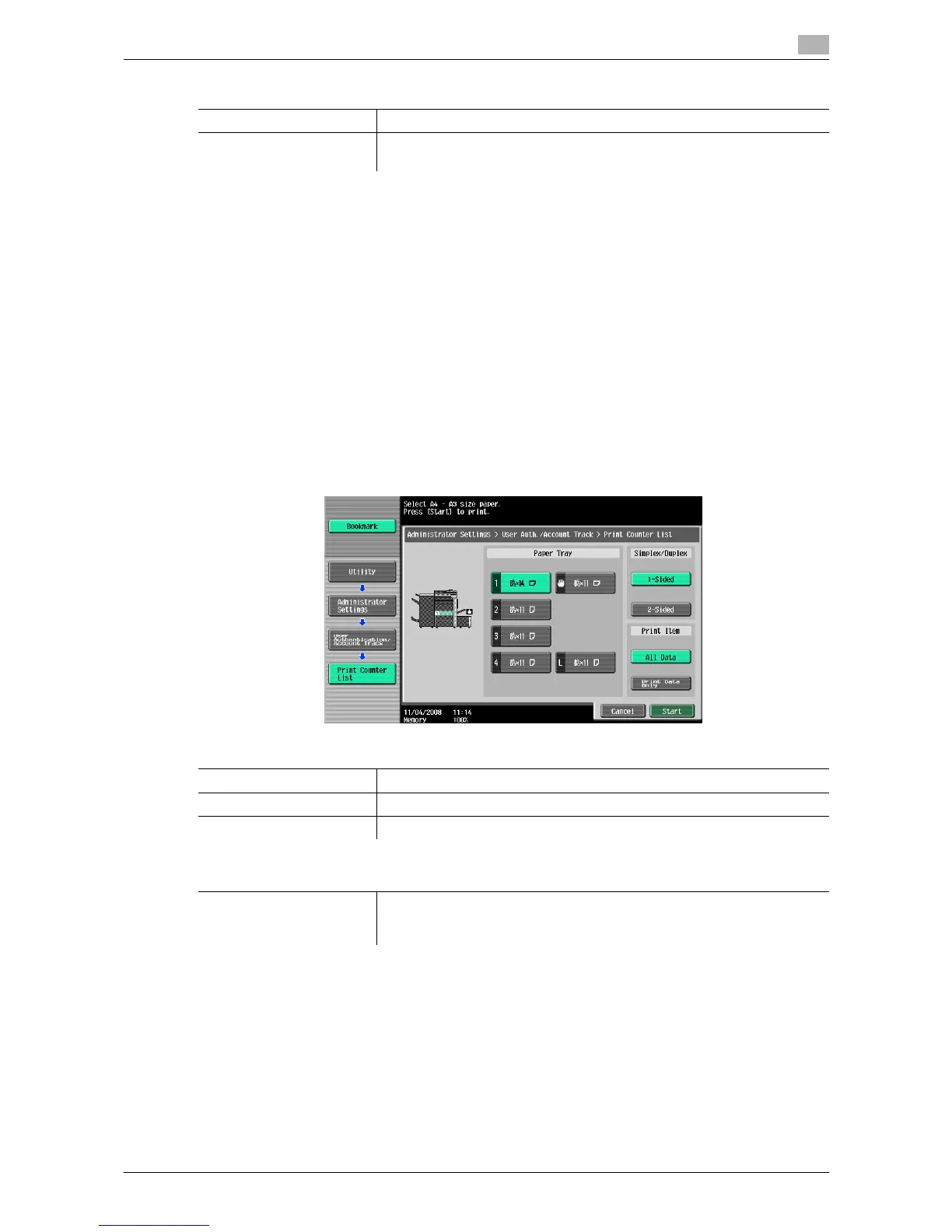
7.4.5 Print Counter List
Select the paper tray and print format to be used for printing the counter list.
0 This function is enabled when user authentication or account track settings are configured.
% Press the [Utility/Counter] key ö [Administrator Settings] ö [User Authentication/Account Track] ö
[Print Counter List].
Factory default
Output Permission All Items: Allow
Max. Allowance Set Individual Allowance: Color No Limit/Black No Limit
Total Allowance: No Limit
Settings
Paper Tray Select the desired paper tray.
Simplex/Duplex Select Print (1-Sided) or Print (2-Sided).
Print Item Configure whether to print all data or printing data only.
Factory default
Print Counter List • Paper Tray: Tray 1
•1-Sided
• Print Item: All Data














 To Next Page