bizhub C652/C552 5-14
5.2 Original Setting
5
5.2 Original Setting
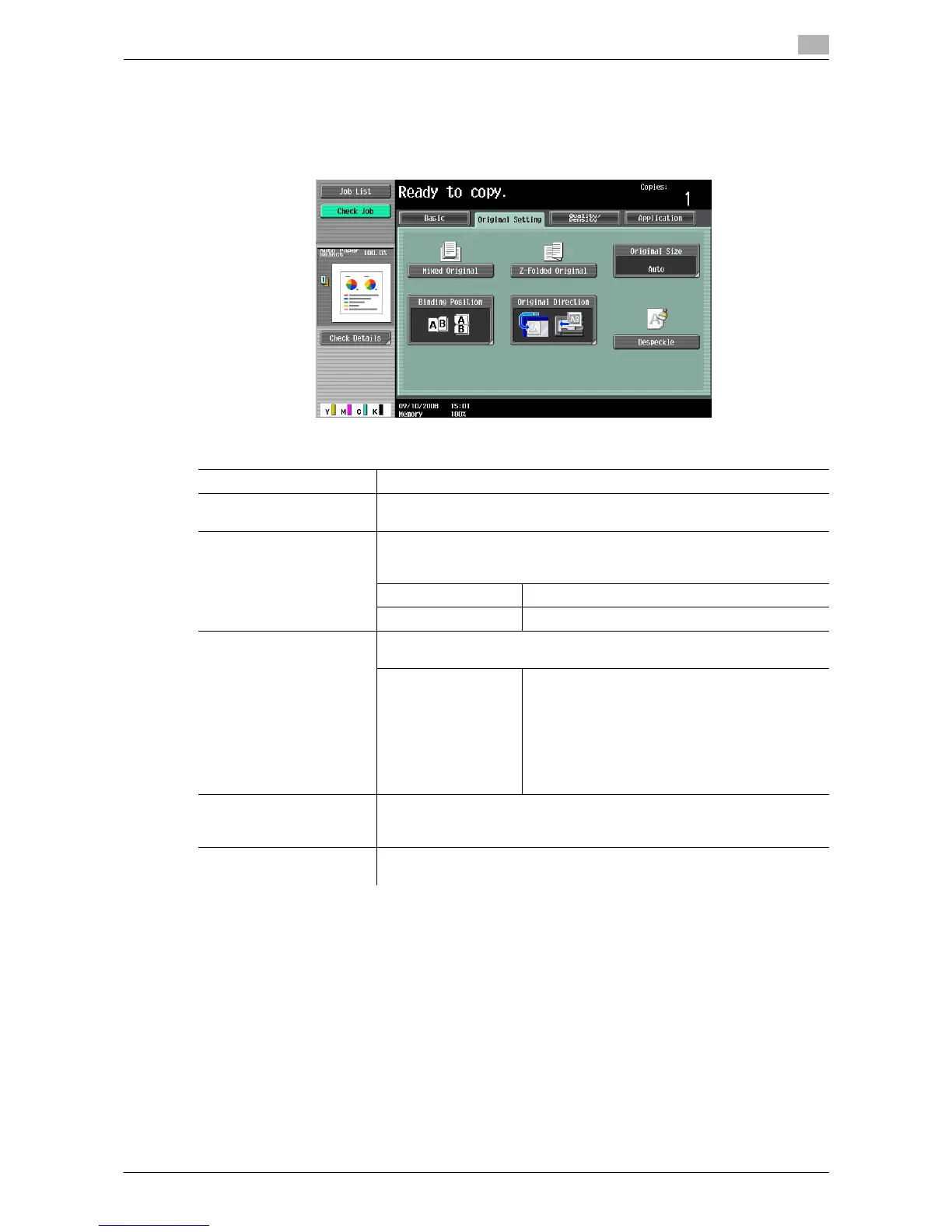
Configure the original status or original direction for outputting desired copies.
% Press [Original Setting].
Settings
Mixed Original Loads originals of different sizes into the ADF and scan them at a time.
Z-Folded Original Correctly detects the original size when folded originals are loaded into the
ADF and copied.
Original Size Select [Auto] to detect the size of the original automatically.
If the size of the original is not automatically detected, select the original
size.
Custom Size Enter the original size.
Photo Size Select the photo size.
Binding Position Specify the original binding position (page margin) to prevent the copy
from being printed upside-down when scanning a 2-sided original,
Auto Automatically configures the binding position of
the original.
• A binding margin along the long side of the
paper is selected if the original length is 11-
11/16 inch or less.
• If the original length is more than 11-11/16
inch, a binding margin along the short side of
the paper is selected.
Original Direction Specify the original direction to load into the ADF or place on the original
glass when copying 2-sided originals or making 2-sided or combined cop-
ies.
Despeckle Reduces the influence of a dirt of the original glass upon a copy output
when loading an original in the ADF.














 To Next Page