bizhub C652/C552 10-7
10.1 Using an authentication unit (biometric type)
10
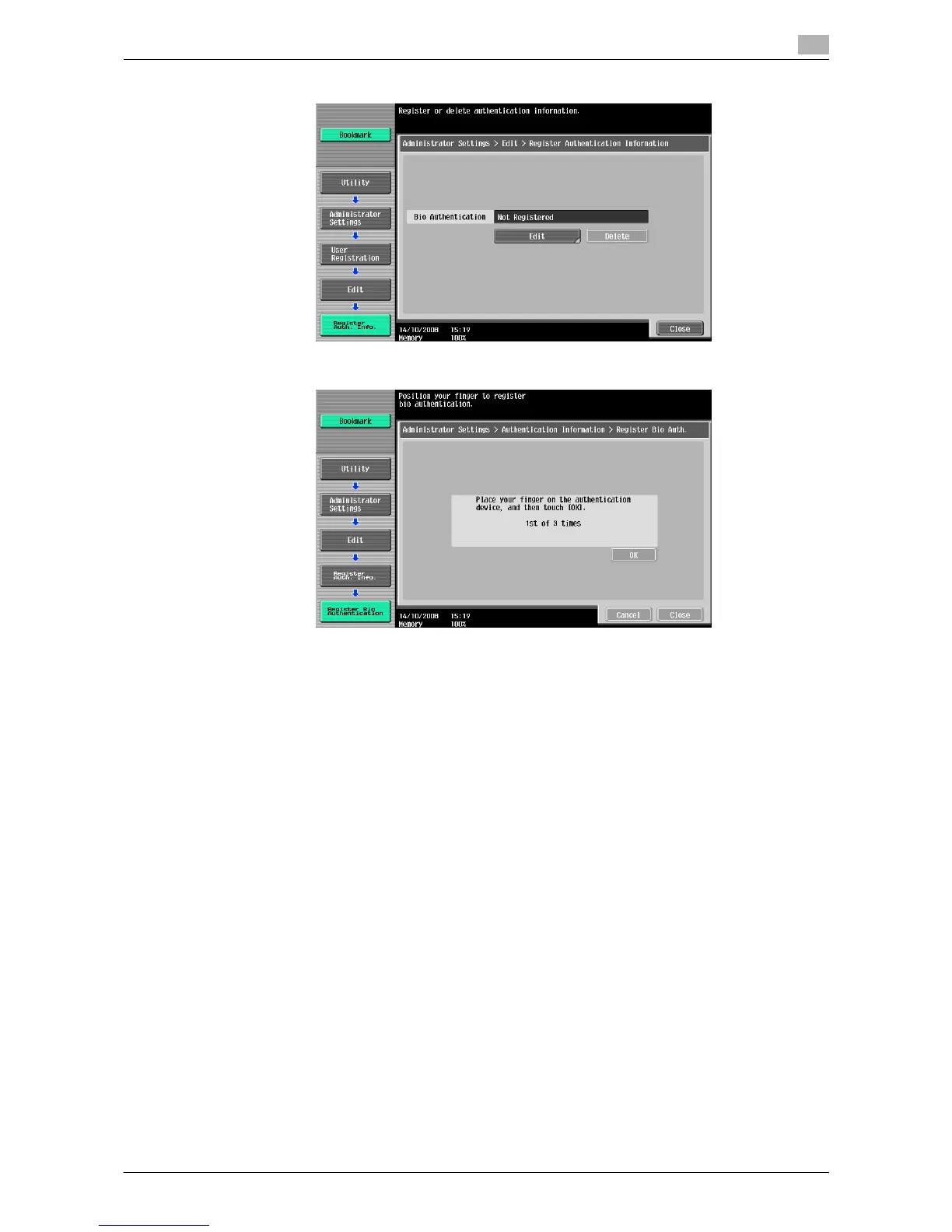
5 Press [Edit].
6 Place your finger on the authentication unit to scan the finger vein pattern.
% Scan the finger vein pattern three times; reset the same finger and then press [OK] for each
scanning.
7 Press [Close] twice.
8 Enter the user name and password.
9 Configure function permission settings as required.
10 Press [OK].
11 Press [Close].
Registering a user using Data Administrator
To use Data Administrator, configure this machine, and set up Data Administrator. For setup, install the
BioDriver (USB-Driver) of the authentication unit, and then install Data Administrator Bio Plugin.
NOTICE
Before setup, install Data Administrator V4.0 or later in your computer. For the Data Administrator operating
environment and installation procedure, refer to the Data Administrator User's Guide.














 To Next Page