bizhub C652/C552 5-19
5.4 Application
5
5.4 Application
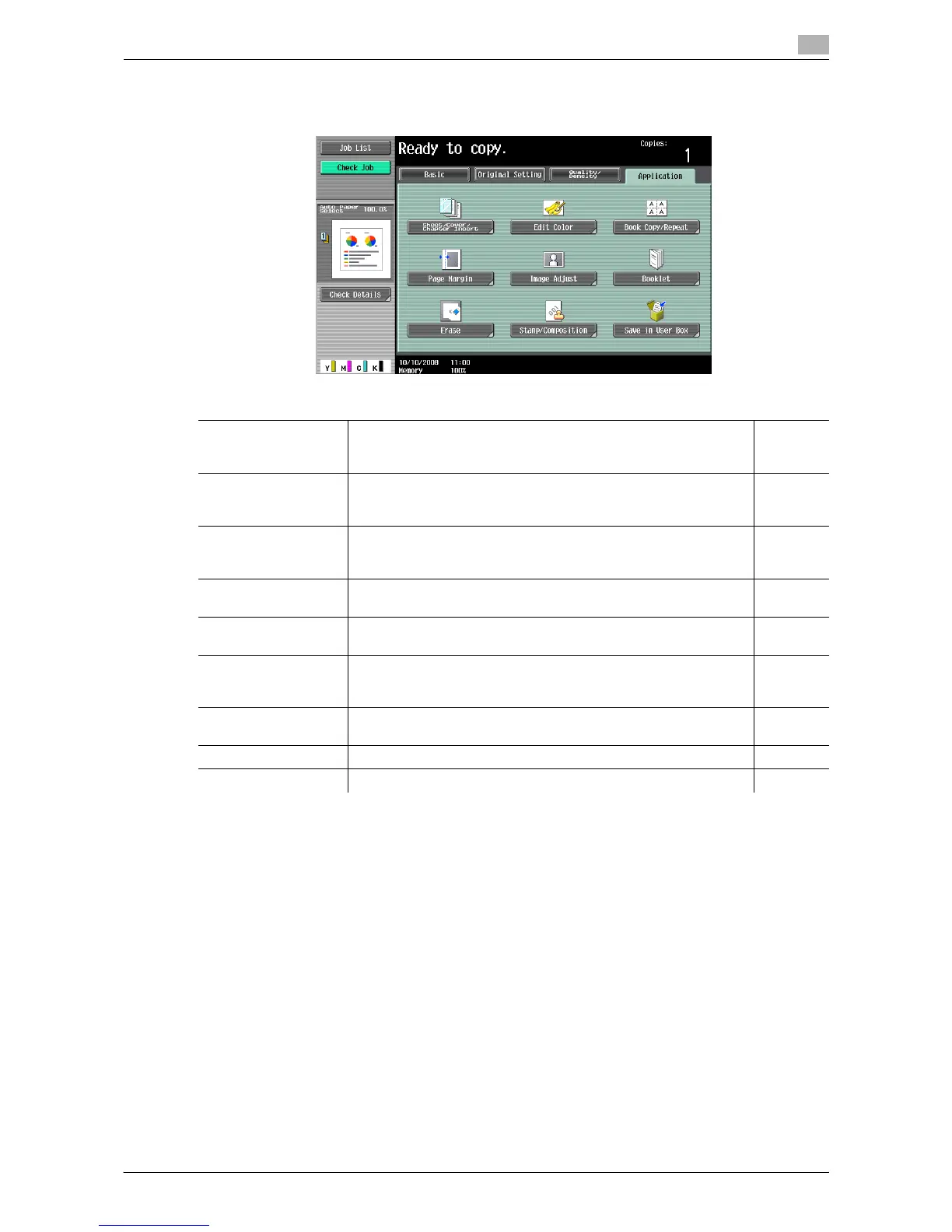
Configure the application settings for making copies.
Item
Sheet/Cover/Chapter
Insert
Inserts another sheet of paper or adds a cover page to the paper
for copying. You can also scan multiple copies of the original with
different settings.
p. 5-20
Edit Color Inverts the contrast or gradation of the original or prints the original
in the mirror image. It also adds a color in the background or adjust
the quality of a color image.
p. 5-28
Book Copy/Repeat Configure the settings for a book or catalog. An image on a single
sheet of original can be repeatedly copied or divided and enlarged
in parts to produce copies of the respective parts.
p. 5-32
Page Margin Select the binding margin (blank area) of the paper used for copy-
ing.
p. 5-36
Image Adjust Configure the layout for the image when the paper is larger than the
original.
p. 5-38
Booklet Automatically arranges the page order of the scanned original and
makes 2-sided 2 in 1 copies to produce a page layout for a center-
bound book, such as a magazine.
p. 5-39
Erase Erases unnecessary outside portion of the original body text or
erases the area outside the original placed on the original glass.
p. 5-40
Stamp/Composition Prints the date/time, page number or a stamp printed on copies. p. 5-42
Save in User Box Saves the scanned original data in a User Box. p. 5-55














 To Next Page