bizhub C652/C552 7-35
7.4 User Authentication/Account Track
7
7.4.6 External Server Settings
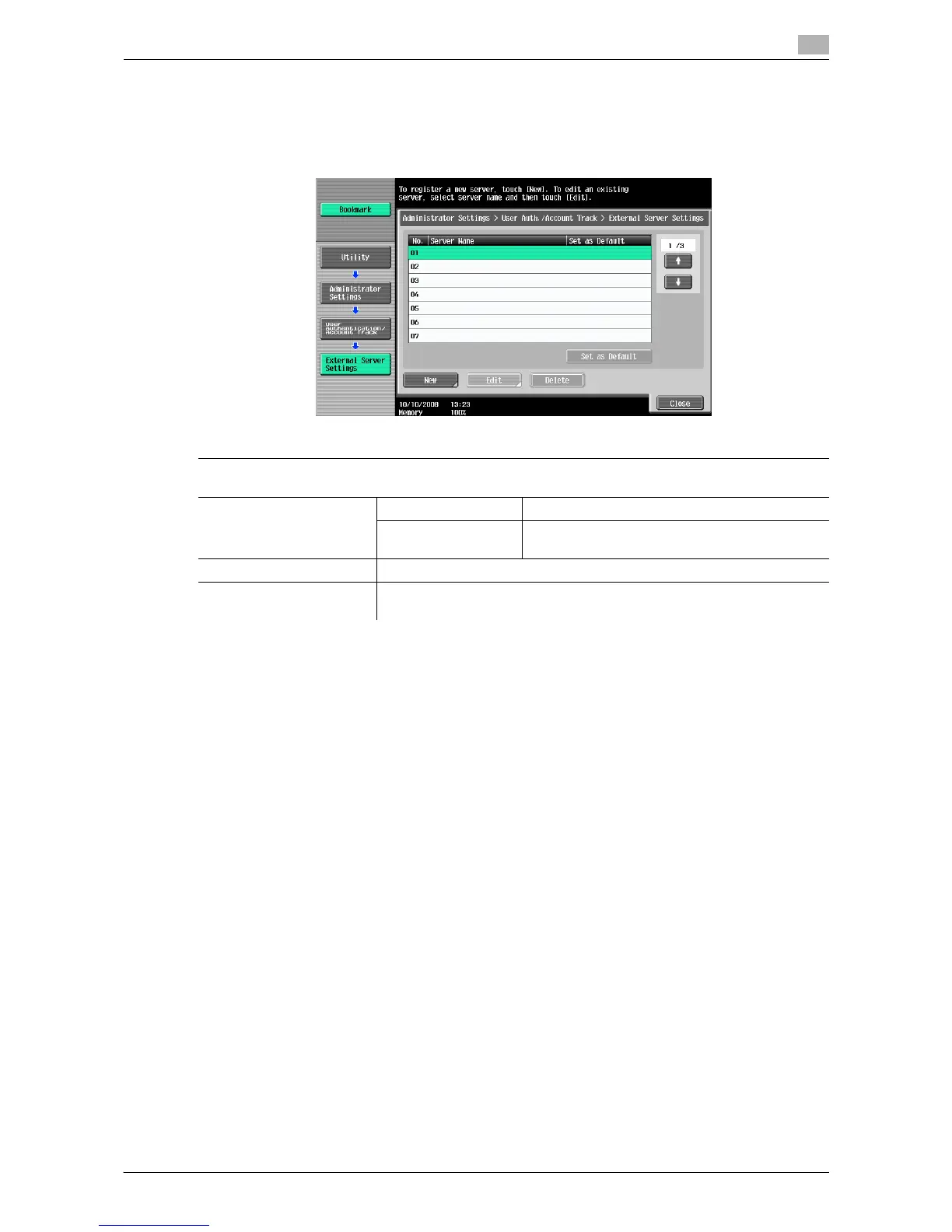
Configure the external server that performs user authentication.
% Press the [Utility/Counter] key ö [Administrator Settings] ö [User Authentication/Account Track] ö
[External Server Settings].
d Reference
For details on configuring external server settings, refer to the "User's Guide [Network Administrator]".
7.4.7 Limiting Access to Destinations
This setting is for the network scan, fax, and network fax operations. For details, refer to the "User's Guide
[Network Scan/Fax/Network Fax Operations]", "User's Guide [Network Administrator]".
Settings
Select a number for the desired external server. You can also change the settings for the registered serv-
ers.
New/Edit Server Name Enter the name of the external server.
Server Type Configure an external server type, and then con-
figure the settings for required items.
Delete Delete the selected external server.
Set as Default Configure an external server specified as the initial value. Select a desired
server, and then press the [Set as Default] button.














 To Next Page