bizhub C652/C552 11-16
11.1 Using authentication unit (IC card type)
11
NOTICE
To turn the main power switch off and on, first turn the main power off, and then turn it on after 10 or
more seconds has elapsed. Not doing so may result in an operation failure.
When connecting or disconnecting the USB cable, hold the plug. Otherwise, the cable may be
damaged.
11.1.3 Logging in to this machine
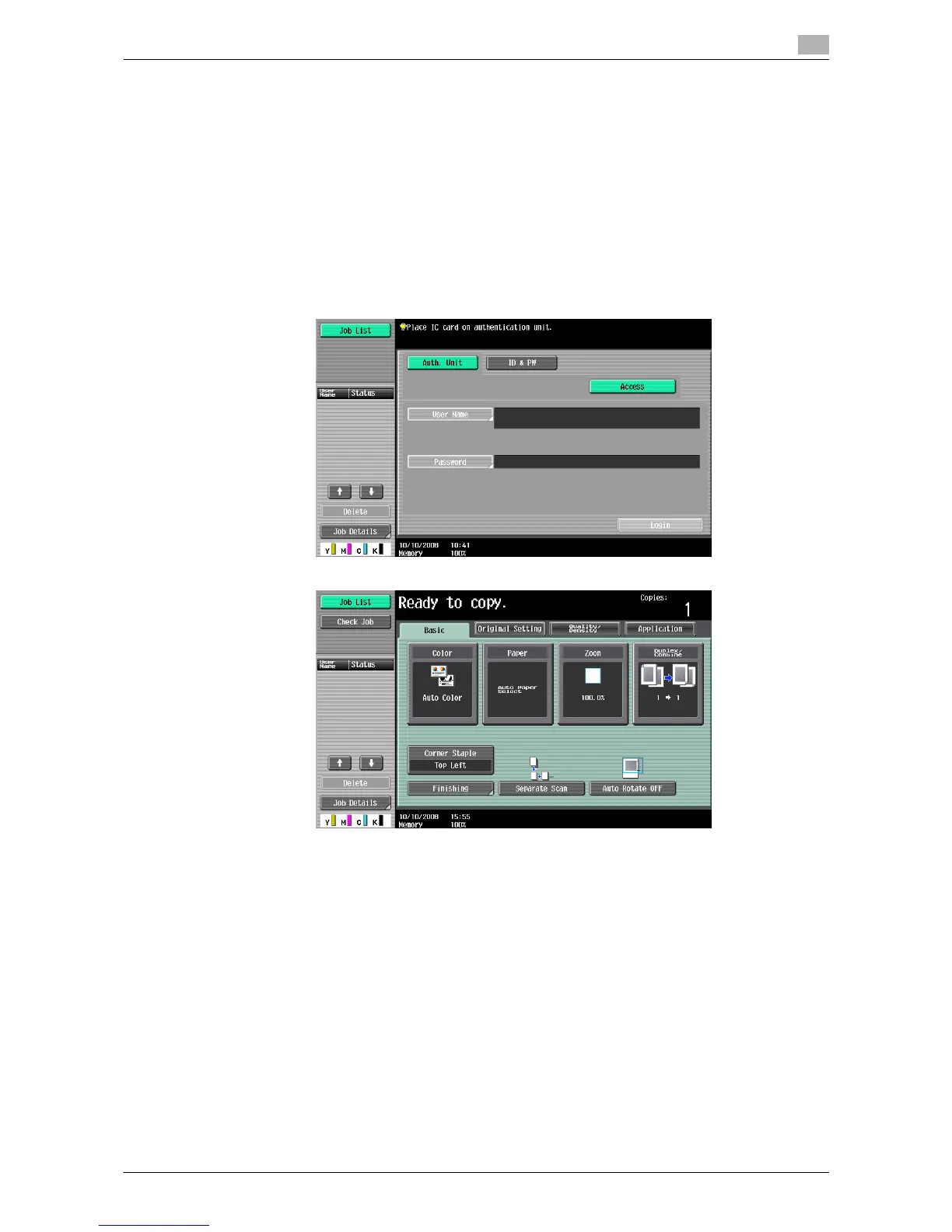
This section explains how to log in to this machine with card ID authentication.
When IC card authentication is enabled
% Place the registered IC card on the authentication unit.
% You are authenticated, and then the basic settings screen appears.














 To Next Page