bizhub C652/C552 10-8
10.1 Using an authentication unit (biometric type)
10
Checking the version of the installed Data Administrator
1 From the "Help" menu of Data Administrator, select "Version Information".
NOTICE
This software cannot be used if the version is "3.x". Install "4.x".
If Data Administrator V3.x is installed, it is removed when V4.x is installed.
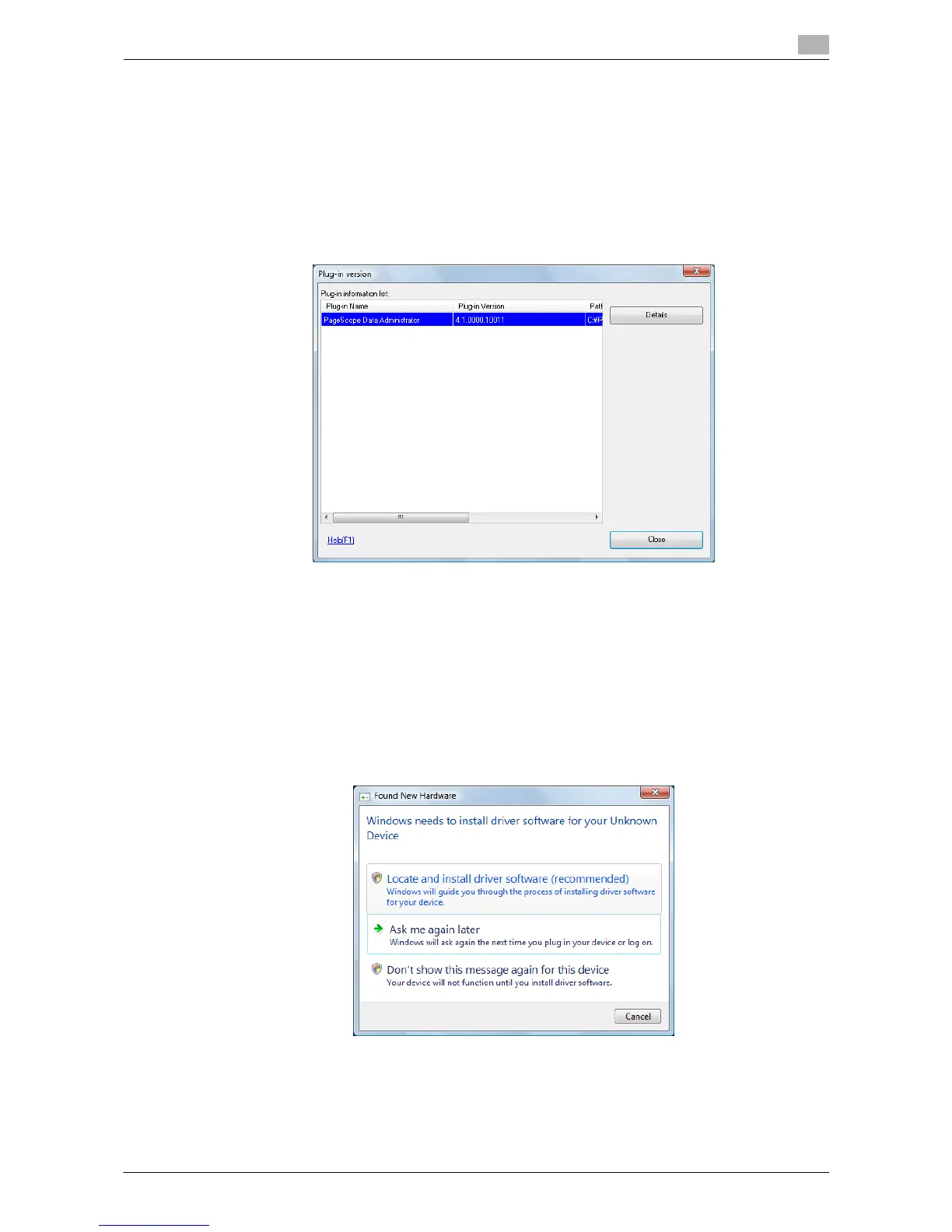
2 Click the [Plug-in version].
3 In "Plug-in information list:", confirm the plugin version of Data Administrator.
% This software is available if the plugin version is "4.x".
Setup
1 Turn the main power of this machine off, and disconnect the authentication unit from this machine.
2 Install BioDriver (USB-Driver).
Connect the authentication unit to the USB port of your computer.
The "Found New Hardware" dialog box appears.
3 Select "Locate and install driver software (recommended)".
4 Insert the application CD-ROM provided with the authentication unit into the CD-ROM drive of the
computer.














 To Next Page