bizhub C652/C552 2-10
2.2 Main Body
2
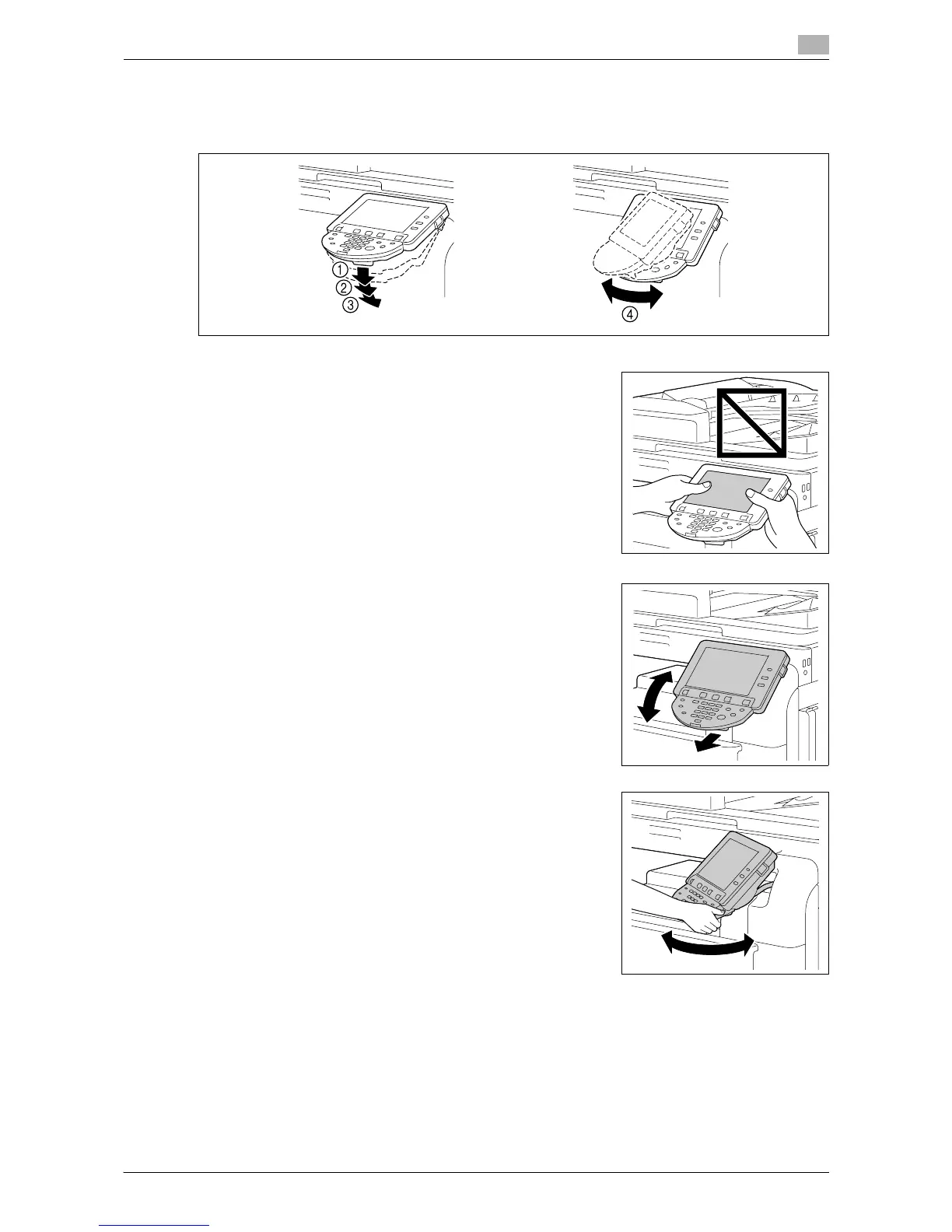
Adjusting the angle of the control panel
You can adjust the angle of the control panel of this machine among three levels. You can also tilt the control
panel to the left. Use the control panel at an angle convenient to use.
NOTICE
When tilting the control panel, do not grab the touch panel.
1 Pull the control panel release lever toward you, and then pull the
control panel up or down.
You can tilt the angle of the control panel to one of the three
positions.
2 To tilt the control panel to the left or right, hold the bottom of the
control panel, and then tilt the panel to the left or right.














 To Next Page