bizhub C652/C552 4-6
4.2 About the [Copy] key, the [Fax/Scan] key, and the [User Box] key
4
4.2 About the [Copy] key, the [Fax/Scan] key, and the [User Box] key
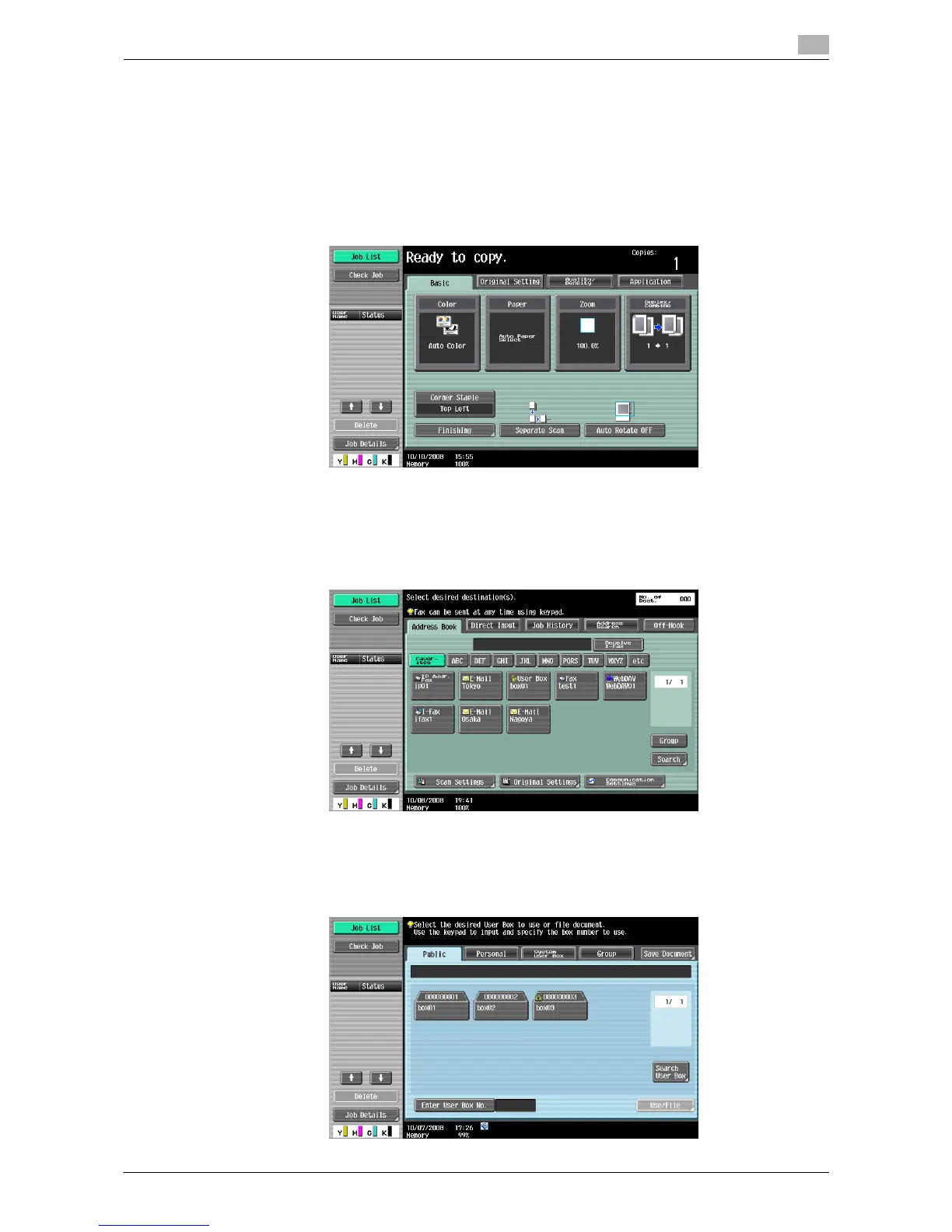
This machine operates in Copy, Fax/Scan and User Box modes, from which the user can select a desired
function. The indicator on the selected key lights up in green.
The [Copy] key
% Enters Copy mode.
The basic settings screen appears.
The [Fax/Scan] key
% Press this key to enter Fax/Scan mode.
For details on the fax/scan function, refer to the "User's Guide [Network Scan/Fax/Network Fax
Operations]".
The [User Box] key
% Enters User Box mode.
For details on User Box functions, refer to the "User's Guide [Box Operations]".














 To Next Page