bizhub C652/C552 5-51
5.4 Application
5
Watermark
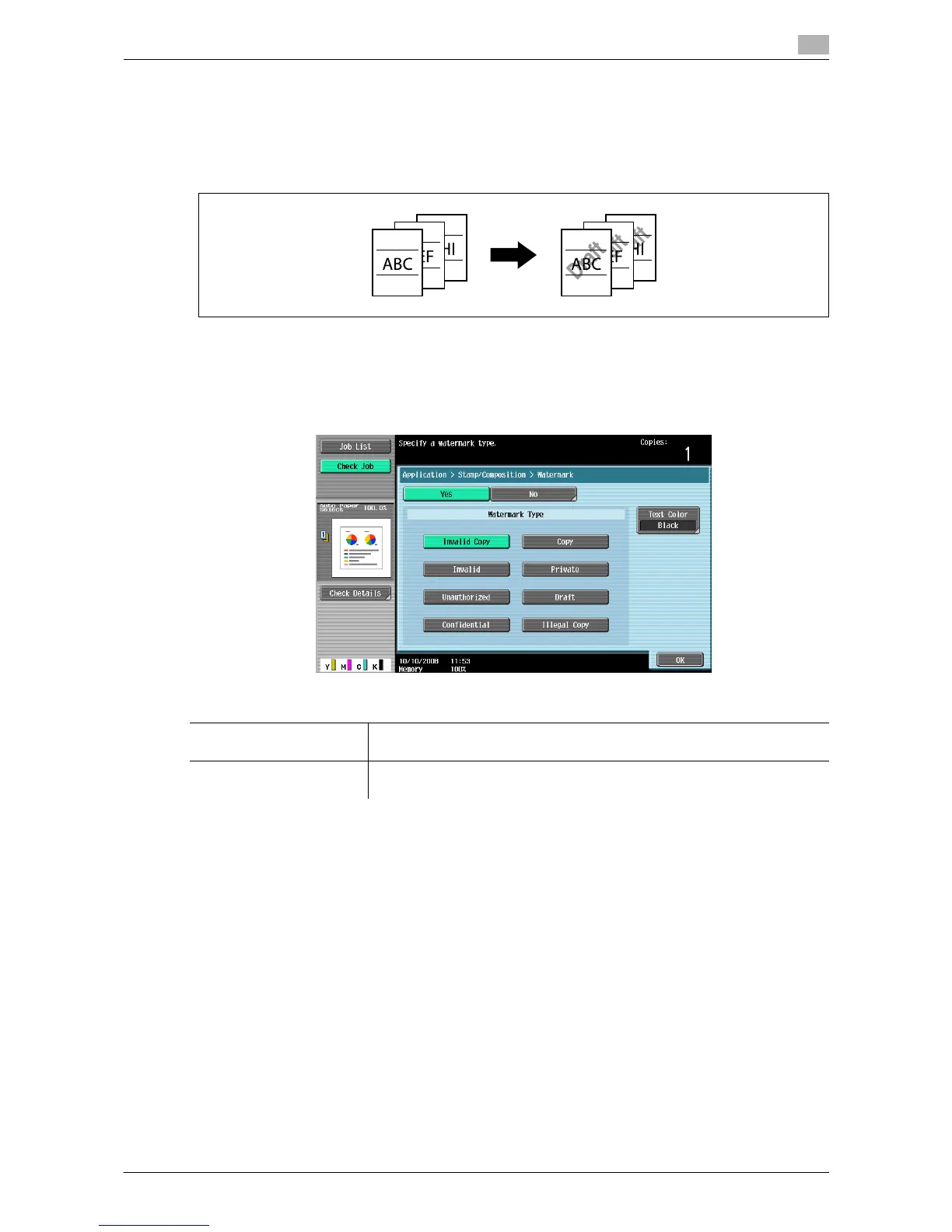
You can print a watermark (light text) at the center of the paper. Select fixed preset text to be printed such
as "URGENT" and "Private".
Copying with a watermark enables explicit indication of the use of the copied paper. It also helps prevent
unauthorized copy from the copied paper.
0 The watermark is printed on all pages at an angle of 45 degrees. It is printed once per page.
0 In case other settings affect the watermark printing to cause partial loss, the Watermark function is
canceled upon copying.
% Press [Application] ö [Stamp/Composition] ö [Watermark].
Settings
Watermark Type Select a watermark from the eight types available.
The watermark selected is printed over the original image.
Text Color Select the watermark color from [Black], [Magenta] and [Cyan].
The watermark is printed in the selected color.














 To Next Page