bizhub C652/C552 4-23
4.13 Authentication unit (IC card type)
4
4.13 Authentication unit (IC card type)
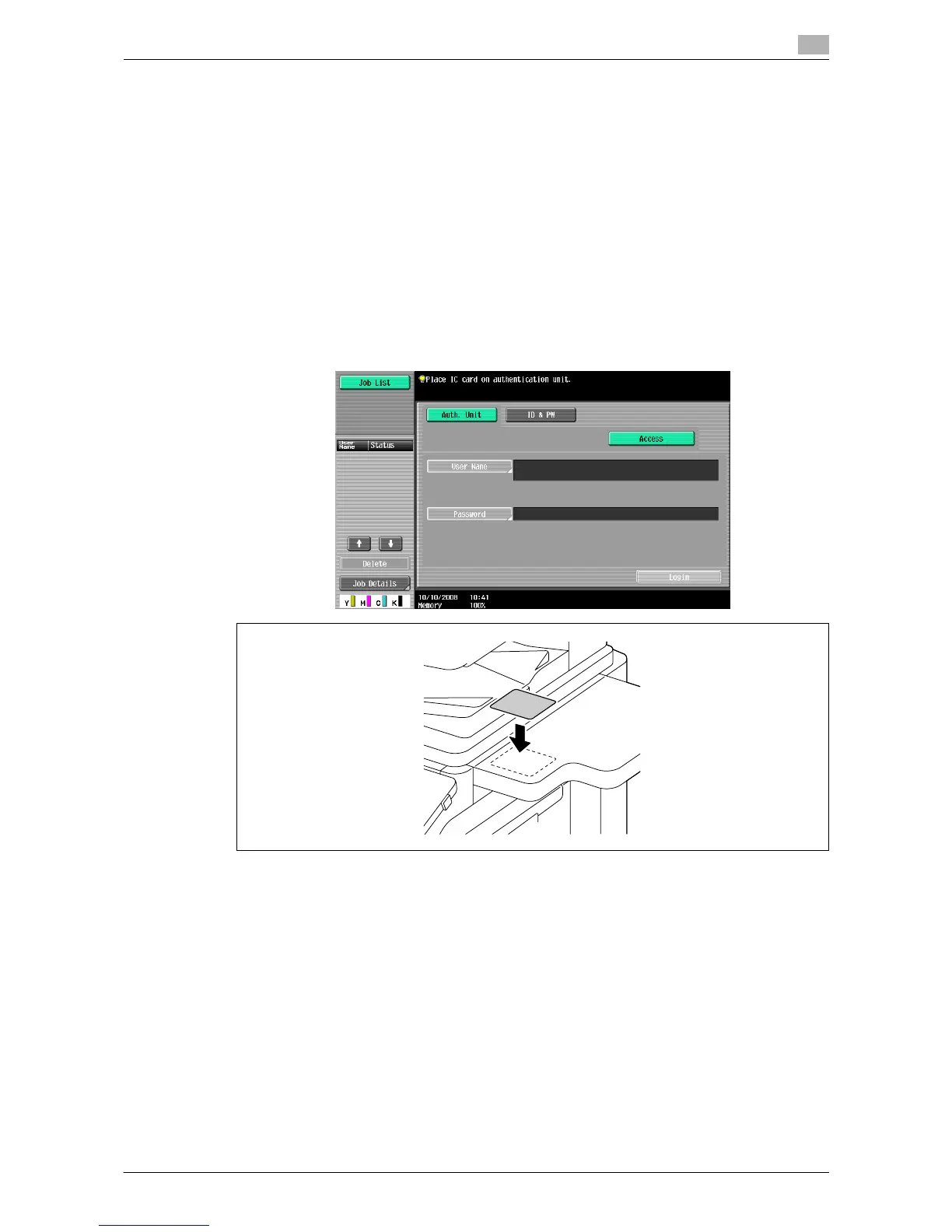
The authentication unit enables you to perform user authentication by scanning information recorded on the
IC card.
- If the authentication unit is installed on the working table, you can perform authentication using the IC
card.
- To use authentication unit (IC card type), register the information recorded in the IC card in advance.
- Press [ID & PW] to log in by entering the user name and the password, without using the authentication
unit.
- When the IC Card authentication is enabled, a registered user is authenticated by simply placing the IC
card. Authentication is carried out when you place the IC card and enter the password when both IC
cards and passwords are used for authentication.
4.13.1 When IC card authentication is enabled
% Place the IC card on the working table.
The basic settings screen appears.














 To Next Page