bizhub C652/C552 5-52
5.4 Application
5
Overlay
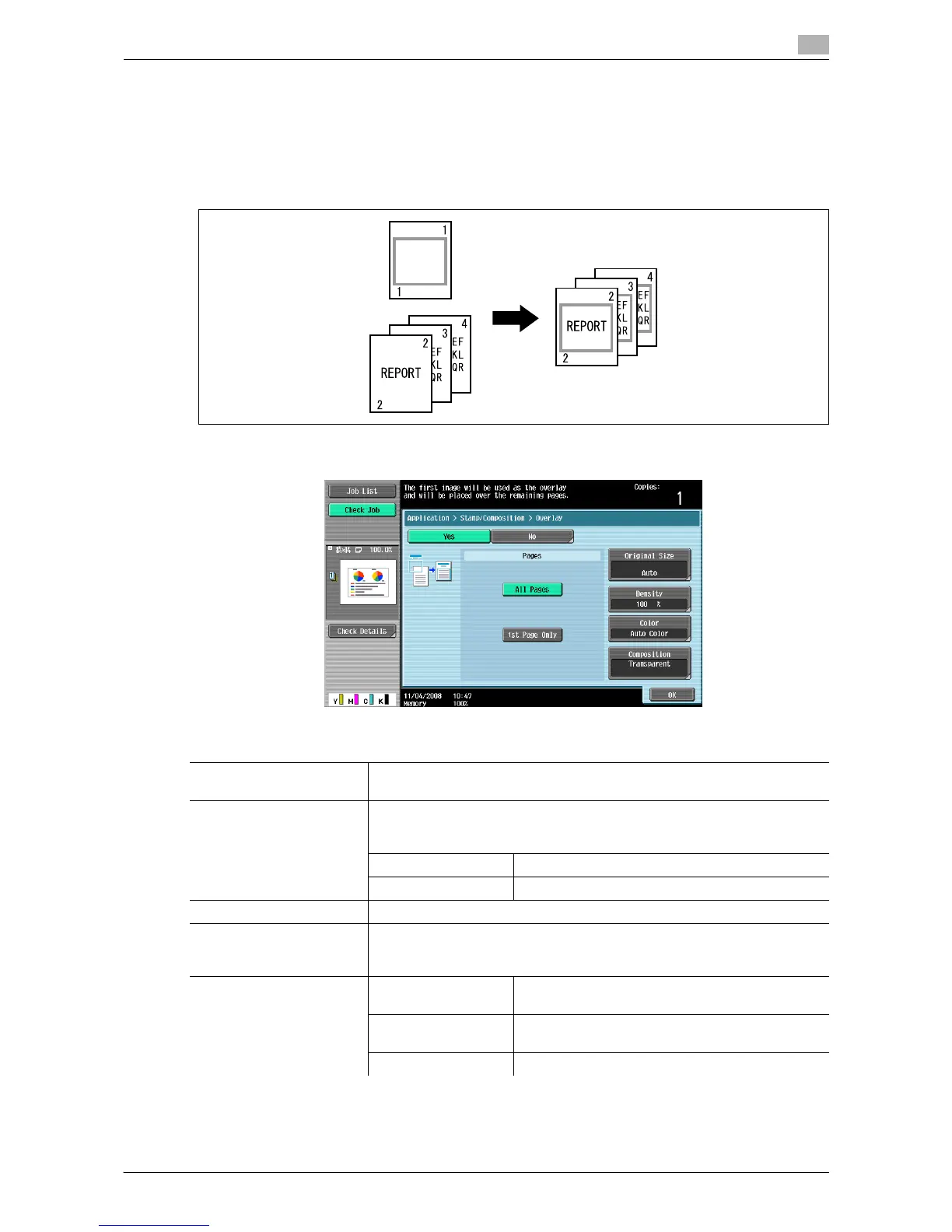
Makes copies with the image of the first scanned original page overlapping the subsequent original images.
For example, if you set Overlay to copy three original pages, two pages are output, including "a merged
image of the first and second pages" and "a merged images of the first and the third pages".
The Overlay function is useful for overlay of text, pictures or figures not prepared in other Stamp/Composition
functions on the original.
% Press [Application] ö [Stamp/Composition] ö [Overlay].
Settings
Pages Select to print the overlay image on all pages or only on the first page. Se-
lecting [1st Page Only] prints only on the second page of the original.
Original Size Select [Auto] to detect the size of the original automatically.
If the size of the original is not automatically detected, select the original
size.
Custom Size Enter the original size.
Photo Size Select the photo size.
Density Specify the density of an overlay between 20% and 100%.
Color Select the color of the overlay image.
For example, if the overlay image of the original is in black, it is printed in red
when you select [Red].
Composition Transparent Prints the overlay image and the original so that
both are visible.
Background Compo-
sition (Original)
Prints the overlay image over the original.
Back Prints the original over the overlay image.














 To Next Page