bizhub C652/C552 5-36
5.4 Application
5
5.4.4 Page Margin
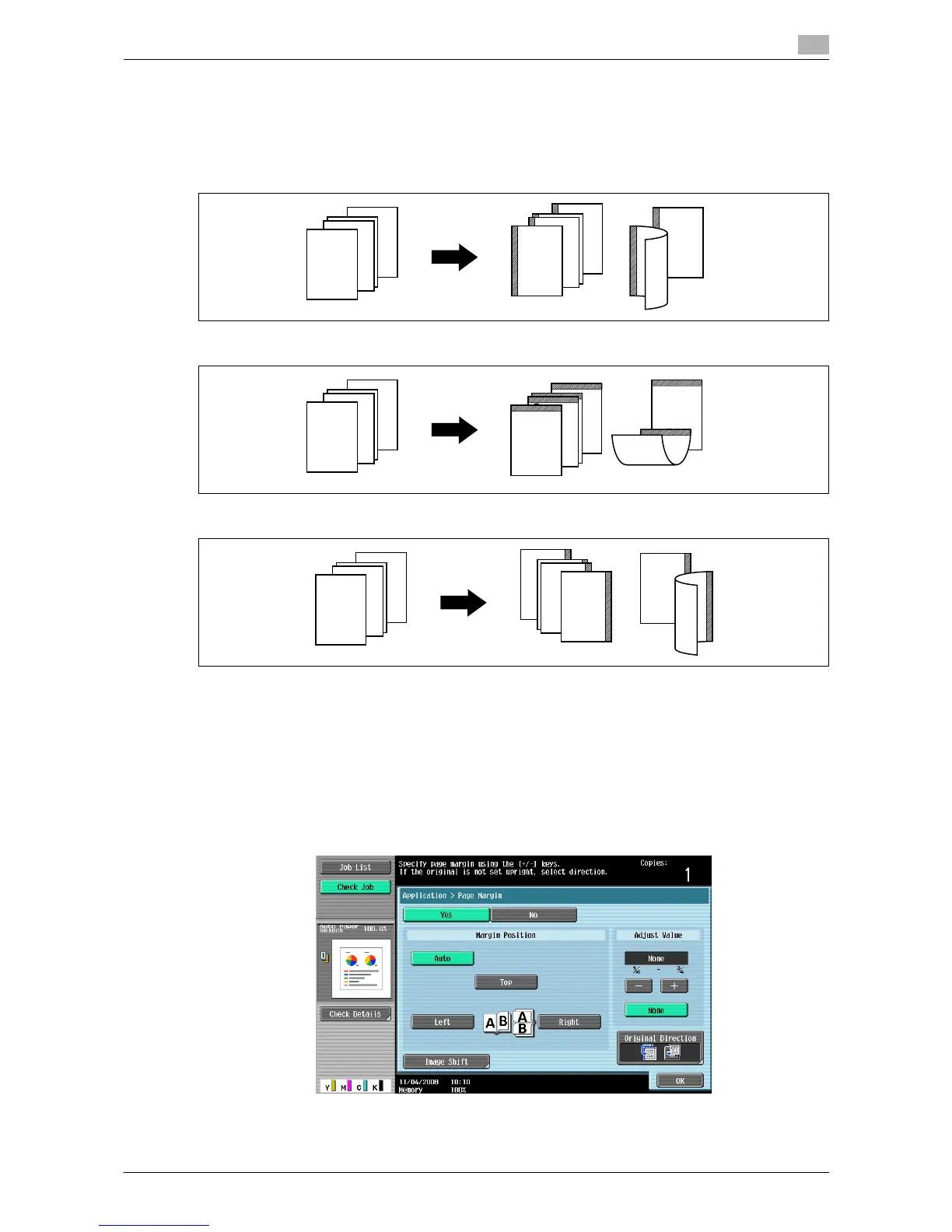
Copies can be printed with a binding margin so that the pages can easily be filed. When scanning a 2-sided
original, you can specify the paper binding position (binding margin for the paper) to prevent the copy from
being printed upside-down.
Left
Top
Right
0 You can specify the binding position without creating a binding margin.
0 For 2-sided copy, you need to set the paper binding position and the original direction. Otherwise, the
original image may be copied up-side-down.
0 If the positions of the staples or punched holes are different from the binding position, the positions of
the staples or punched holes are given priority.
0 If part of the image is lost when copied with the specified binding margin settings, reduce the zoom and
perform copying.
% Press [Application] ö [Page Margin].
4
4
ABC
DEF
GHI
3
3
ABC
DEF
GHI
2
2
ABC
DEF
GHI
1
1
ABC
DEF
GHI
3
3
ABC
DEF
GHI
1
2














 To Next Page