bizhub C652/C552 8-9
8.2 Consumables
8
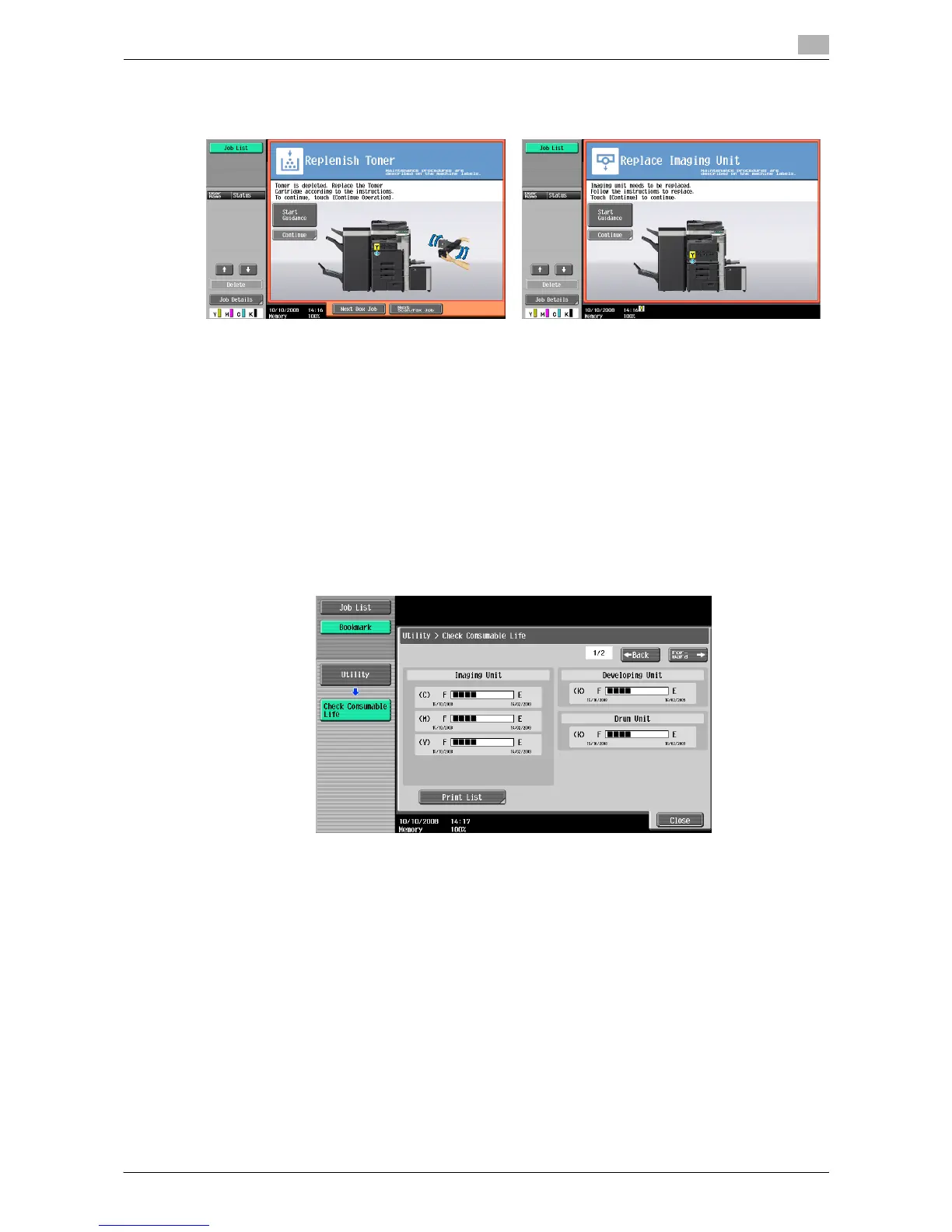
When toner is depleted, or when it is time to replace the Imaging Unit, a replacement message similar to the
one shown below appears.
If a toner cartridge other than black or the imaging unit is empty, printing can continue using black. Press
[Continue], and then select the job to be printed.
NOTICE
Do not replace the imaging unit until a "Please replace " message appears.
Checking consumables status
In the Check Consumable Life screen, you can check the status (usage level) of consumables.
1 Press the [Utility/Counter] key.
2 Press [Check Consumable Life].
% To print the list of usage levels, press [Print List], then [Start] or the [Start] key.














 To Next Page