bizhub C652/C552 5-28
5.4 Application
5
5.4.2 Edit Color
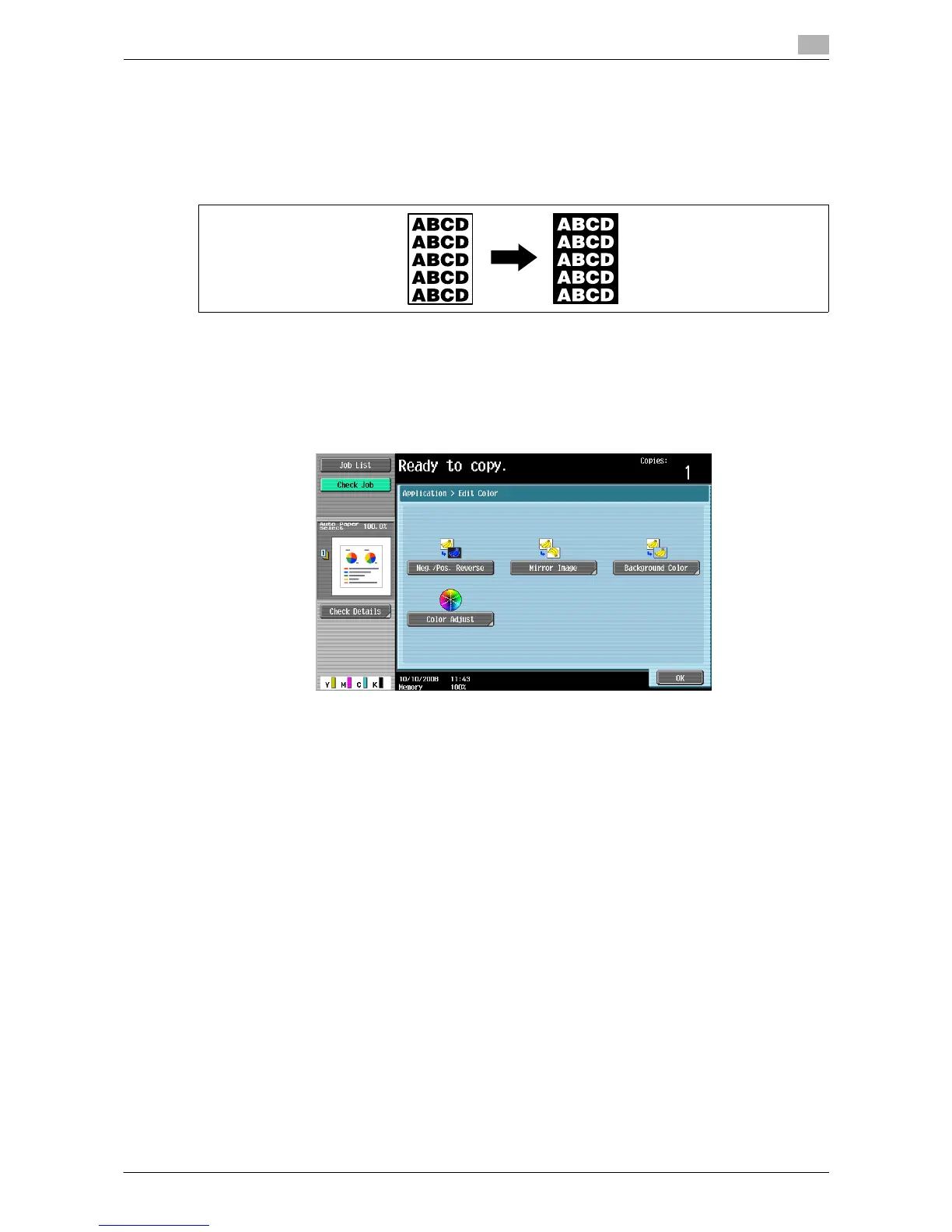
Neg./Pos. Reverse
Use this function to enable the original to be copied with the density and gradations of the image inversed.
The images in the original are copied and output reversed like negative film of photographs.
0 If a single color is selected, the images are reversed relative to the selected color.
0 If a background color is selected, colors are reversed relative to the selected base color and the color
of the images.
% Press [Application] ö [Edit Color] ö [Neg./Pos. Reverse].
% To cancel the Neg./Pos. Reverse function, press [Neg./Pos. Reverse] again.
d Reference
To set Single Color:
Press [Basic] ö [Color] ö [Single Color].
To Set Background Color:
Press [Application] ö [Edit Color] ö [Background Color].














 To Next Page