bizhub C652/C552 6-13
6.7 Change E-Mail Address
6
6.7 Change E-Mail Address
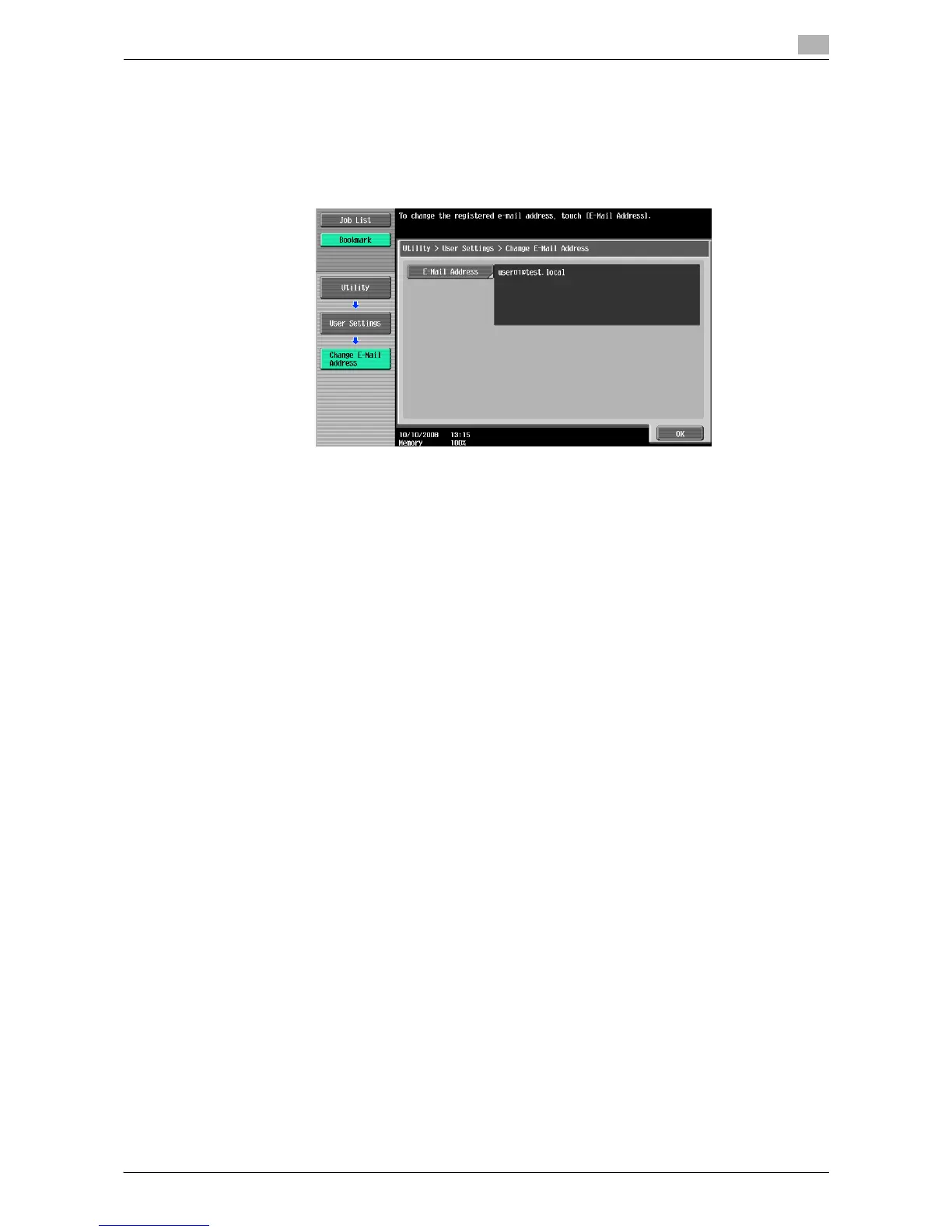
Change the E-mail addresses specified as registered user information.
0 When logged in as a registered user, you can change the E-mail address.
0 Appears when user access is permitted under Administrator settings. For details, refer to page 7-44.
1 Press the [Utility/Counter] key ö [User Settings] ö [Change E-Mail Address].
2 Press [E-mail Address].
3 Change the E-mail address.
4 Press [OK].














 To Next Page