bizhub C652/C552 5-29
5.4 Application
5
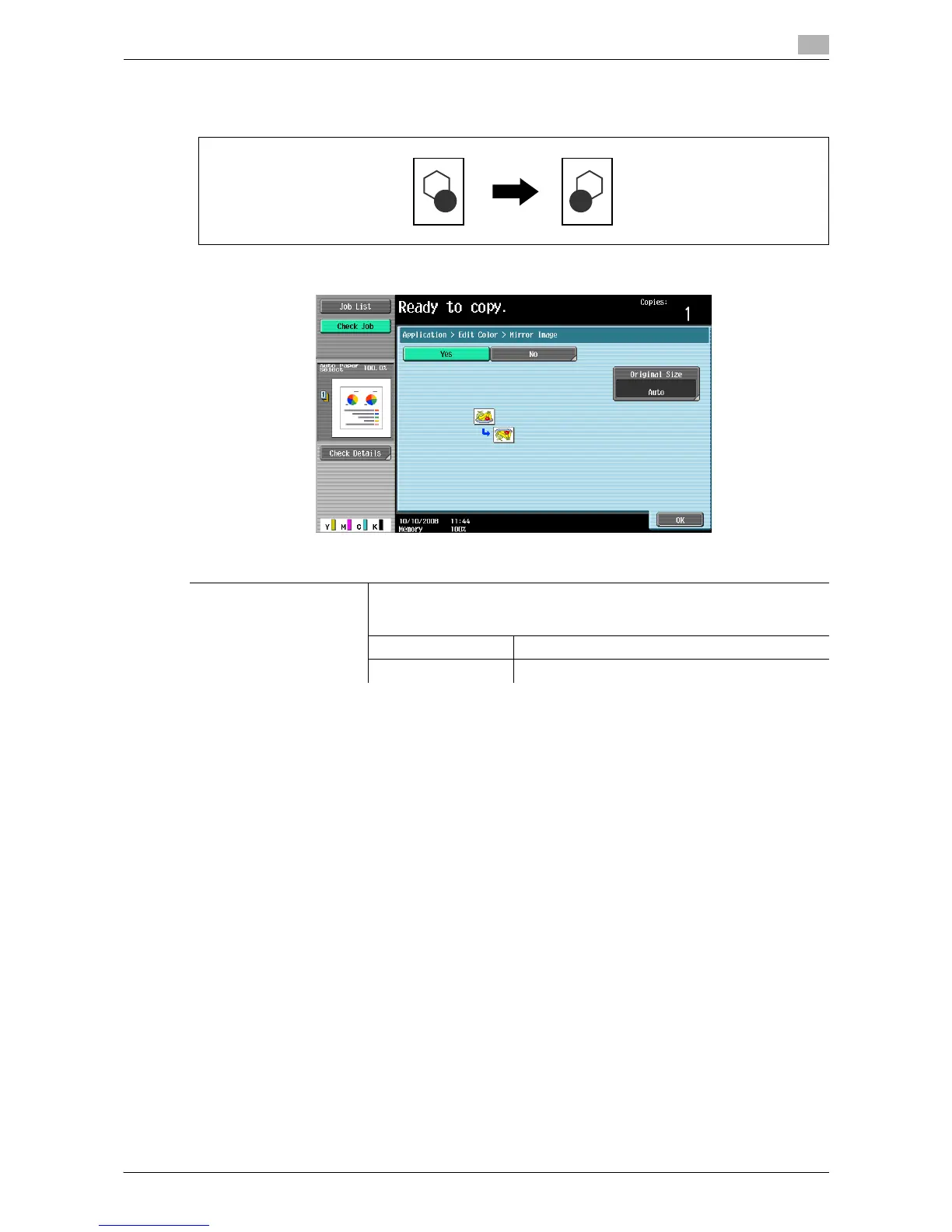
Mirror Image
Copy originals as mirror images.
% Press [Application] ö [Edit Color] ö [Mirror Image].
Settings
Original Size Select [Auto] to detect the size of the original automatically.
If the size of the original is not automatically detected, select the original
size.
Custom Size Enter the original size.
Photo Size Select the photo size.














 To Next Page