bizhub C652/C552 7-5
7.1 System Settings
7
d Reference
To cancel the current settings:
Press the [C] key.
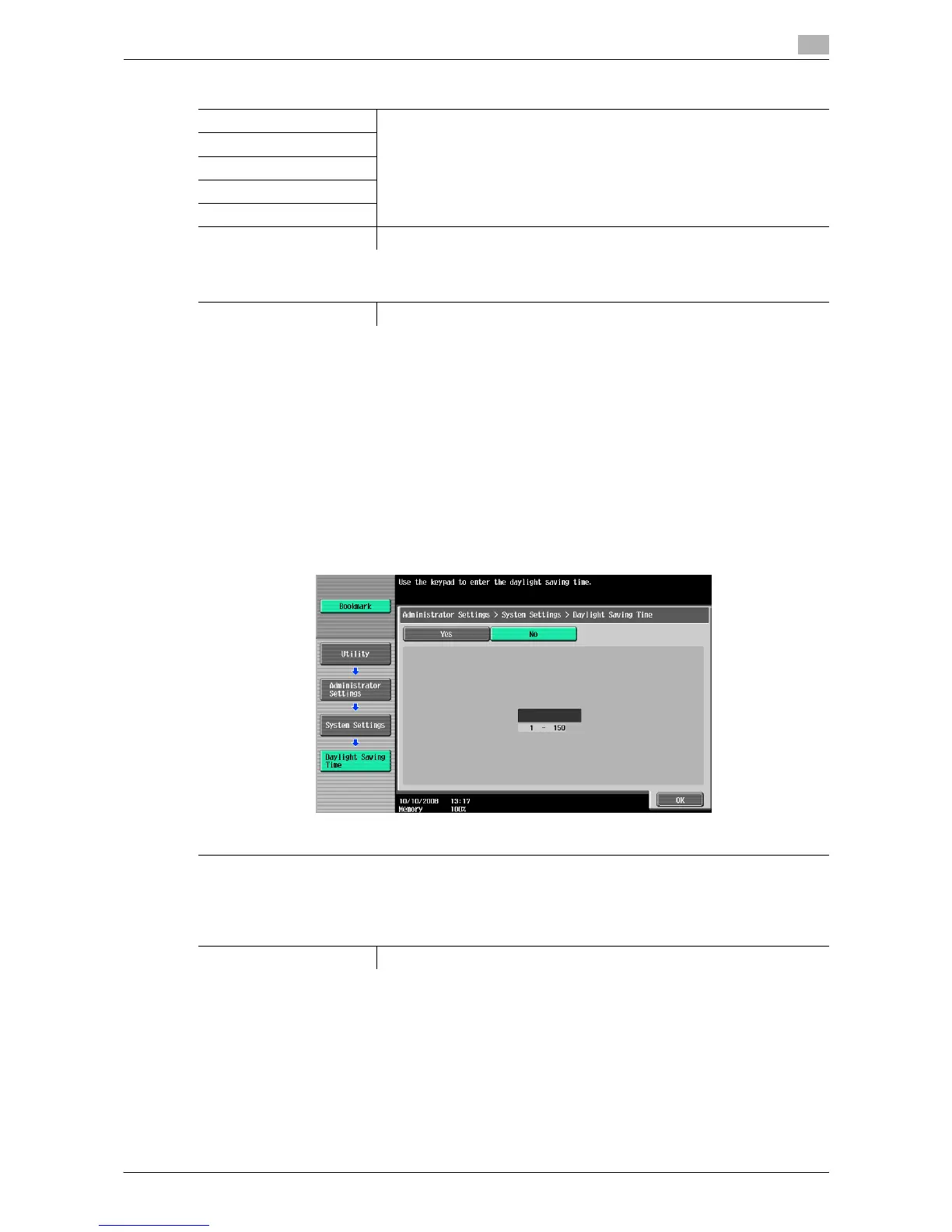
7.1.4 Daylight Saving Time
Configure daylight saving time settings.
0 This function is available when this machine is connected to the network where UTC (Coordinate
Universal Time) is specified. For details, refer to the "User's Guide [Network Administrator]".
% Press the [Utility/Counter] key ö [Administrator Settings] ö [System Settings] ö [Daylight Saving
Time].
Settings
Year Configure the current date and time.
Monthly
Daily
Hour
Minute
Time Zone Configure the UTC (Coordinate Universal Time) related time zone.
Factory default
Time Zone +00:00
Settings
Configure whether to use daylight saving time and the time difference from UTC (Coordinate Universal
Time).
Factory default
Daylight Saving Time No














 To Next Page