bizhub C652/C552 11-7
11.1 Using authentication unit (IC card type)
11
Registering a user using Data Administrator
To use Data Administrator, configure this machine, and set up Data Administrator. For setup, install the IC
Card Driver (USB-Driver) of the authentication unit, and then install Data Administrator IC Card Plugin.
NOTICE
Before setup, install Data Administrator V4.0 or later in your computer. For the Data Administrator operating
environment and installation procedure, refer to the Data Administrator User's Guide.
Checking the version of the installed Data Administrator
1 From the "Help" menu of Data Administrator, select "Version Information".
NOTICE
This software cannot be used if the version is "3.x". Install "4.x".
If Data Administrator V3.x is installed, it is removed when V4.x is installed.
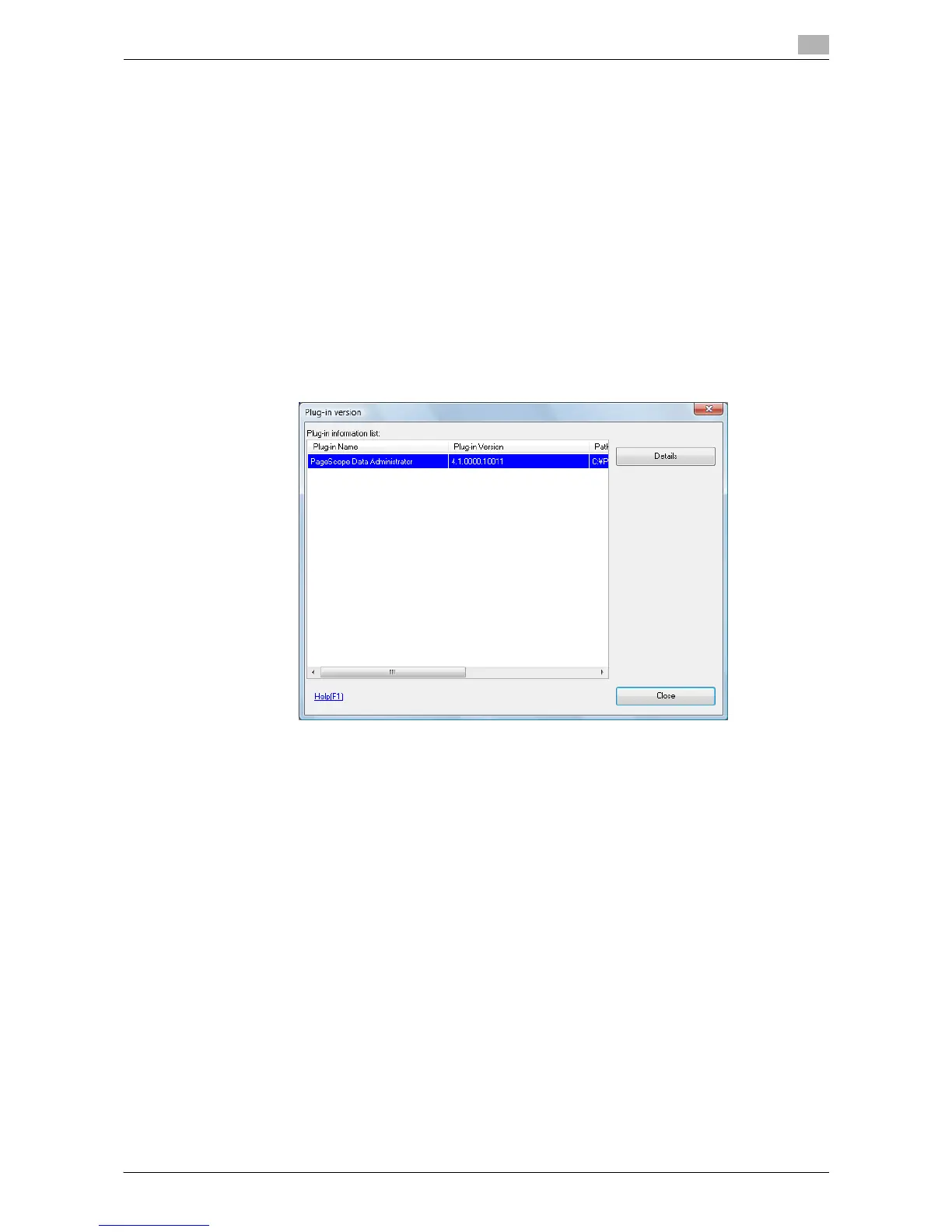
2 Click the [Plug-in version].
3 In "Plug-in information list", confirm the plugin version of Data Administrator.
% This software is available if the plugin version is "4.x".














 To Next Page