bizhub C652/C552 11-6
11.1 Using authentication unit (IC card type)
11
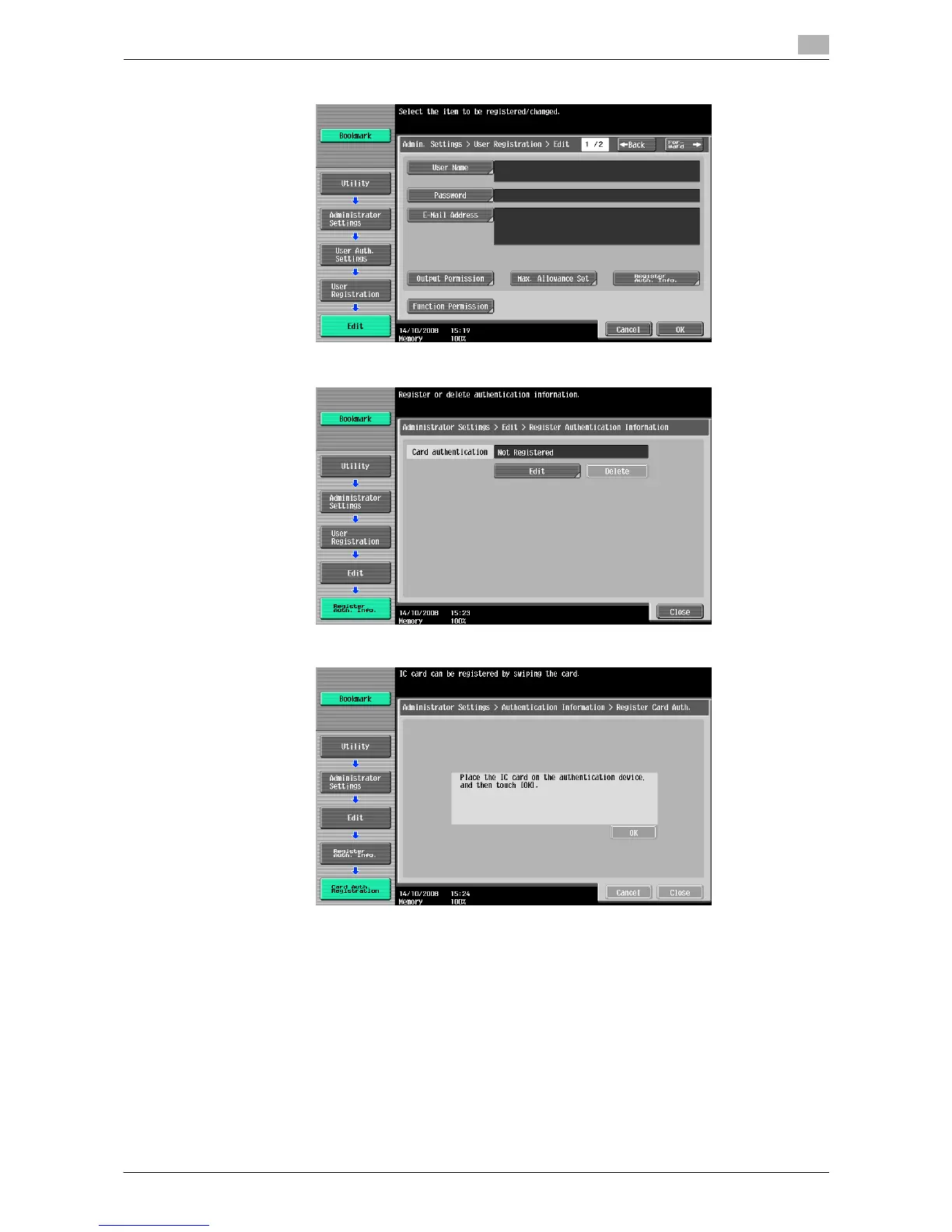
4 Press [Register Auth. Info.].
5 Press [Edit].
6 Place the IC card on the authentication unit, and press [OK].
7 When message [Registration complete] appears, press [Close] twice.
8 Enter the user name and password.
9 Configure function permission settings as required.
10 Press [OK].
11 Press [Close].














 To Next Page