bizhub C652/C552 5-12
5.1 Basic
5
5.1.6 Separate Scan
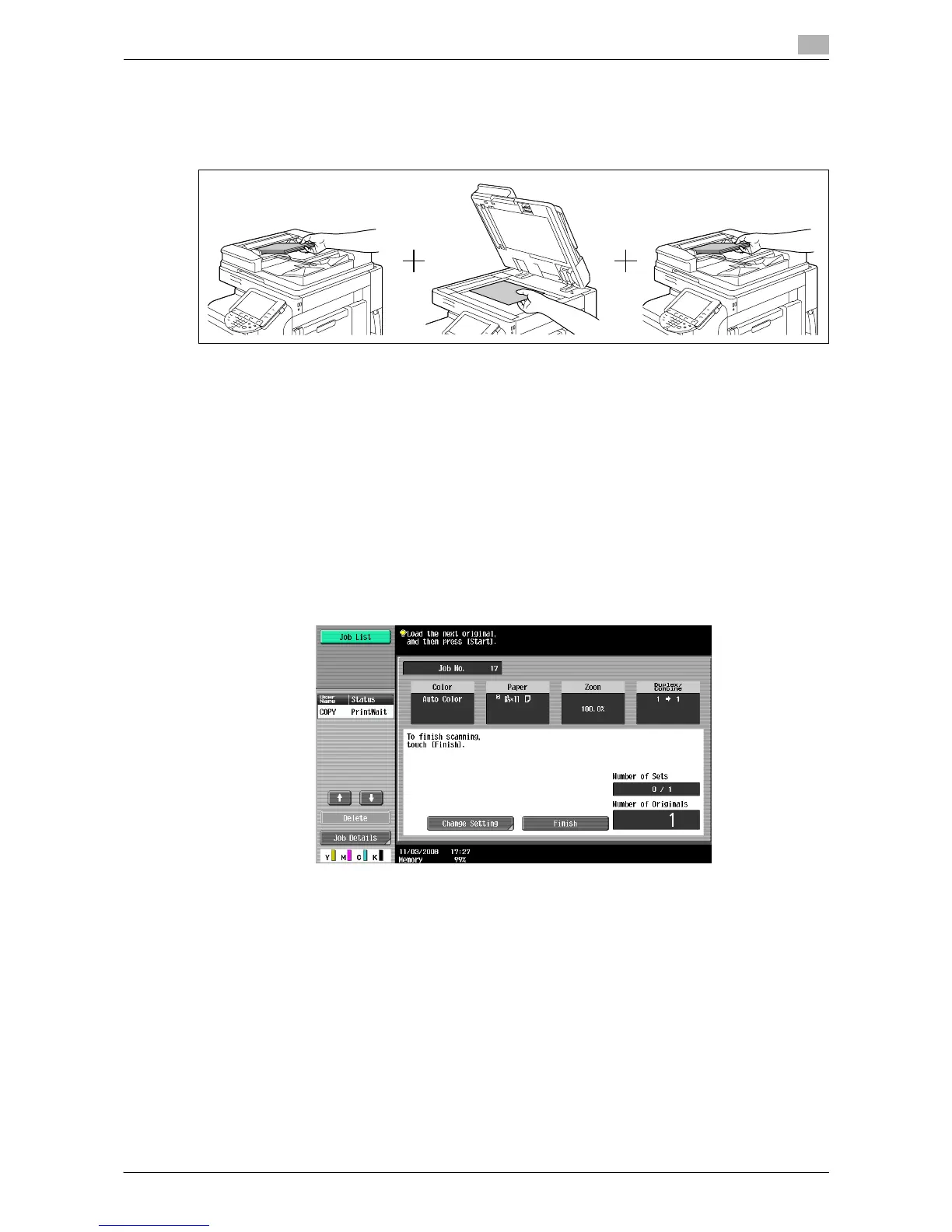
When the original contains pages exceeding the capacity of the ADF, you can divide the original into several
batches to handle each lot as a single copy job. You can also use the copy function by switching between
the ADF and the original glass for scanning the originals.
0 Do not load original sheets beyond the upper limit for the ADF. It would cause jamming and/or spoiling
of the original or failure of the machine.
0 When making 2-sided or combined copies using the original glass, the machine can scan a number of
original pages without enabling Separate Scan.
1 Load the original.
2 In the Basic tab, press [Separate Scan].
3 Press the [Start] key.
The original is scanned.
4 Load the next batch of the original, and then press the [Start] key.
% To change the scanning settings, press [Change Setting].
5 Repeat Step 4 until all pages of the original are scanned.
6 After all original pages have been scanned, press [Finish].
7 Press the [Start] key.
d Reference
To set the Separate Scan output method:
Press the [Utility/Counter] key ö [User Settings] ö [Copier Settings] ö [Separate Scan Output Method].














 To Next Page